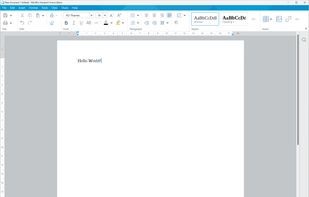
Univer is a set of enterprise document and data collaboration solutions, integrating spreadsheets, documents, and slides.
Cost / License
- Freemium
- Open Source (Apache-2.0)
Application type
Platforms
- Online
 United States




Microsoft Word is one of the most widely used word processors, known for document editing, formatting, collaboration, and AI-assisted writing. Still, many users look for alternatives—often because of cost, licensing, or platform preferences.
On this page, you’ll find Microsoft Word alternatives that cover a wide range of needs. Some focus on being open source, others on strong real-time collaboration, and many work across platforms like Windows, macOS, and Linux. You can use the filters to narrow the list based on what matters most to you.
If you prefer a free and open solution, LibreOffice Writer and ONLYOFFICE are popular choices, offering desktop apps and good Microsoft Word file compatibility. For users who mainly work in a browser, Google Docs emphasizes easy sharing and live co-editing without installing anything. Privacy-focused users may want to explore Proton Docs, which stores documents with end-to-end encryption.
Word alternatives generally fall into two groups: offline desktop editors for working without an internet connection, and cloud-based editors designed for teams collaborating in real time. Some tools support self-hosting for full data control, while others prioritize convenience and instant access from any device.
Use the filters above to compare features like PDF export, spell checking, collaboration tools, platform support, and licensing—and find the Word alternative that best fits your workflow.
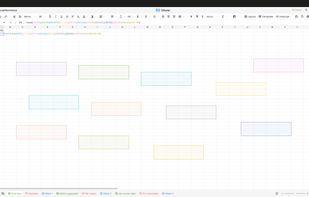
Univer is a set of enterprise document and data collaboration solutions, integrating spreadsheets, documents, and slides.
United States
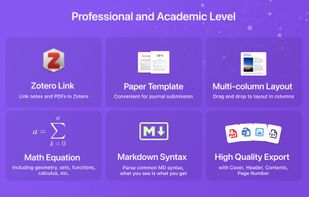
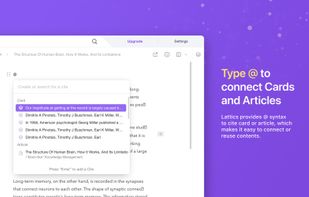
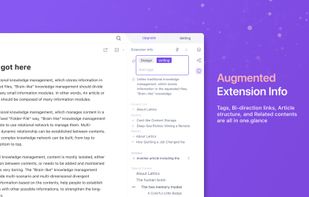
Lattics is an all-in one knowledge management tool. It offers most of the things in Obsidian, Scrivener and Zotero together.
 China
China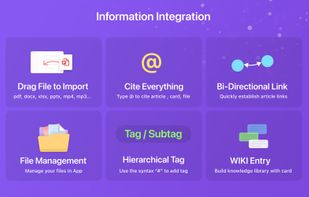


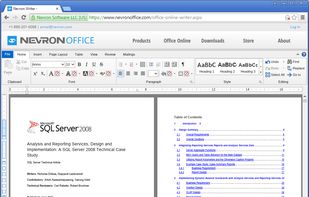
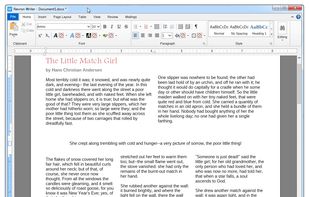
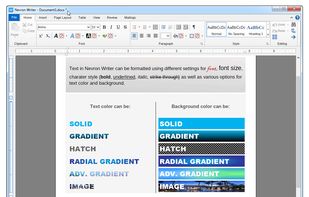
Nevron Writer is a powerful word processor that can be used for any purpose - from writing a simple document to producing an entire book.
 Bulgaria
 EU
EU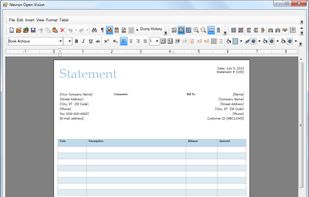


Bean is a small, easy-to-use word processor that is designed to make writing convenient, efficient and comfortable. Bean is lean, fast and uncluttered. It starts up quickly, has a live word count, and is easy on the eyes. Also, Bean is available free of charge.
United States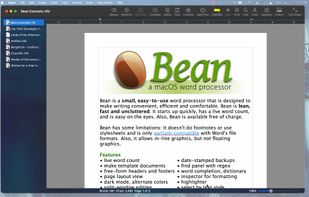


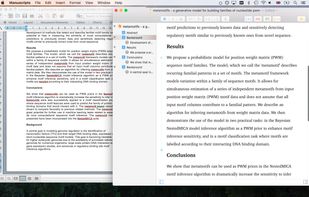
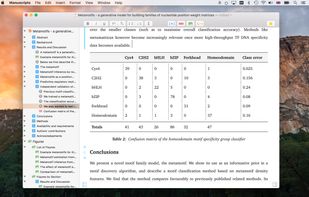
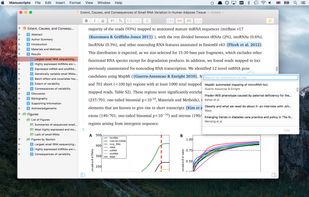
Manuscripts helps you get started on the right track. The app understands the format you need when submitting to your target journal.
United States


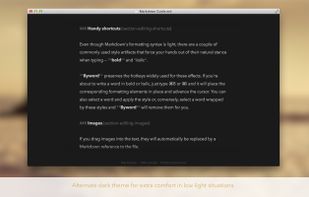
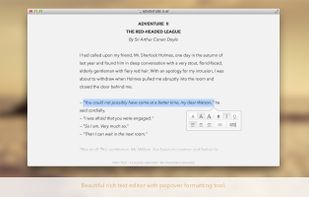
Byword is designed to make writing more enjoyable with Markdown on your Mac, iPhone and iPad.
 PortugalEU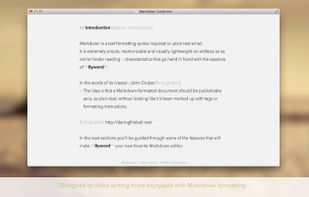



Celframe doesn't skimp on the features for its word processor Write. This office software application has nearly every tool you need in a word processor and has a similar look and feel you've likely been familiar with for years.
 Malaysia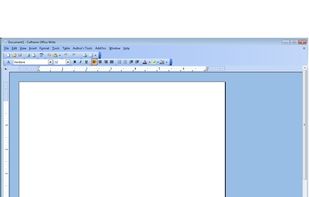


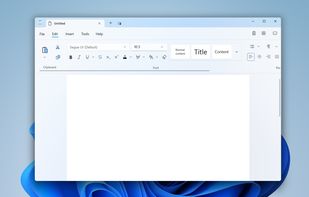
Rich text editor for Windows 10 and 11 offering tabbed windows, autosave, minimal UI, support for multiple files, basic and advanced RTF editing, AI-powered features, extension support including ChatGPT, and a smooth workspace for daily and professional use.
 RomaniaEU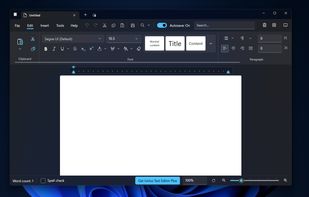


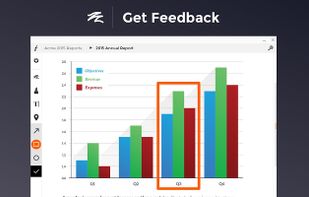
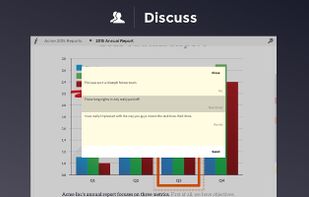
Folia is the professional way to share documents for feedback and discussion. Stop printing, avoid lengthy email threads, modernize meetings, and more. Our state of the art annotation and commenting tools enable deep conversations, so you can be more effective with your content.
United States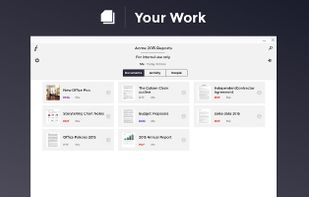



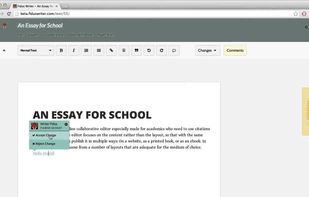
Fidus Writer is an online collaborative LaTeX editor especially made for academics who need to use citations and/or formulas. The editor focuses on the content rather than the layout, so that with the same text, you can later on publish it in multiple ways: On a website, as a...
 SwedenEU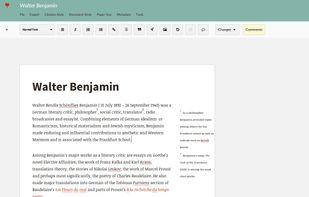


A set of office applications for creating text and spreadsheet documents: "MyOffice Text" and "MyOffice Spreadsheet".
 Russia