
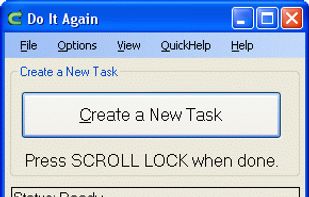
Free, simple program that allows you to make your computer automatically perform a task for you. Record a task (or macro), then run or play it back and watch your computer automate the task.
Cost / License
- Free
- Proprietary
Platforms
- Windows

D


Mini Mouse Macro is described as 'A free light weight mouse macro that records mouse movements, clicks and keyboard entries. Mini Mouse Macro is totally free, no adds, no banners, no trial, free' and is a Task Automation app in the office & productivity category. There are more than 100 alternatives to Mini Mouse Macro for a variety of platforms, including Windows, Mac, Linux, Google Chrome and X11 apps. The best Mini Mouse Macro alternative is AutoHotkey, which is both free and Open Source. Other great apps like Mini Mouse Macro are Microsoft PowerToys, AutoIt, UI.Vision RPA and FastKeys.
Free, simple program that allows you to make your computer automatically perform a task for you. Record a task (or macro), then run or play it back and watch your computer automate the task.

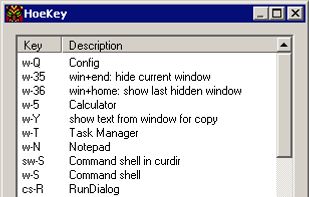
HoeKey is a lightweight portable application that helps you create user-defined hot key combinations that control a wide variety of Windows functions from launching programs to modifying windows.


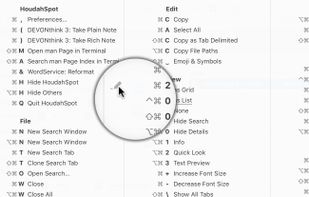
Keyboard shortcuts help you work efficiently. Add keyboard shortcuts to common tasks. Use shortcuts that are easy to reach and easy to remember. Get your work done faster.
 Luxembourg
 EU
EU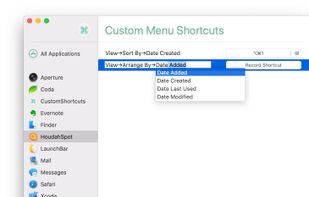

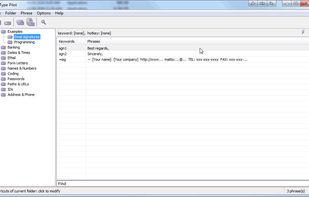
Type Pilot is an automatic typing software that helps you to quickly type phrases in document. You just define keywords (an abbreviations) for a frequently used text snippet, phrase, sentence or paragraph.

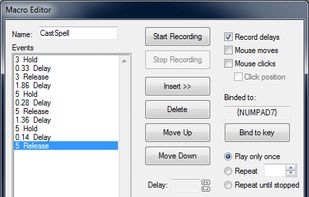
MacroGamer gives the tools to write a macro. This is done through recording keystrokes in real-time as they are pressed. Each of the keystroke is recorded exactly as is. The owner can bind each macro to any key based on the user’s preference.
 United States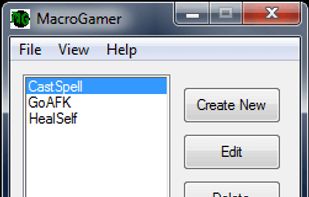


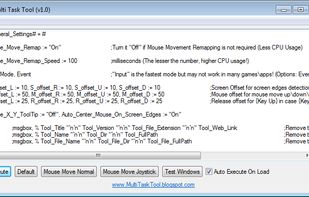
Multi Task Tool is a portable tool that, as its very name suggests, can be used to execute multiple tasks in Windows OS!


Copernic WinKey is a free, simple and lightweight tool allowing you to redefine keyboard shortcuts with the Windows key. You can now create hotkeys to your favorite system folders, programs or even web links.
 Canada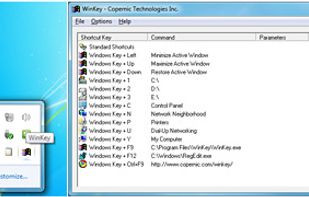


Keysmith lets you create keyboard shortcuts for any string of actions you can do with your mouse and keyboard. And Keysmith is smart. It isn't just clicking on coordinates, it's aware of apps, windows, buttons, lists, and more.


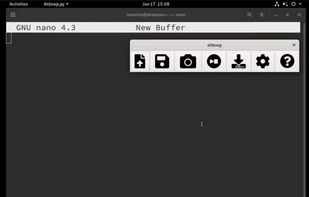
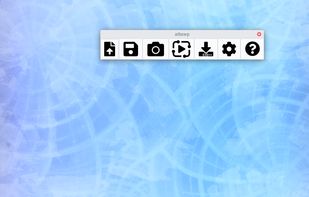
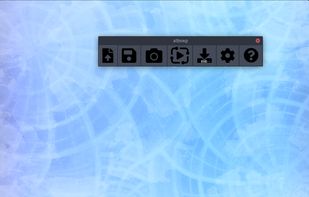
A multiplatform open source clone of tinytask. Contribute to RMPR/atbswp development by creating an account on GitHub.
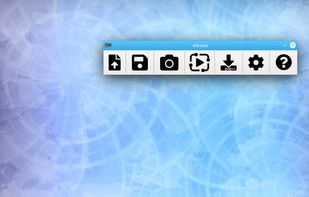


Automatic Mouse and Keyboard is a really powerful and easy-to-use Mouse and Keyboard automation tool. It makes your mouse move and click automatically on locations that you defined. It can use a small picture to locate a point on the screen, which makes it very flexible.
 China
China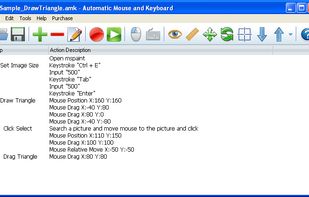


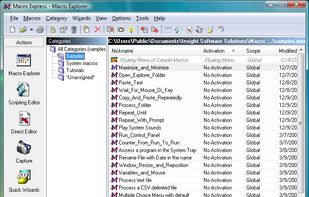
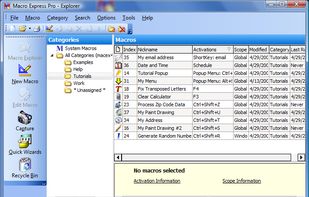
Macro Express® is the premier Windows automation macro utility. Record, edit and play back mouse and keyboard macros. Or develop sophisticated macros with the macro script editor. Boost your productivity with its powerful tools and robust features.


The Tcl Windows API (TWAPI) extension provides Tcl bindings to the Windows API. It provides, among other things, the functionality required to simulate mouse clicks, key presses, etc. for the purpose of automation.


