


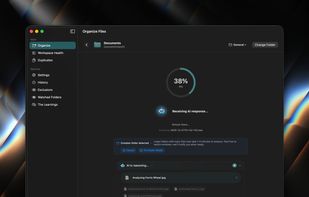
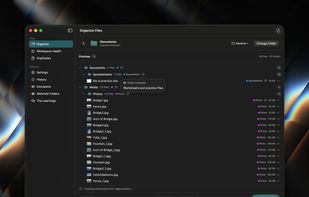
A native macOS SwiftUI application that uses AI to intelligently organize directory contents into relevant, semantically-named folders.
Cost / License
- Free
- Open Source (GPL-3.0)
Application type
Platforms
- Mac




Mouzi is described as 'Free file organizer running in the system tray, using customizable rules to sort downloads, locally logged with undo options, offline, privacy-focused' and is a File Manager in the file management category. There are more than 25 alternatives to Mouzi for a variety of platforms, including Mac, Windows, Linux, Android and F-Droid apps. The best Mouzi alternative is FilePipe, which is both free and Open Source. Other great apps like Mouzi are Shelf-Life, Floxtop, Hazel and Neatify.
A native macOS SwiftUI application that uses AI to intelligently organize directory contents into relevant, semantically-named folders.

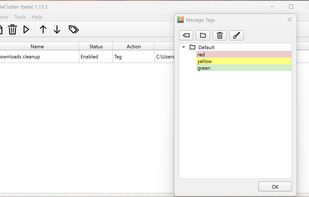
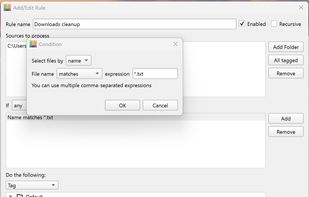
The application automatically processes files and folders based on the rules specified by the user.
The app is open source, based on Python/PySide6.


Lightweight menu bar tool for automating file management on macOS: archives and renames screenshots via OCR, ejects installer disk images, and organizes Downloads using custom or natural-language rules. Everything runs secure and private on-device, non-destructively.
 Chile
Chile




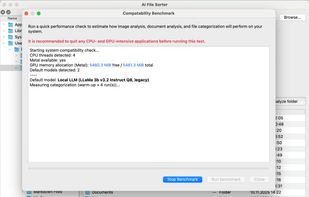
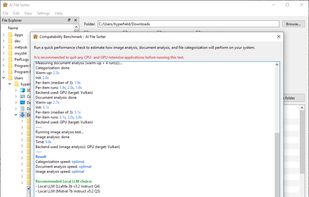
Privacy-first desktop app where local AI analyzes files and the app safely performs deterministic sorting with image and document renaming.
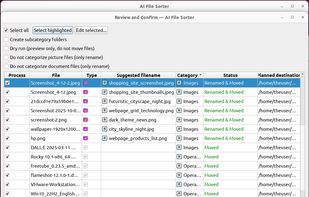



FileFlow scans your files periodically and organizes them according to your rules.
 India
India




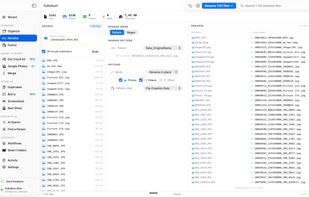
Sorts, renames and de-duplicates thousands of photos into clean dated folders using their real EXIF date, camera and GPS — fully offline. Rebuilds a clean photo library from any mess — Google Takeout, old drives, ten cameras. Turns a folder of 80,000 photos into a clean Year/Month/Day
 Portugal
 EU
EU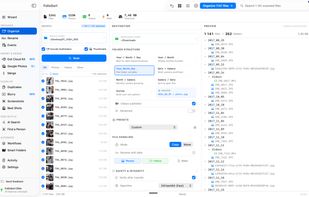




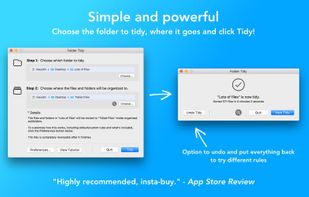
Helps organize disorganized folders by sorting files into subfolders like Pictures, Music, Spreadsheets, or custom groups using pre-set or custom rules, supports undo, exclusions, full CPU usage, and handles vast amounts of files efficiently.
 United States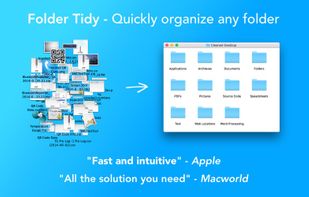
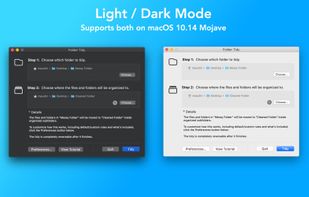
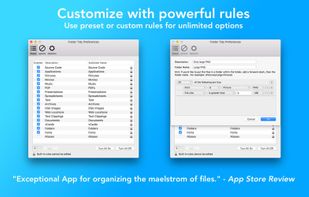


Ornix automatically organizes your messy Downloads folder. Set it once, and Ornix watches your folders, sorting files into categories like Documents, Images, Videos, and more.
 South Korea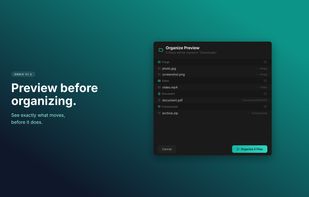





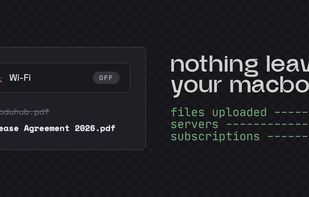
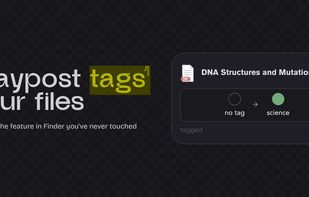
Your Downloads folder is where files go to die. IMG_3427.png, Untitled_document_final_v2.pdf, a hundred things you'll never find again. Waypost fixes that. Waypost reads folders of your choice, then renames, sorts, and tags dropped files based on what's actually inside.
United States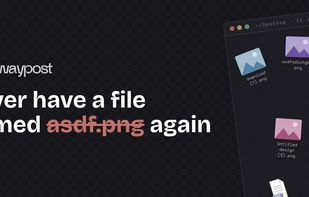



Forget about the mess in your Downloads folder! This extension allows you to set custom download locations with a flexible and strong RegExp-based rules.