
NetX - Network Discovery Tools
Discovers and manages all devices connected to the network WiFi/Mobile.
Cost / License
- Free
- Proprietary
Platforms
- Android

Features
- Network Tools
- Network Scanner
- Network Discovery
Tags
NetX - Network Discovery Tools News & Activities
Recent activities
- POX removed NetX - Network Discovery Tools as alternative to Spiceworks
- xnax added NetX - Network Discovery Tools as alternative to Slurp’it
NetX - Network Discovery Tools information
Developed by
UnknownLicensing
Proprietary and Free product.Alternatives
11 alternatives listedSupported Languages
- English


What is NetX - Network Discovery Tools?
-
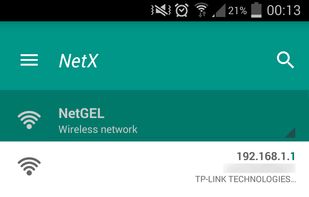
Network scan: discovers all devices connected at the network.
-
Displays most important information for each device connected, IP Address, MAC Address, Vendor, Bonjour Name, NetBIOS Name and Domain.
-
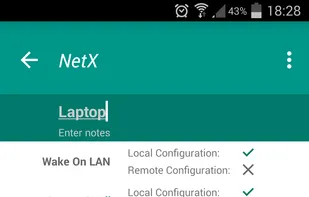
Wake On LAN (WOL): switch on a remote device from your phone or tablet when you are connected via wifi or with a mobile data connection.
-
Secure SHell (SSH): put a remote device in sleep mode or shutdown from your phone or tablet when you are connected via wifi or with a mobile data connection. Displays the operative system version installed on the remote device. (In the remote device must be installed and started a SSH server)
-
Loads off-line all devices of a network previously detected.
-
Adds a new network or a new device manually in order to manage all functionality for a no detected device.
-
Shows information about the wifi connection (external IP, signal strength, download and upload speed, subnetmask, gateway, DNS).
-
Shows information about the mobile provider (external IP, signal strength, download and upload speed, CID, LAC, MCC, MNC).
-
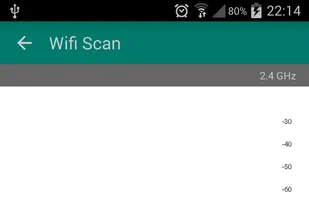
Wifi scan: find nearby wifi and displays SSID, signal strength, channel, encryption.
-
Shows graphically the band width and the overlapping between channels of wifi networks.
-
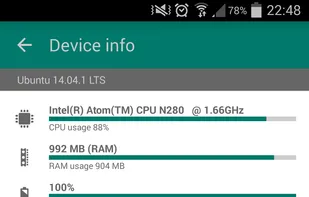
Monitoring and diagnostics remote devices: shows CPU usage, RAM usage and displays the available memory inside the disks
-
Themes available.
-
Available languages: English, Italian, German and Russian.