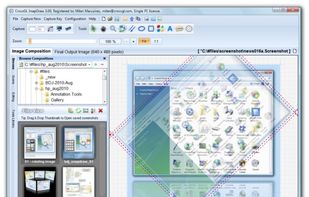
FlyScreen is a powerful screenshot manager for iOS. Search your screenshots, copy text and links, organize by tags, and more.
Cost / License
- Free
- Proprietary
Application type
Platforms
- iPhone
- iPad




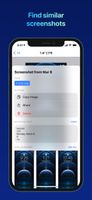


Open Screenshot is described as 'This extension is able to capture 100% of both the vertical and horizontal content appearing on any webpage on the Internet' and is a screenshot capture tool in the photos & graphics category. There are more than 100 alternatives to Open Screenshot for a variety of platforms, including Windows, Mac, Google Chrome, Web-based and Linux apps. The best Open Screenshot alternative is ShareX, which is both free and Open Source. Other great apps like Open Screenshot are Greenshot, PicPick, Snipping Tool and FastStone Capture.
FlyScreen is a powerful screenshot manager for iOS. Search your screenshots, copy text and links, organize by tags, and more.

Cropper is a screen capture utility written in C#. It makes it fast and easy to grab parts of your screen. Use it to easily crop out sections of vector graphic files such as Fireworks without having to flatten the files or open in a new editor.

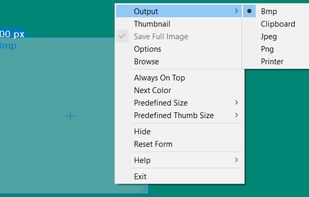


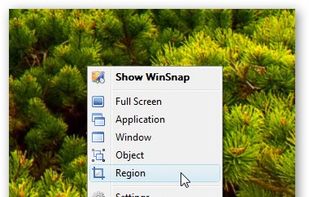
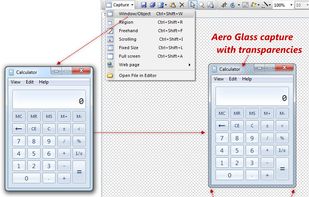
WinSnap is a small enhancement utility for taking and editing screenshots. Standard features include easy capture of non-rectangular windows with customized and transparent backgrounds, simple and automatic canvas transformations, coloring effects, and the addition of eye-candy...
 Russia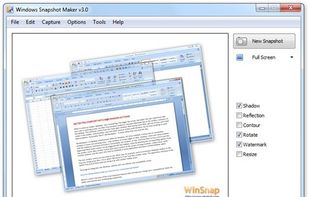



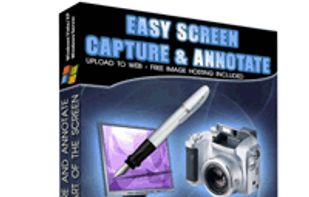
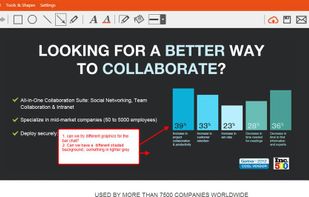
Easy Screen Capture and Annotation lets you capture and annotate any part of the screen. The main goal of the product is to speed up the capture and editing process saving you valuable time by automating repetitive tasks.
 United States
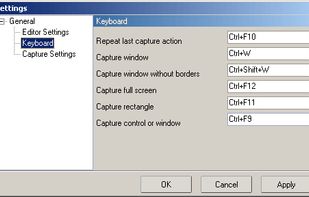


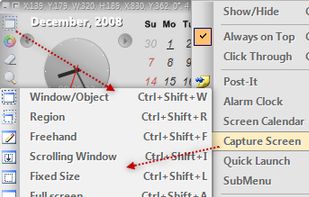
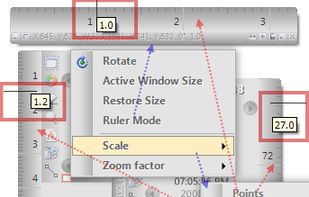
Capture .NET Free is an integrated, multi-functional, powerful and general-purpose System, Design, File, Desktop and Develop utility tool. Includes many helpful tools: Capture Screen/Image Editor/Capture Color/Post-It/Screen Clock/Screen Calender/Screen Reminder/Screen...
 Taiwan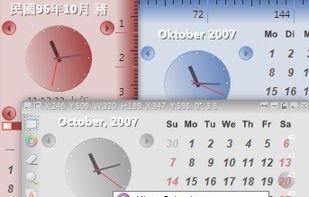


Free Screen Video Recorder is a compact, yet full-featured screen video recorder and screenshot capture tool that allows you to easily record screen activities and capture anything on the screen including windows, objects, menus, full screen and rectangular regions.
 United Kingdom


TinyTake is a free screen capture software for Microsoft Windows. With TinyTake, you can capture images and videos of your computer screen, add comments and share them with others in minutes. TinyTake is built by MangoApps and is available for free.
United States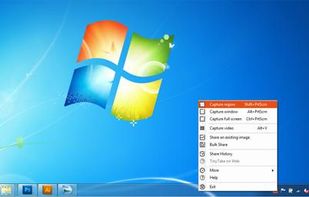




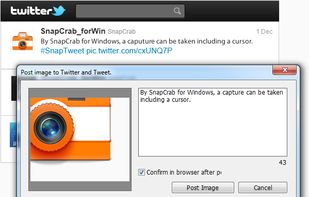
SnapCrab is a photo capture software that can capture any part of your screen. Files are saved in PNG format. Capture the whole screen, specified windows or areas, or wherever you like. With SnapCrab you can directly post captured images to Twitter, or save them to Evernote.
United States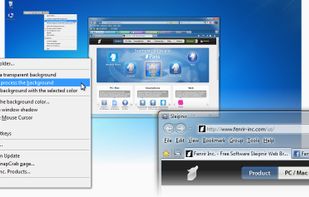
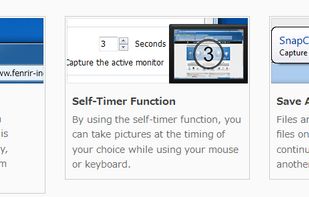


Captures the contents of the screen with a single keystroke. The captured screen can then be sent to the printer, or saved to disk as a file in 6 different graphics file formats. 15 languages.
United States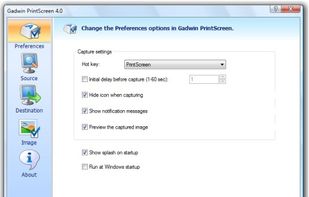


HyperSnap is the fastest and easiest way to take screen captures from Windows screen, and text capture (TextSnap™) from places where normal text copy is not possible. HyperSnap combines the power of a first-class screen capture application with an advanced image editing utility...
United States


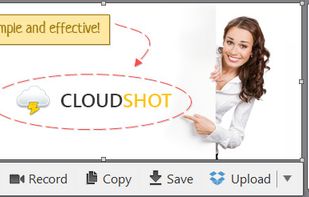
Make a screenshot, add your notes on top and share it instantly. Need to show some action? Record what you do, and share a GIF in a few seconds.


In SnapDraw Free, all the complicated annotation graphics such as Callouts and Magnifier Lens or nice looking effect such as 3D perspective and Reflections - are built-in tools.
 Czechia
 EU
EU