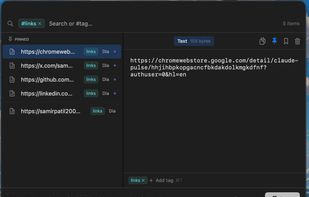
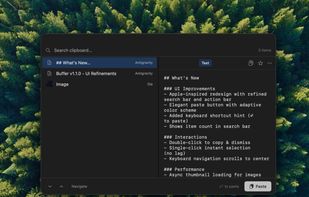
Clip it once, blade it anywhere. Sharpen your productivity with the clipboard manager that also acts as your screen assistant.
Cost / License
- Free
- Proprietary
Application type
Platforms
- Android
- Windows







Paste is described as 'Stores everything you copy on your Mac, iPhone, and iPad, so it's always there whenever you need it again' and is a clipboard manager in the office & productivity category. There are more than 100 alternatives to Paste for a variety of platforms, including Mac, iPhone, iPad, Windows and Linux apps. The best Paste alternative is UniClipboard, which is both free and Open Source. Other great apps like Paste are Vorssaint, PasteBar, Alfred and Planck.
Clip it once, blade it anywhere. Sharpen your productivity with the clipboard manager that also acts as your screen assistant.
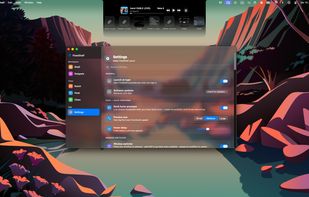
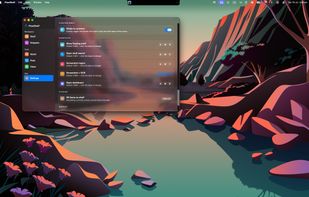
FlowShelf a free Mac app that turns your notch into a Dynamic Island and gives everything you copy, drop, or screenshot a temporary home.
 Australia


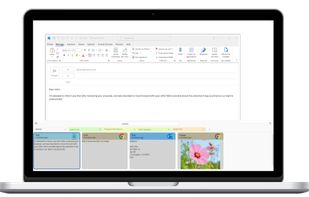
PasteIt is a clipboard manager for Windows 10/11 which keeps track of everything you copy and paste, lets you organize it with tabs of favorites.


A native macOS clipboard manager that remembers everything you copy, and makes it instantly searchable across all your Macs.
 Germany
 EU
EU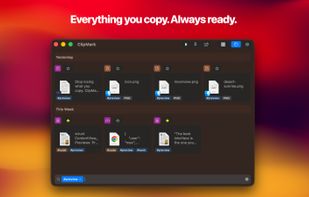
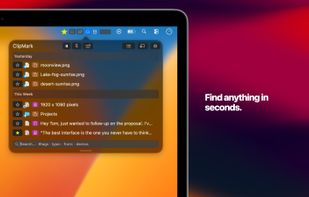
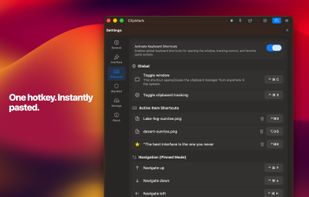
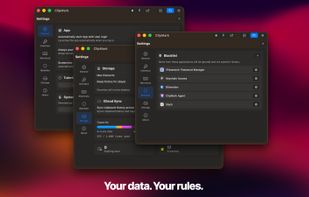


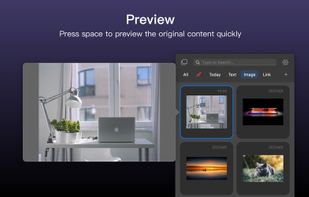
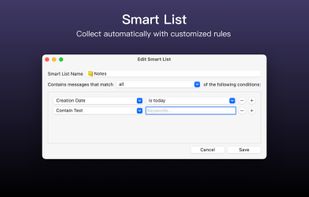
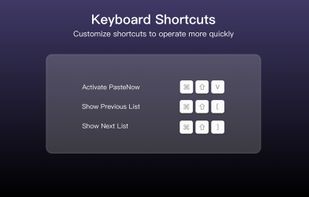
PasteNow is a clipboard management app that make your daily work easier and faster. You can use it to store every kinds of temporary data: text, link, image and even code.
 China
China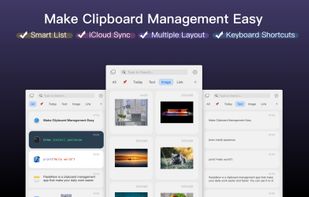


PeakFlow is a Windows productivity suite containing six independent tools, each built to fill a gap left by popular Mac-only applications.
 New Zealand

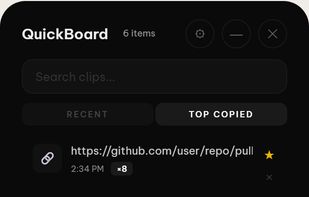



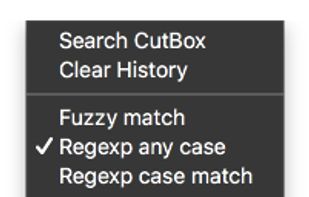
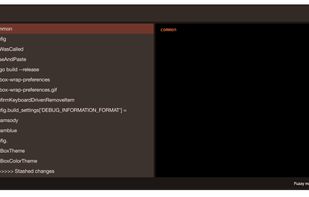
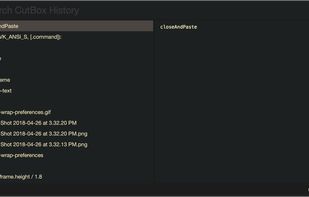
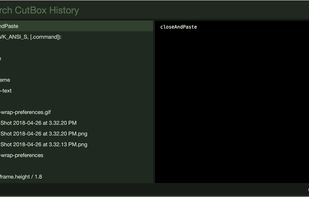
Pasteboard history for macOS done right. Using the proven UI style of Alfred, Spotlight etc. Use fuzzy searching to find what you want to paste.


Gisti keeps everything you write, copy or capture on your Mac in one panel and lets you search it by meaning rather than by exact words. A month later you remember what something was about, not how it was worded: type "flight to Berlin" and Gisti finds the note that...
 Kazakhstan



Zmina is a clipboard for people who copy and paste all day. Instead of just storing history, it sees what you copied and which app you're pasting into, then offers a short list of relevant actions.
 Canada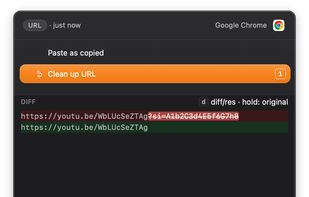
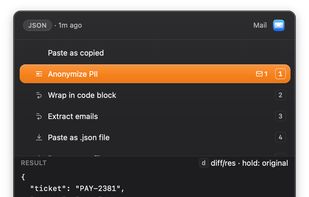
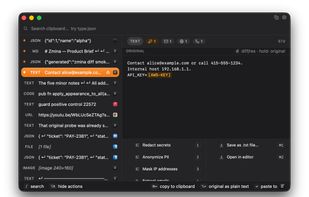
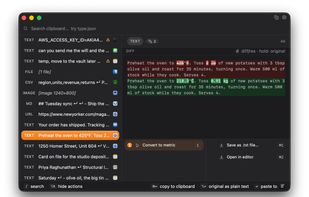


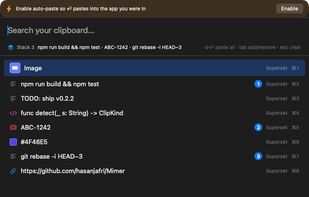
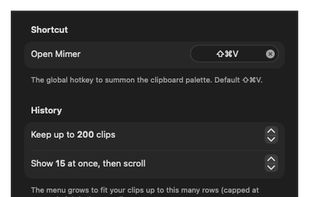
Mimer is a free, open-source (MIT) clipboard manager that lives in the macOS menu bar. Press Shift-Cmd-V to open a command palette over your clipboard history: search as you type (with type:, app:, is:fav and /regex/ filters), then paste, favorite, or transform any clip.
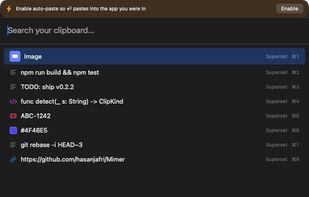
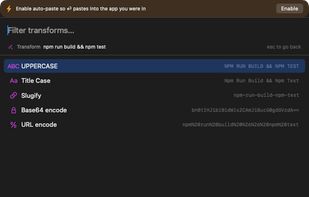


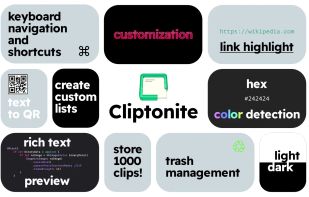
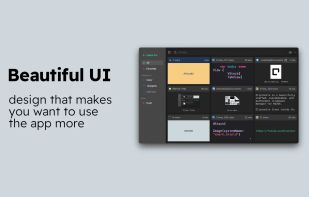
Cliptonite is a beautifully crafted, customizable, and performant clipboard manager for MacOS.
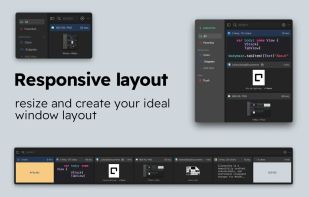
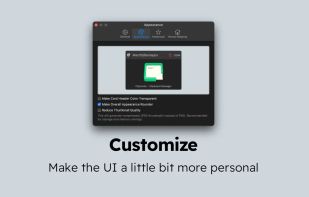


An open-source clipboard manager for macOS featuring ultra-lightweight local storage, searchable history, instant hotkey access, OCR for extracting text from images, developer-friendly large snippet support, bookmarks for favorites, and no cloud syncing.
 India
India