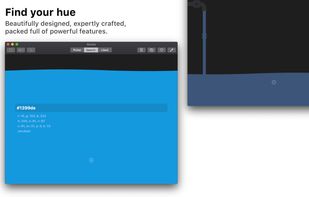
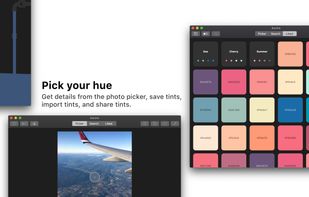
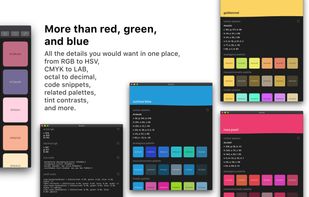
DigitalColor Meter is a utility built into Mac OS X for measuring and displaying the colour values of pixels displayed on the screen.
Cost / License
- Free
- Proprietary
Platforms
- Mac
 United States


Pixie is described as 'Small utility that can show you coordinates and color of any pixel on your screen in different formats (HEX, HTML, RGB, CMYK, HSV). It's staying on top, displays a color of that pixel under mouse cursor, the program can magnify that zone w/ hotkey' and is a Color Picker tool in the development category. There are more than 50 alternatives to Pixie for a variety of platforms, including Windows, Mac, Linux, Web-based and Flathub apps. The best Pixie alternative is ShareX, which is both free and Open Source. Other great apps like Pixie are PicPick, Just Color Picker, gpick and Realtime Colors.
DigitalColor Meter is a utility built into Mac OS X for measuring and displaying the colour values of pixels displayed on the screen.
United States
ColorSlurp is the ultimate color tool for developers and designers. Pick any color on your screen using the high-precision magnifier. Create and edit colors using advanced selection and editing tools. Organize colors into collections.
United States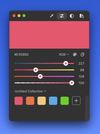
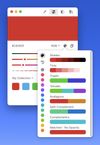
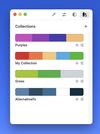


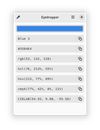
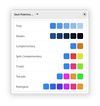
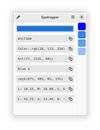
This application is geared towards advanced users (developers, designers, etc…), who not only need to pick a color but also modify or view it in different formats. For simply picking a color on Gnome, the color-picker extension is far better suited.


 Norway


Color Cop is a multi-purpose color picker for web designers and programmers. It features an eyedropper, magnifier, variable magnification levels, 3 by 3 and 5 by 5 average sampling, snap to websafe, color history, and a 42 color complementary palette.
United States

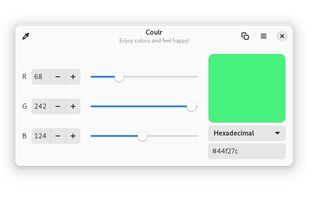
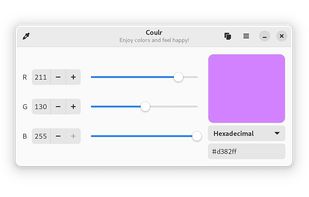


Visual Color Picker is very easy to use and powerful RGB-HSV-HSL-CMYK-HEX color selector. The program allows you to easily capture color value from any position of the screen even if program does not have input focus. The program has small screen capture preview area.


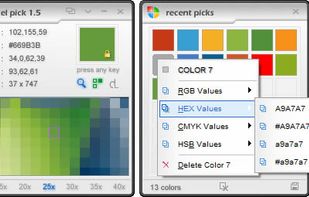
Pixel Pick is a free color picker tool that pick the pixels color under your mouse cursor on the desktop and translates it into a number of different color formats such as RGB, CMYK, HSB, HEX or Web Color format. A free color picker for grabbing color under your mouse .


ColorMania is a colorpicker for Windows. It's the perfect solution for previewing, identifying, testing and organizing color values. It can be a very difficult job to get your colors right for a unique or appealing design.
 Netherlands
 EU
EU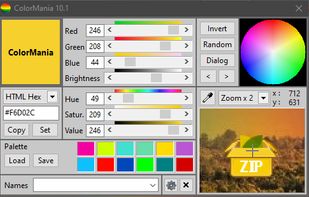


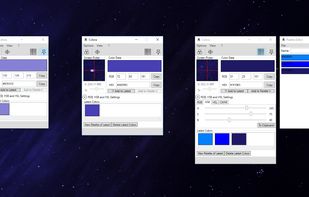
Color converter, screen color picker and color palettes for Windows. Colora is a small but powerful color converter and screen color picker for Windows.
 GermanyEU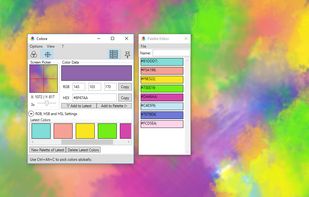


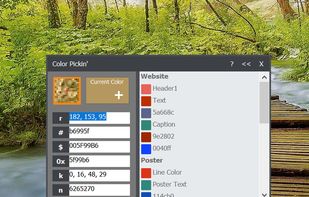
Hopefully, the last desktop color picker you will ever need. For developers/graphic designers, having simple and easy tools is essential. Created out of necessities, Color Pickin' is that kind of tool: simple, no fluff, just works.
United States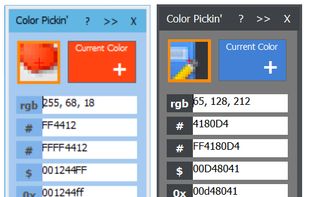


Aurora is a beautiful and easy to use color picker and dictionary app. It is as feature-rich as it is gorgeous.