Cost / License
- Free
- Open Source (MIT)
Application type
Platforms
- Linux


P


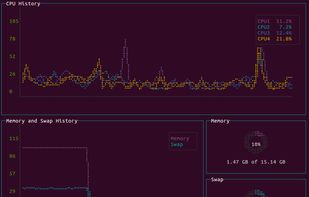
px is described as 'Tells you what processes are running on your system and how they are interconnected' and is an app in the os & utilities category. There are more than 25 alternatives to px for a variety of platforms, including Linux, Mac, Windows, BSD and Linux Mobile apps. The best px alternative is Process Explorer, which is free. Other great apps like px are htop, Mission Center, Task Manager and Glances.

vtop is a graphical command-line tool that uses unicode braille to chart CPU and memory usage. It can be easily extended.
 United Kingdom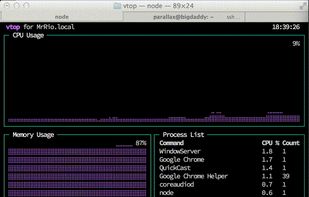


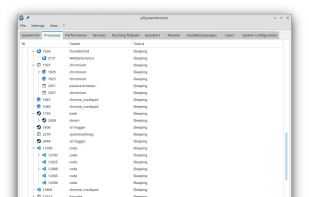
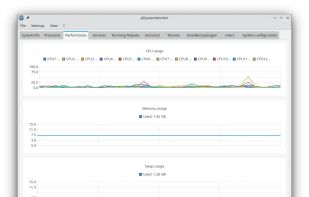
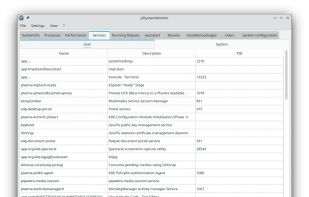
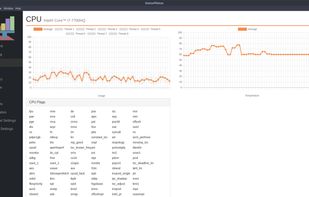
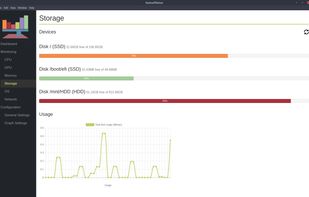
jdSystemMonitor is an advanced, desktop-independent system monitor for Linux. Its goal is to provide as much information about your system as possible, with a focus on process management.
 Germany
 EU
EU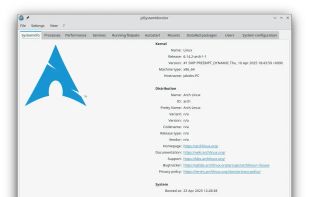


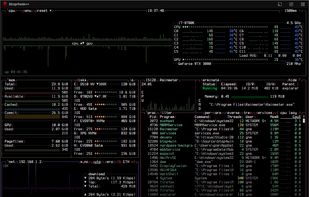
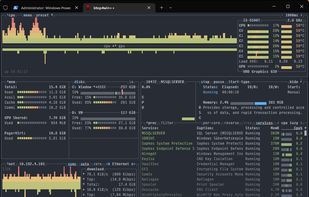
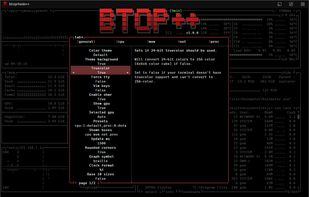
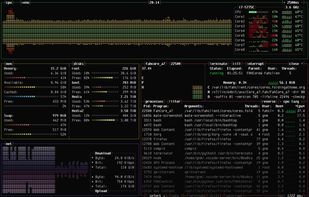
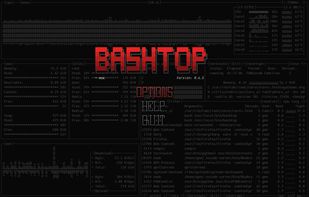
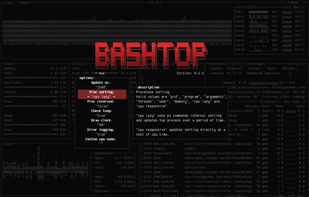
The Windows version of btop++, which is itself the re-implementation and continuation of bashtop and bpytop written in C++. A rich, featureful terminal-based resource monitor that shows usage and statistics for processor, memory, disks, network, processes and services.







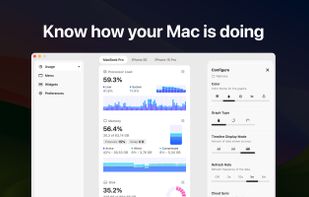
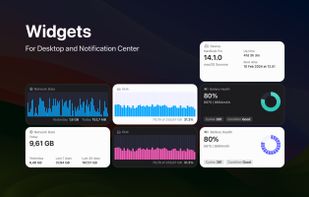
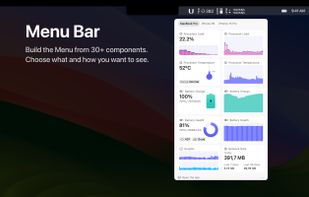
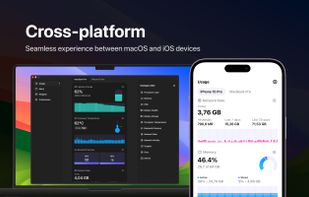
System Activity Monitor for Mac, iPhone, and iPad. Customizable, precise, and lightweight apps to keep an eye on the activity and performance of your devices.


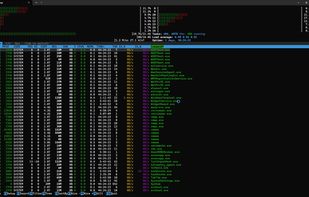
pstop is a native Windows terminal system monitor inspired by htop. It brings per core CPU usage bars, memory and network meters, process tree view, search, filtering, and kill shortcuts directly to PowerShell with familiar htop style keybindings.


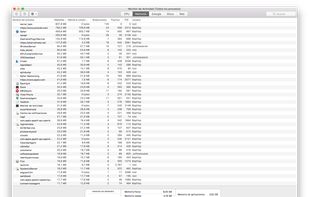
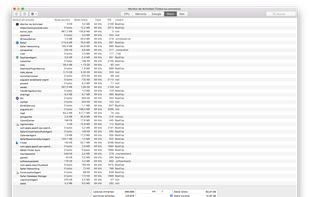
Provides real-time statistics for CPU, memory, disk, and network usage on macOS, allows users to view, organize, and terminate processes, analyze system resource consumption, view data in graphs and tables, check current transfers, and monitor system health.
 United States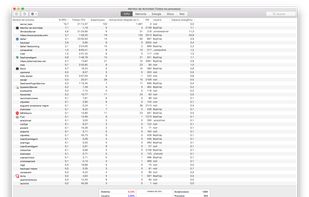


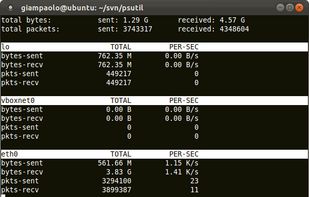
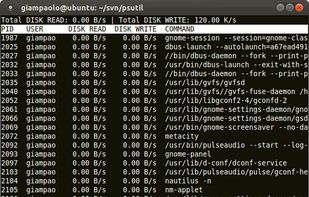
psutil is a module providing an interface for retrieving information on all running processes and system utilization (CPU, memory, disks, network, users) in a portable way by using Python, implementing many functionalities offered by command line tools such as: ps, top, df...
 ItalyEU


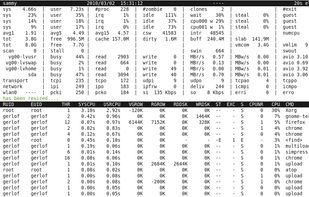
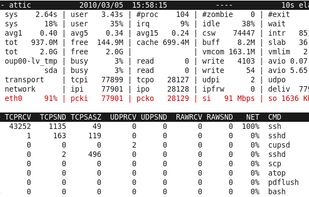
An advanced interactive monitor for Linux-systems to view the load on system-level and process-level.