


Cost / License
- Free
- Proprietary
Application type
Platforms
- Online
- IPFS


QR Code Generator is described as 'For URL, vCard, and more. Add logo, colors, frames, and download in high print quality' and is a qr code generator in the online services category. There are more than 50 alternatives to QR Code Generator, not only websites but also apps for a variety of platforms, including SaaS, Mac, Windows and Linux apps. The best QR Code Generator alternative is delphitools, which is both free and Open Source. Other great sites and apps similar to QR Code Generator are QRBYT, Mini QR, QR Studio PRO and ZodQR.

Unique QR Code generator platform already in the 3rd generation of QR Codes and with optional whitelabel super app offer (integrated platform. Create your QR Codes, better, cheaper and with the most innovative standards of the global market. Shortened QRs.
 Brazil
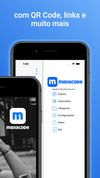
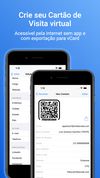


Create QR codes from different kinds of data, and download your code both in a rasterized (PNG) and vector format (PDF, SVG, EPS)

 United States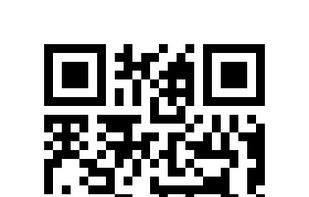

KeePassQRCodeView is a plug-in for KeePass 2.x which shows QR Codes for entry fields. These codes can be scanned to copy the encoded data to the scanner (smartphone, ...).
 Germany
 EU
EU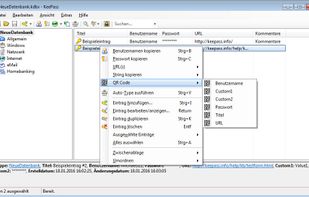


ViralQR is a fast, customizable, and analytics-driven QR code tool. Create codes for PDF files, app links, marketing campaigns, or events — and track scans in real time. A modern alternative to clunky QR platforms.




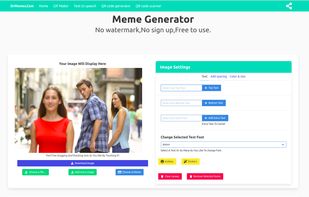
the best and easiest meme generator website,that you can add text to an image or meme very easily


MetriQR is a dynamic QR Code management & analytics platform that helps you to drive traffic and connect with your audience.


 Switzerland


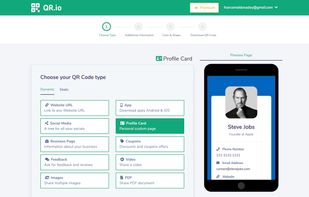
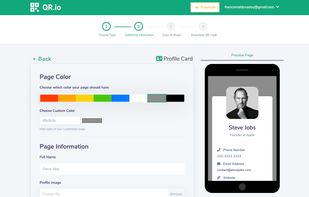
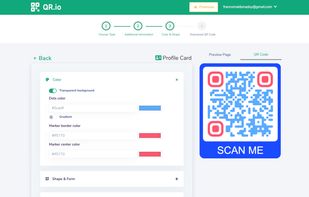
QR.io is a platform for creating personalized QR Codes, allowing users to customize their color, shape, and logo. It tracks the number, location, and date of scans, and offers a feature for non-developers to create landing pages without coding skills.
 Argentina


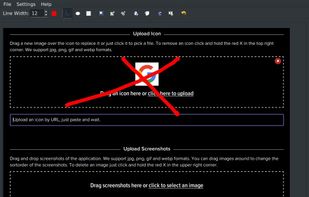
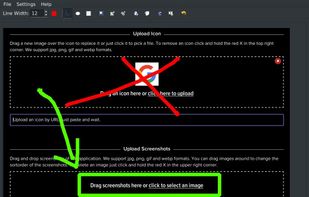
A macOS app for capturing, annotating and sharing screenshots. Quickly add comments, highlight what matters or blur any sensitive content. Upload screenshots to Google Drive or Dropbox. Copy screenshots to the clipboard and paste them directly into Slack, Skype, Jira, Trello and...




 Russia


