Voukoder Pro is a system wide video- and audio encoding service that improves your media encoding experience.
Cost / License
- Paid
- Proprietary
Application typeApplication types
Platforms
- Mac
- Windows
- Linux
 Germany
 EU
EU


QWinFF is described as 'GUI for FFmpeg, a powerful command-line media converter. FFmpeg can read audio and video files in various formats and convert them into other formats. QWinFF provides an intuitive graphical interface and a rich set of presets to help you use ffmpeg easily without' and is a Video Converter in the video & movies category. There are more than 100 alternatives to QWinFF for a variety of platforms, including Windows, Mac, Linux, Web-based and Android apps. The best QWinFF alternative is HandBrake, which is both free and Open Source. Other great apps like QWinFF are FFmpeg, File Converter, Shutter Encoder and XMedia Recode.
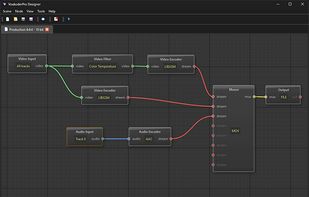
Voukoder Pro is a system wide video- and audio encoding service that improves your media encoding experience.
GermanyEU
 United Kingdom


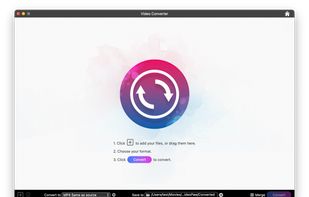
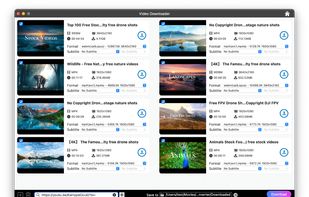
Cisdem VideoPaw is the fastest and most stable all-in-one video solution for Mac and Windows. It allows you to convert videos from and to all popular formats, download videos from popular video sites, rip DVD/Blu-ray movies, compress, record, and edit your videos.
 Hong Kong SAR China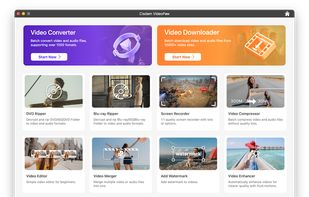



Small, smart, easy to use video editor for fast and lossless AVI editing. No video / audio degradation and out of sync problem arises after editing. All AVI file types of any size and video / audio content are supported.
 Russia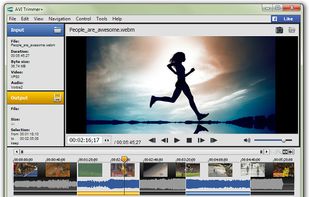


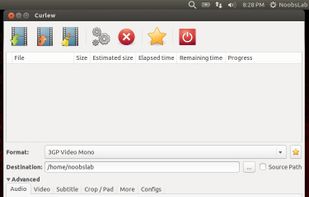


avconv is a very fast video and audio converter that can also grab from a live audio/video source. It can also convert between arbitrary sample rates and resize video on the fly with a high quality polyphase filter.


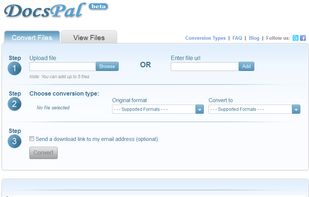
DocsPal is a free online file converter. Convert your files online, instantly and for free: documents, video, audio, images, e-books, archives. You can also view your document directly in our Viewer page. And there is no need to download any software.


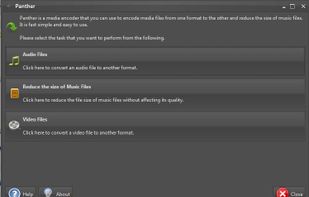
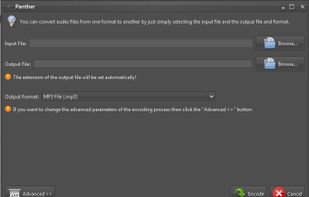
Panther is a free and open source program that you can use to encode your audio and video files from one format to the other. It has a simple user interface and should be very easy to get started with. It can even reduce the size of music files.


Evom is the easy way to convert your movie files for playback anywhere. Drag files, folders, or links into Evom to start. Converted media files are exported into iTunes or saved to your desktop.
 Australia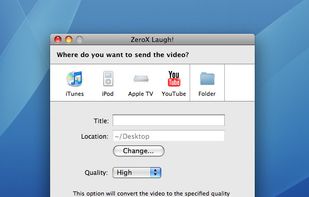


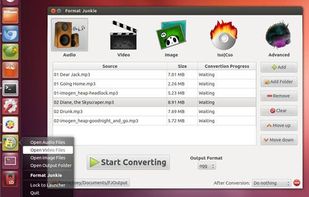
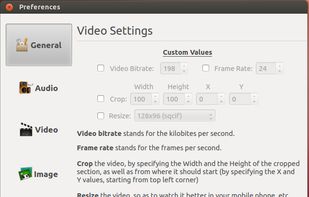
Format Junkie is a Linux application for converting audio, video and image files to multiple popular different formats. The program is just a frontend to avconv and to ImageMagick.


OGMRip is an application and a set of libraries for ripping and encoding DVD into AVI, OGM, MP4, or Matroska files using a wide variety of codecs. It relies on mplayer, mencoder, ogmtools, mkvtoolnix, mp4box, oggenc, lame, and faac to perform its tasks.
 FranceEU