Create Windows USB on a Mac MeowUSB simplifies the process of creating a bootable Windows USB on your Mac.
Cost / License
- Paid
- Proprietary
Application type
Platforms
- Mac


Rufus formats USB drives and creates bootable USB sticks from ISO images, with BIOS/UEFI options and MS-DOS/FreeDOS support. Users appreciate its straightforward approach, though some seek alternatives that handle multiple ISOs or offer cross-platform compatibility.
Ventoy leads as the top-ranked alternative, allowing users to boot multiple ISO files from one USB without repeatedly reformatting - just copy new ISOs onto the drive. balenaEtcher appeals to users wanting a simple interface with verification steps, though some report struggles with Windows ISO boot disks. UNetbootin ranks highly as an open-source option with Windows, Mac, and Linux versions.
For specialized workflows, Popsicle can write one ISO image to multiple USB devices simultaneously with a simple click-driven workflow. These Rufus alternatives range from multiboot managers to straightforward image flashers, giving users flexibility in their bootable media creation approach.
Open source options dominate the bootable USB space, with YUMI exFAT, WinDiskWriter, and WoeUSB all offering transparent, community-built tools. Linux users have native support through YUMI exFAT and WinDiskWriter, while WoeUSB focuses specifically on creating Windows installer USBs from Linux systems.
For portable workflows, YUMI exFAT, WinDiskWriter, and dd can run from USB without installation - perfect for technicians who need tools on the go. Users seeking ad-free experiences will find clean interfaces in YUMI exFAT, WoeUSB, and dd without promotional distractions. The command-line tool dd provides the most minimal approach for advanced users who prefer direct ISO writing without graphical interfaces.
Create Windows USB on a Mac MeowUSB simplifies the process of creating a bootable Windows USB on your Mac.

ISO2Disc is the best and free ISO burner software to burn your ISO image file to CD/DVD disc or USB flash drive. No skills required!
 United States


Startup Disk Creator (usb-creator) is an official tool to create Live USBs of Ubuntu from the Live CD or from an ISO image. The tool is included by default in all releases after Ubuntu 8.04.


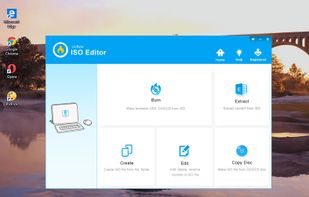
UUByte ISO Editor is a full ISO toolkit for burning, creation, extracting and editing. Powered by a simple user interface, it is quite easy to make a bootable USB or DVD in a few clicks.


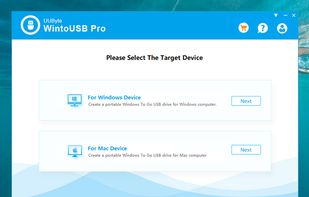
WintoUSB Pro is a dedicated program to create Windows To Go USB without limitation. It is easy to create a portable Windows drive so you can run Windows 10, Windows 8 or Windows 7 from external SSD or USB.


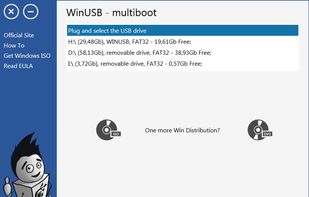
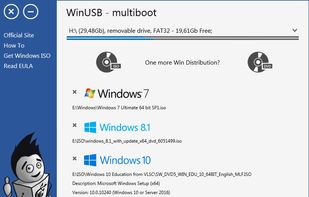
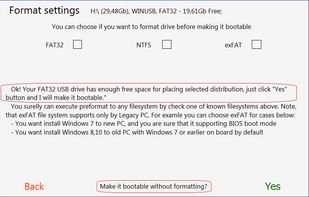
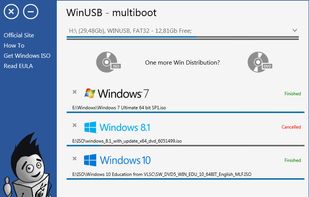
WinUSB - simple, portable and lightweight tool, lets you create multiple Windows bootable USB flash drive using ISOs or DVDs. Formatting drive is not required when free space is enough. Boot with NTFS flash drive in UEFI system supported for most PC.

 United States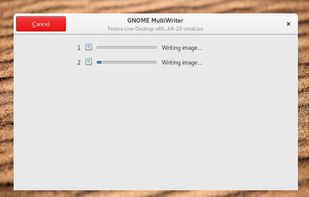


A rufus clone designed to work with linux, burn ISO Windows/Linux images to external flash drives like USB devices or TF cards.
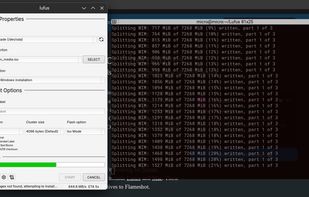
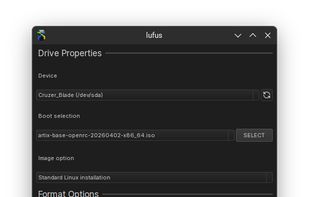
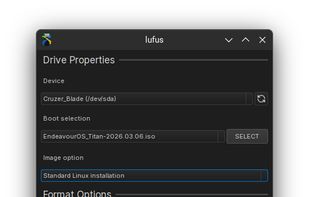


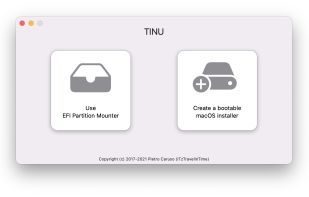
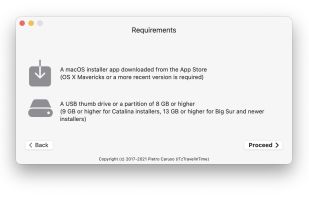
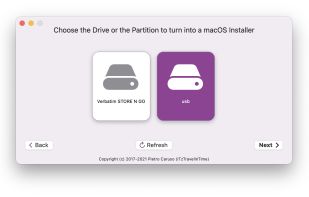
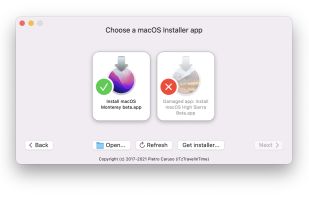

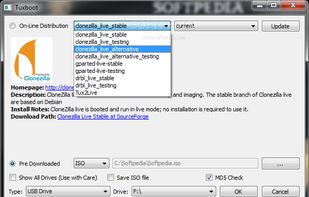

A minimal image flasher for macOS (and soon Linux). Think Balena Etcher, but without the telemetry, the bloat, or the bundled Chromium. It wraps the reliable dd(1) shell tool directly under the hood.
 Switzerland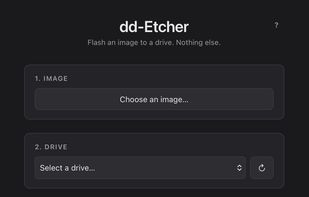


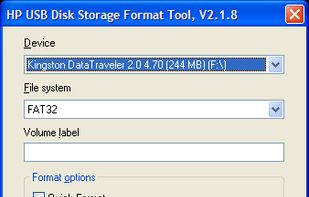
HP USB Disk Storage Format Tool utility will format any USB flash drive, with your choice of FAT, FAT32, or NTFS partition types. You can also make the disk bootable by specifying a file location.
United States