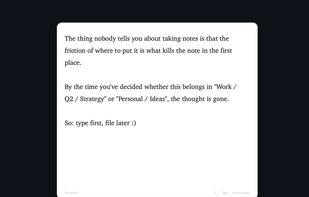
Instantly jot down thoughts with a simple, autosaving text panel that integrates smoothly into your workflow.
Cost / License
- Free
- Proprietary
Application type
Platforms
- Mac
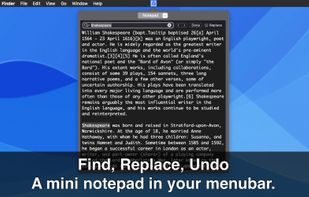

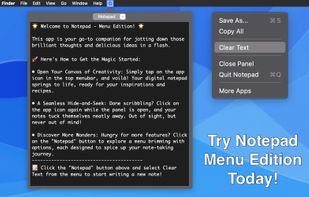

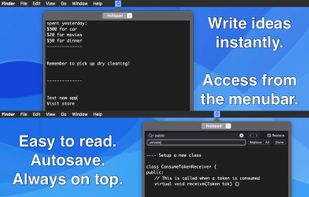


Smolpad is described as 'Menubar-first Markdown notes app for macOS, with companion apps for iPhone and iPad (universal purchase). Click the menu bar icon and a notes panel drops down; type, and everything autosaves as plain .md files stored in the user's own iCloud Drive or Dropbox' and is a Note-taking tool in the file management category. There are more than 10 alternatives to Smolpad for a variety of platforms, including Mac, iPhone, iPad, Windows and Web-based apps. The best Smolpad alternative is Obsidian, which is free. Other great apps like Smolpad are Simplenote, Bear, Itsypad and iA Writer.
Instantly jot down thoughts with a simple, autosaving text panel that integrates smoothly into your workflow.

menuNotes is a tiny and lightweight notes app that lives in your macOS menu bar. It focuses on one thing: giving you a fast place to drop text you need later again. Nothing more. No complicated features, no setup, no learning curve.
 Germany
 EU
EU
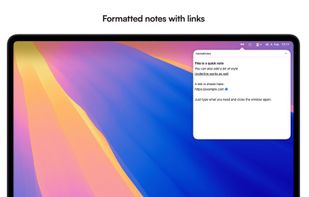
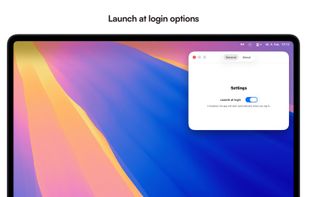


A tiny jot pad that's always within reach. For the things too small for a note but too important to lose.
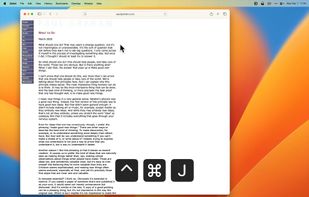
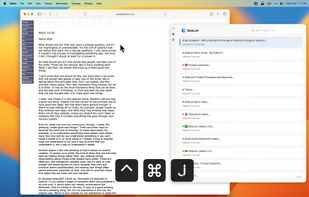
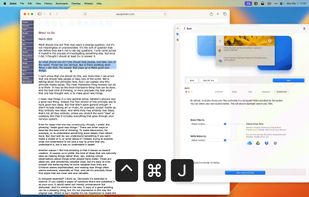


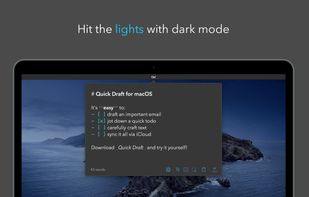
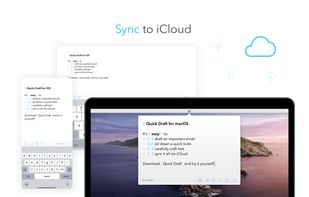
Sometimes you just need a place to jot down a quick note or draft an email or text on the fly. Write your draft and immediately copy or share to another app. When you come back, keep working or delete the note and start over.
 United States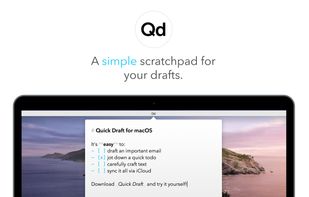



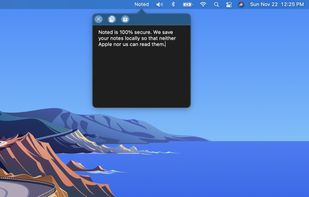
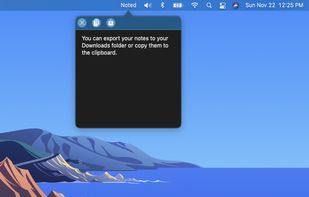


 Malaysia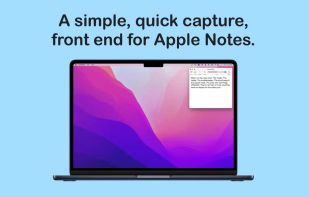
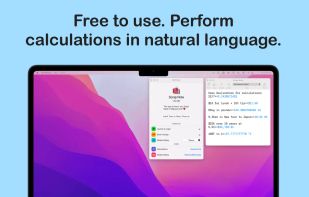
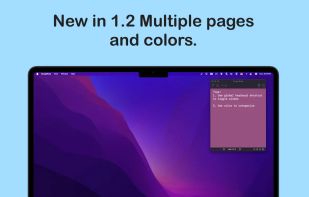


The simplest yet clever Mac menubar note. Simply type in your notes. No navigation. No button click. No category search. New text field generates automatically for your next input. All notes are listed in time flow.
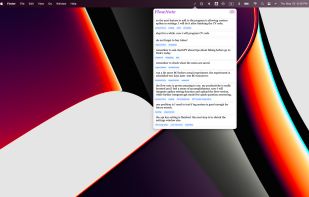
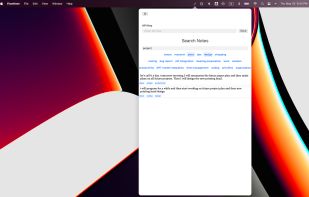


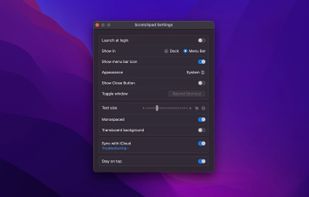
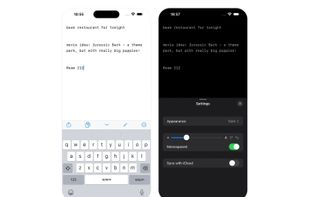
Quickly capture notes from menu bar or Dock on macOS and with one-tap access from iOS Control Center, Home, and Lock Screen. Provides a distraction-free, plain text interface, optional iCloud sync, offline use, font settings, hotkey, and privacy-focused design.
 Norway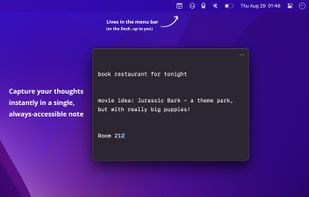


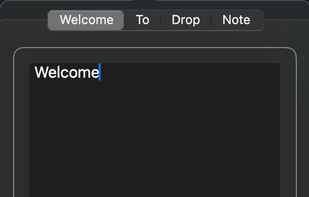
DropNote is the perfect macOS app to manage your notes. Easy to use, with a clean interface and dock integration.


Wisp is a macOS scratchpad. Press Alt + Space anywhere and a glass panel slides in. Type. Hit Esc. It's gone — but your text stays, as plain markdown on disk.
 Pakistan