


Cost / License
- Free
- Open Source
Platforms
- Mac
- Windows
- Linux
- DOSBox
 Netherlands
 EU
EU



+4


Terminal Launch V is described as 'Welcome to Terminal Launch, the tool for gamers who value speed, efficiency, and simplicity over flashy interfaces. Created in 2019 as a simple DOS command to find games, Terminal Launch operates seamlessly within terminal and DOS environments' and is a game library manager in the os & utilities category. There are more than 25 alternatives to Terminal Launch V for a variety of platforms, including Windows, Linux, Android, Mac and Raspberry Pi apps. The best Terminal Launch V alternative is RetroArch, which is both free and Open Source. Other great apps like Terminal Launch V are Playnite, Lutris, Retrom and Lakka.
NetherlandsEU
A native Android client for RomM for syncing, installing, and launching games on any of your mobile devices.
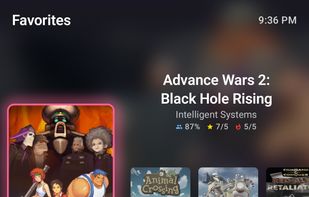


An Android app that aggregates your owned game libraries from Epic Games Store, GOG, and Amazon Gaming into one place. Built with Jetpack Compose, Ktor, Room, and Material 3 dynamic colors. Auth is handled via in-app WebView popup. Games are cached locally with 7-day TTL.
 GreeceEU




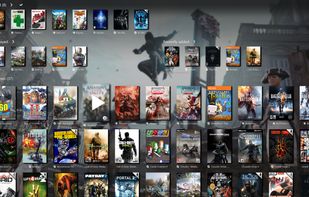
A slick Windows game manager, which automatically scans and scraps games from Steam (installed or not), Origin, Battle.net, GoG.com and UPlay. It also monitors your play time and allows some automatization like power management and custom commands.
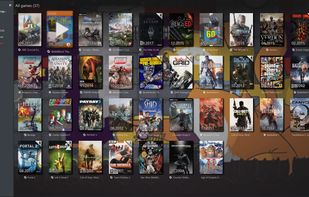



A simple, TV-friendly, gamepad-navigable frontend for the Lutris game launcher on Linux. This application provides a "10-foot UI" designed for couch gaming, allowing you to browse and launch your Lutris library entirely with a gamepad.
 ItalyEU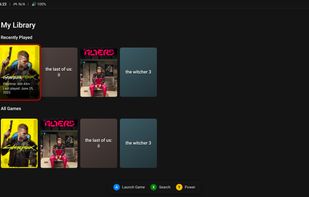


Metropolis Launcher is a game launcher, emulation front-end and an extensive offline database of video game metadata thanks to MobyGames.
Metropolis Launcher is based on the .NET 4.0 Framework and runs on Windows XP/Vista/7/8/8.1/10
 GermanyEU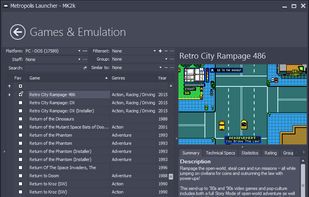


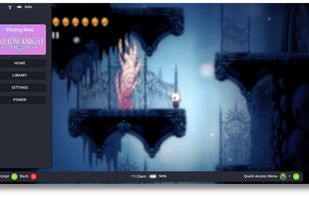
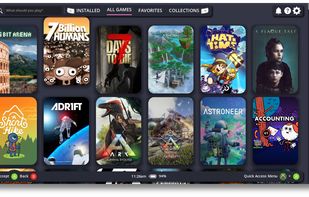
Open source game launcher and overlay designed for controller-native navigation, featuring input remapping to keyboard and mouse, user-driven customization, Godot 4 engine foundation, game library management, and open extendable platform suitable for all users.
 United States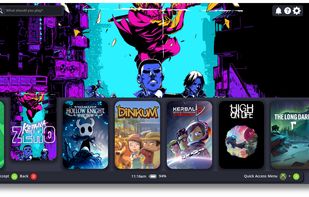
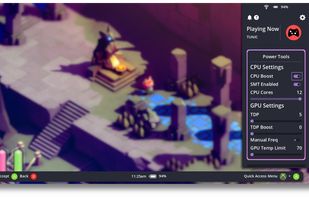


RetriX is an emulator front end for UWP, on all the hardware platforms it supports: it serves the same purpose as RetroArch but is built from the ground up to integrate as well as possible with Windows.
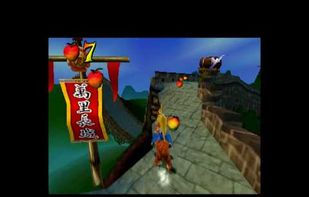


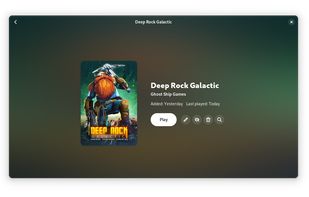
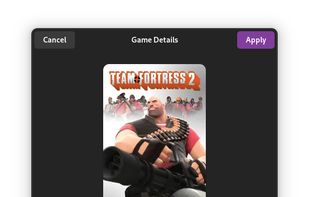
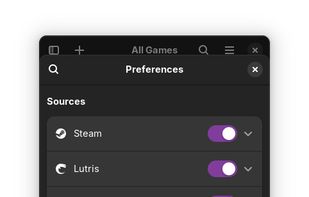
Cartridges is a simple game launcher for all of your games. It has support for importing games from Steam, Lutris, Heroic and more with no login necessary. You can sort and hide games or download cover art from SteamGridDB.



A front-end or user interface (UI) is the presentation and interaction layer of an app or website. Most modern emulator apps have basic game list UIs that you can interact with using a mouse/keyboard but not a game controller.
United States![Dolphin (Wii, Gamecube, Virtual Console) [Linux, macOS, & Windows]](https://img.alternativeto.net/s/309x197/jpeg/bottlenose_980398_full.png)
![Cemu (Wii U) [Windows & Linux* using Wine]](https://img.alternativeto.net/s/309x197/jpeg/bottlenose_762210_full.png)
![Yuzu (Switch) [Linux & Windows]](https://img.alternativeto.net/s/309x197/jpeg/bottlenose_785449_full.png)
![Citra (3DS) [Linux, macOS, & Windows]](https://img.alternativeto.net/s/309x197/jpeg/bottlenose_509961_full.png)


HyperSpin is an animated arcade frontend for Windows for use on Home Arcade Machines. HyperSpin allows you to create custom menu systems to run most executables with that arcade look and feel. HyperSpin takes a more artwork oriented approach to creating menu's.







![Dolphin (Wii, Gamecube, Virtual Console) [Linux, macOS, & Windows]](https://img.alternativeto.net/s/618x394/avif/bottlenose_980398_full.png)
![Cemu (Wii U) [Windows & Linux* using Wine]](https://img.alternativeto.net/s/618x394/avif/bottlenose_762210_full.png)
![Yuzu (Switch) [Linux & Windows]](https://img.alternativeto.net/s/618x394/avif/bottlenose_785449_full.png)
![Citra (3DS) [Linux, macOS, & Windows]](https://img.alternativeto.net/s/618x394/avif/bottlenose_509961_full.png)


