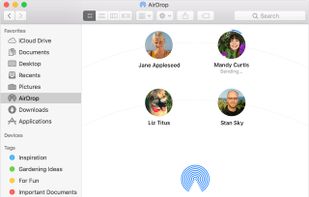
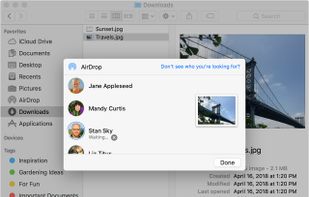
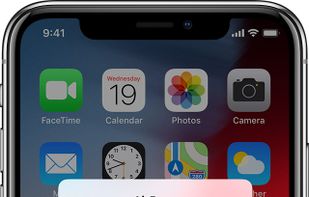
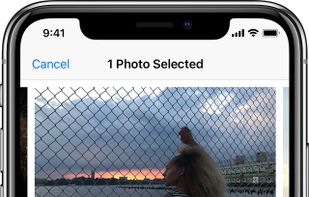
With AirDrop, you can wirelessly send documents, photos, videos, websites, map locations, and more to a nearby iPhone, iPad, iPod touch, or Mac.
Cost / License
- Free
- Proprietary
Platforms
- Mac
- iPhone
- iPad
 United States



+1


Warpinator for Android is described as 'Unofficial port of Linux Mint's file sharing tool of the same name. It is fully compatible with the original protocol and allows for easy transfer of files between Android and Linux devices' and is an app in the file sharing category. There are more than 25 alternatives to Warpinator for Android for a variety of platforms, including Android, Windows, Linux, Mac and Android Tablet apps. The best Warpinator for Android alternative is LocalSend, which is both free and Open Source. Other great apps like Warpinator for Android are KDE Connect, Warpinator, Phone Link and DashBeam (Previously AltSendme).
With AirDrop, you can wirelessly send documents, photos, videos, websites, map locations, and more to a nearby iPhone, iPad, iPod touch, or Mac.
United States
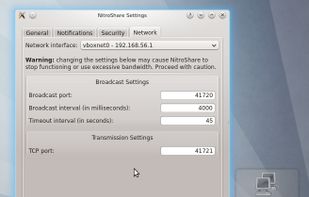
A network file-sharing application that makes sending a file to another machine on the local network as easy as dragging-and-dropping.
United States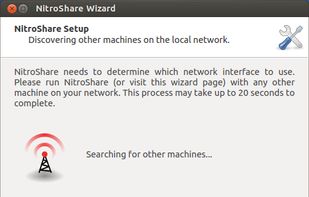


A simple local file server app for Android. Download and upload files quickly across devices over Wi-Fi — no cables, no cloud.
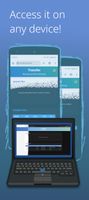
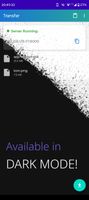


Facilitates cross-platform file and folder transfers over local networks between Windows, Mac, Linux PCs, and Android, requiring no setup or accounts, with automatic device detection, real-time discovery of shared files, fast transfer speeds, and privacy.
 Germany
 EU
EU


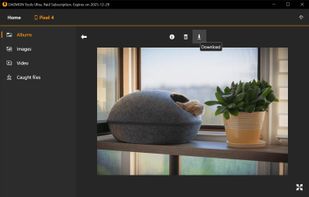
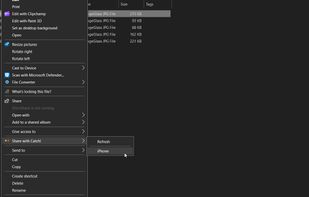
With Catch! and DAEMON Tools, you can transfer files from Android to PC, backup photos from iPhone, import photos from iOS to PC and view the content of the remote device in real-time.
 Hong Kong SAR China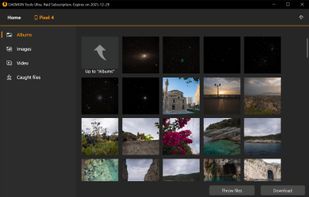



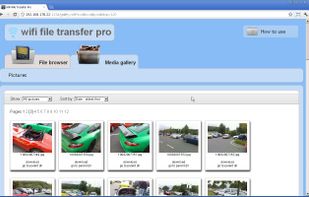
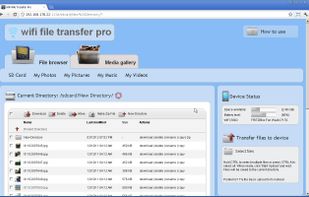
WiFi File Transfer is a light-weight web server that lets you upload and download files to/from your phone over a wireless connection.
United States


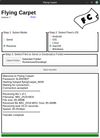
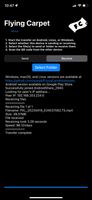
File transfer between Android, iOS, Linux, macOS, and Windows over ad hoc Wi-Fi. No network infrastructure required, just two devices with Wi-Fi chips in close range.
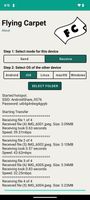


OpenDrop is a command-line tool that allows sharing files between devices directly over Wi-Fi. Its unique feature is that it is protocol-compatible with Apple AirDrop which allows to share files with Apple devices running iOS and macOS.


Apple-Continuity-style link between Android and Linux — notification mirror, calls & SMS, clipboard, smart audio hand-off, screen mirror. No cloud, no account, E2E encrypted over BLE + LAN.

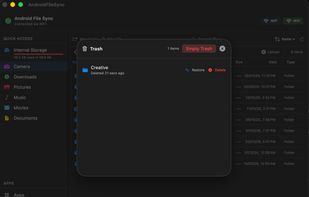
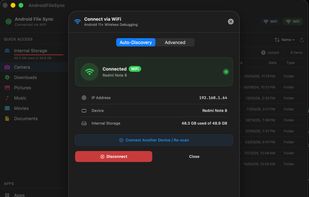
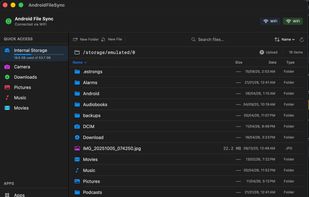
Browse, transfer, and manage files on your Android device from your Mac. Over USB or WiFi. No cloud. No account. Free.
 India
India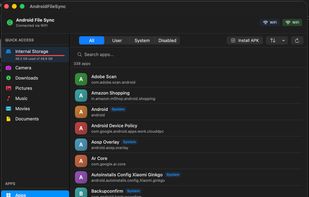


 United Kingdom


Send and receive files over available connections Share your videos and songs within the application There is no limit.
GermanyEU