

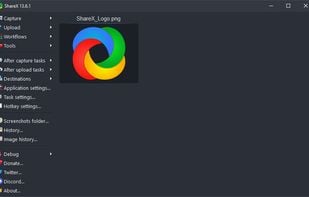
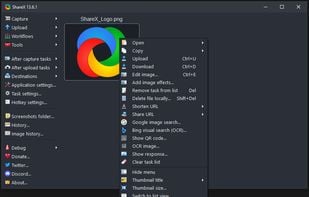
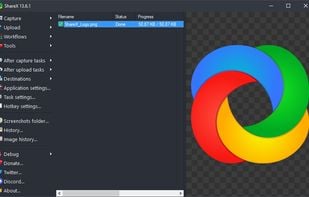
Open-source screen capture and file sharing tool with recording, editing, and annotation features. Supports 4K, dark mode, theming, offline use, and offers a lightweight, ad-free experience without tracking user data.
 United States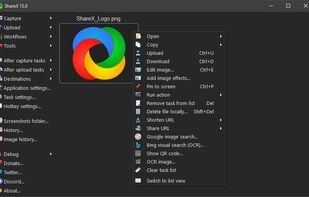
+9



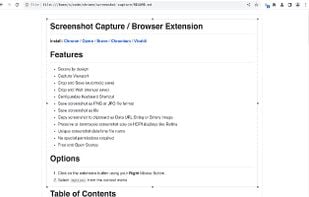
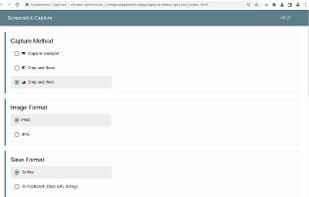
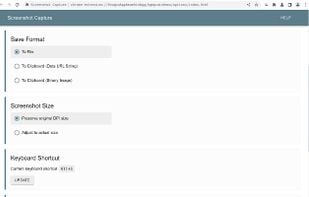
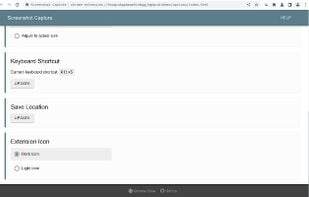
Webpage Screenshot is described as 'This extension is able to capture 100% of both the vertical and horizontal content appearing on any webpage on the Internet' and is a screenshot capture tool in the photos & graphics category. There are more than 50 alternatives to Webpage Screenshot for a variety of platforms, including Windows, Mac, Web-based, Google Chrome and Mozilla Firefox apps. The best Webpage Screenshot alternative is ShareX, which is both free and Open Source. Other great apps like Webpage Screenshot are Greenshot, FastStone Capture, PicPick and Lightshot.
Open-source screen capture and file sharing tool with recording, editing, and annotation features. Supports 4K, dark mode, theming, offline use, and offers a lightweight, ad-free experience without tracking user data.

Lightweight screenshot tool offering OCR, exports to Office apps and online storage, integration with external commands, supporting 32 languages and minimal space requirement.
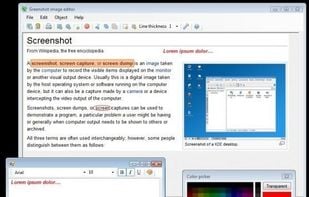
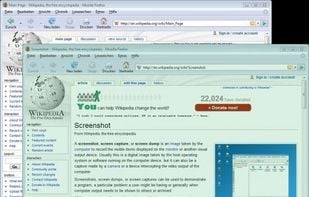
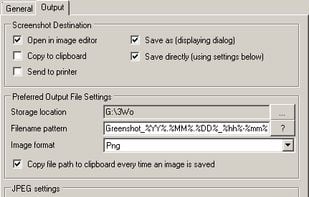
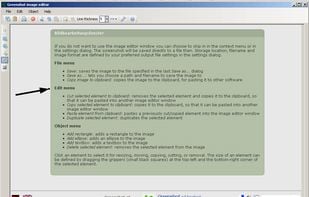


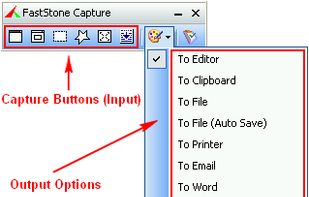
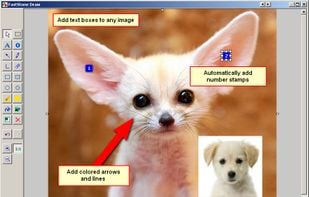
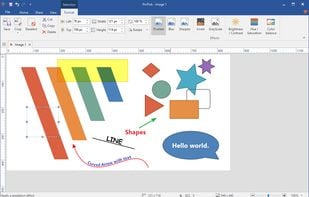
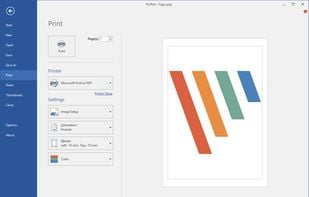
A powerful, lightweight, yet full-featured screen capture tool that allows you to easily capture and annotate anything on the screen including windows, objects, menus, full screen, rectangular/freehand regions and even scrolling windows/web pages.


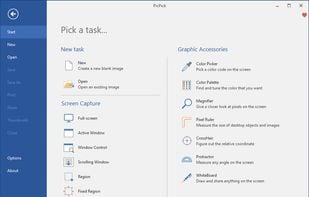
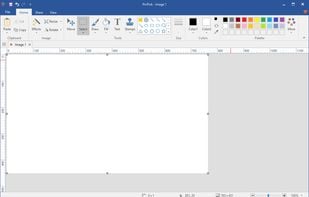
Provides versatile screen capture options, built-in image annotation, color picking and palette, precision measurement tools like ruler and protractor, hotkey customization, clipboard and multi-format support, simple tray access, sharing, and portable operation.


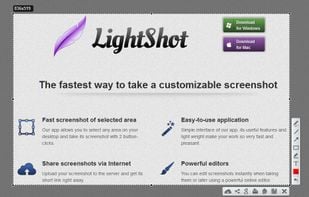
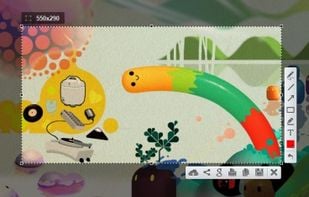
Captures selectable screen regions for Windows and Mac, offers instant uploading, quick editing, and sharing through short URLs, supports saving locally, annotating, clipboard copying, browser add-ons, upload history access, and operates without heavy system use.


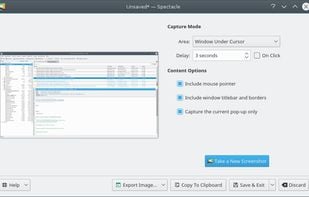
Spectacle is a simple application for capturing desktop screenshots. It can capture images of the entire desktop, a single monitor, the currently active window, the window currently under the mouse, or a rectangular region of the screen.


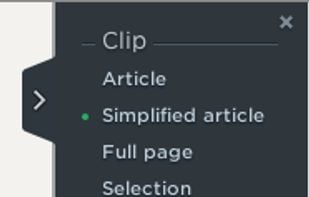
Save anything you see online - including text, links and images - into your Evernote account with a single click.


Capture full and partial screenshots, record screen or webcam videos with extensive editing tools, including annotations, video conversion to gif/mp4, and sharing options. Create step-by-step guides enhanced by AI, save in multiple formats, and utilize cloud storage integration.
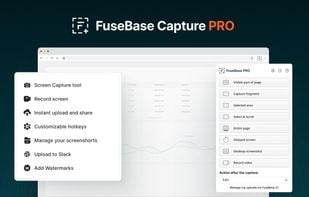
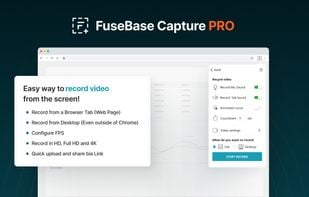
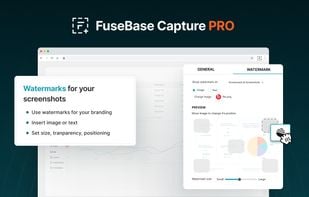
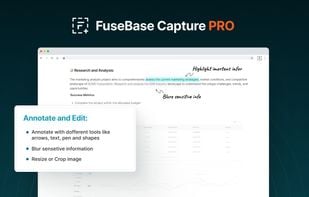


Intuitive screenshots baked right into the browser. Capture, save and share screenshots as you browse the Web using Firefox.


Capture full web page screenshots in Firefox, Chrome, Opera, Pale Moon or Internet Explorer Quick screenshots and annotations!
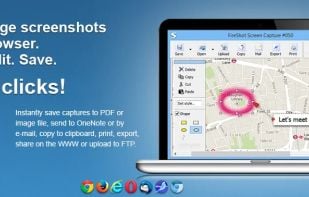
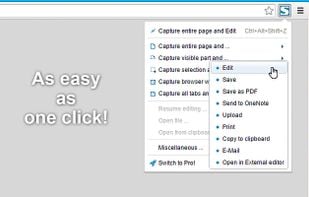


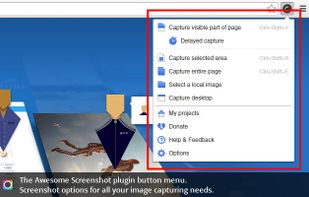
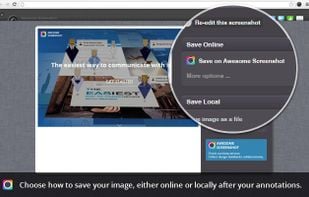
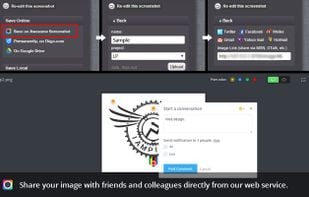
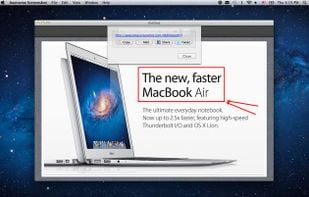
Capture the whole page or any portion, annotate it with rectangles, circles, arrows, lines and text, one-click upload to share.




 Germany
 EU
EU
 Canada


 South Korea
 Russia


