

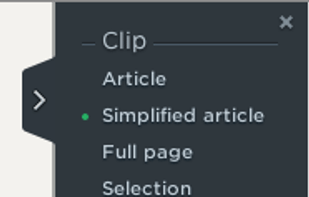
Save anything you see online - including text, links and images - into your Evernote account with a single click.
Cost / License
- Free
- Proprietary
Application type
 United States
Platforms
- Online
- Microsoft Edge
- Internet Explorer
- Google Chrome
- Safari
- Opera
- Firefox


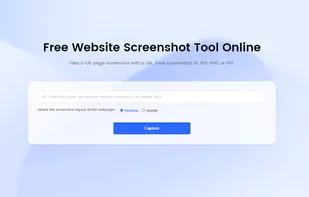
Website Screenshot Online is described as 'Free online website screenshot tool. Capture any website pages instantly in PNG, JPEG, PDF formats. Custom resolutions, mobile & desktop views, automatic cookie popup handling, ad blocking, and intelligent content loading ensure clean, accurate screenshots' and is an website. There are more than 10 alternatives to Website Screenshot Online, not only websites but also apps for a variety of platforms, including Google Chrome, Mozilla Firefox, Windows and Microsoft Edge apps. The best Website Screenshot Online alternative is Evernote Web Clipper, which is free. Other great sites and apps similar to Website Screenshot Online are Flamory, Firefox Screenshots, FireShot and Awesome Screenshot.
Save anything you see online - including text, links and images - into your Evernote account with a single click.

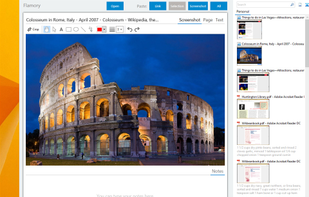
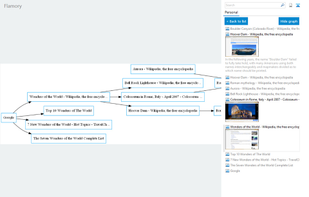
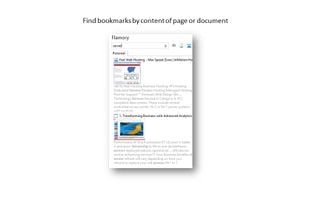
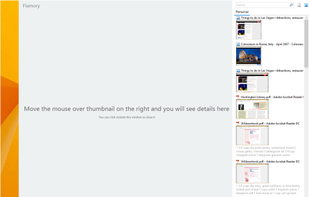
Flamory remembers things, so you don't have to. Make snapshots of web pages, files and desktop apps. You can find snapshots later using full-text search and thumbnails. Paste them anywhere as links or screenshots.


Intuitive screenshots baked right into the browser. Capture, save and share screenshots as you browse the Web using Firefox.


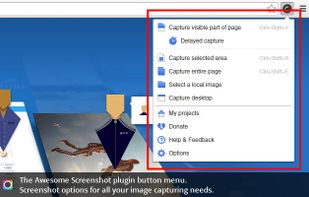
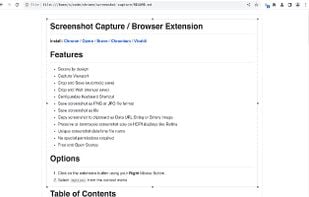
Capture full web page screenshots in Firefox, Chrome, Opera, Pale Moon or Internet Explorer Quick screenshots and annotations!
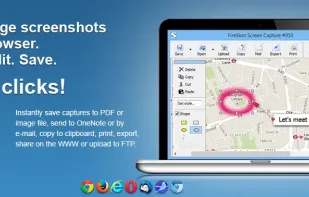
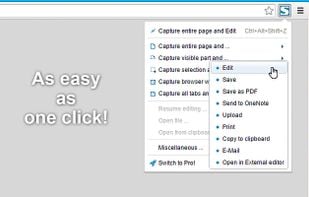


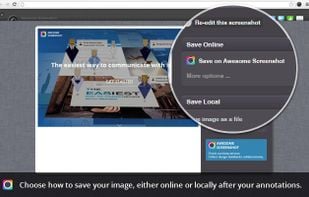
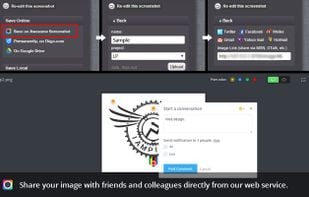
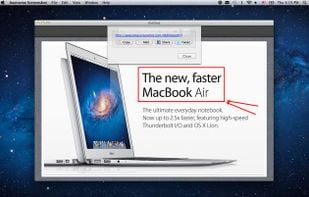
Capture the whole page or any portion, annotate it with rectangles, circles, arrows, lines and text, one-click upload to share.


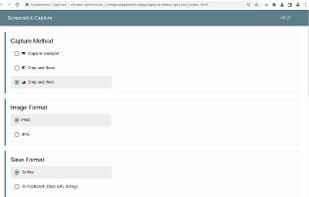
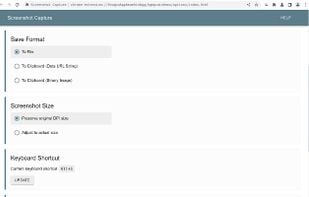
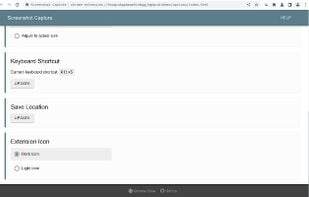

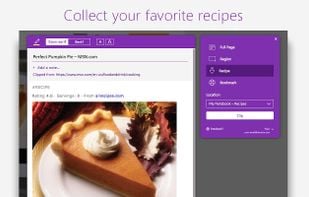
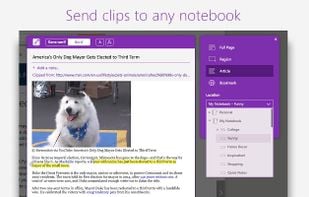
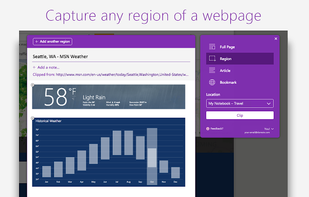
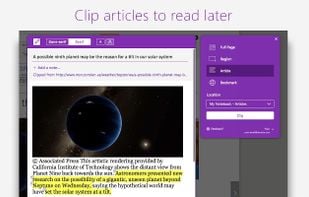
You're busy. OneNote Web Clipper lets you quickly clip all or part of a web page to OneNote, and save it for later. Clip images, pdfs, videos, or a visual bookmark of a page. Best of all, you can access them from any computer, tablet, or phone - even when you're offline.


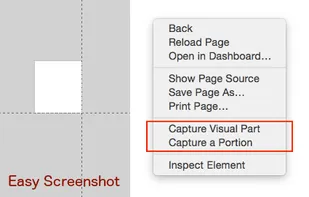
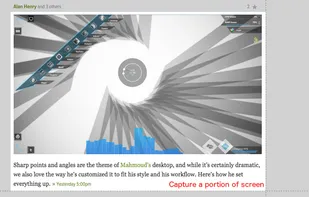
Easy Screenshot is an easy to use screen capture tool. Simply press one of the context menu items to capture entire or a portion of your screen.


The simplest way to take a full page screenshot of your current browser window. Click on the extension icon (or press Alt+Shift+P), watch the extension capture each part of the page, and be transported to a new tab of your screenshot where you can download it as an image or PDF...
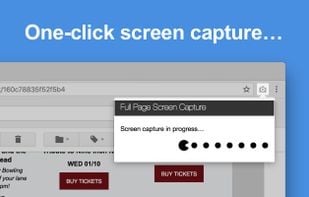
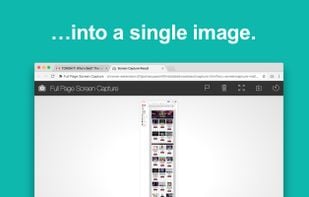

This extension is able to capture 100% of both the vertical and horizontal content appearing on any webpage on the Internet. It is very easy to save the captured file onto your computer or print it / or share it to any social network.



This extension is able to capture 100% of both the vertical and horizontal content appearing on any webpage on the Internet.
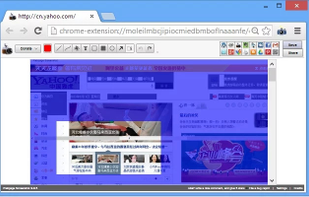
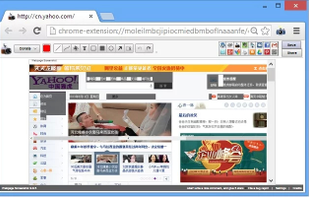
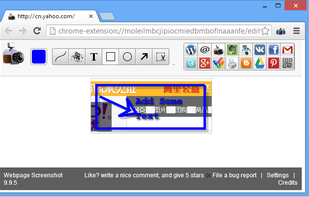
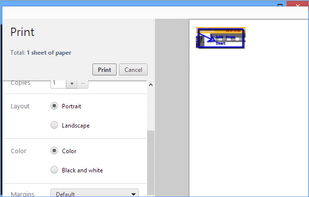


Gemoo's Website Screenshot Screenshot Tool lets you capture high-quality PNG, JPEG or PDF screenshots of entire webpages. You can also use our Bulk Website Screenshot feature to capture multiple screenshots at once, displayed as a slide view and easily shareable via copy...


 Russia


