WinQuickLook Alternatives

WinQuickLook is described as 'Allows you to select a file in Windows Explorer or on your desktop and then simply press the spacebar to see the contents of the file without having to open it with a special application' and is an app. There are more than 10 alternatives to WinQuickLook for a variety of platforms, including Mac, Linux, Windows, Flathub and GNOME apps. The best WinQuickLook alternative is Folder Quick Look, which is free. Other great apps like WinQuickLook are Preview, Eye of GNOME, Kiview and Seer Pro.

Copy a direct link to this comment to your clipboard
WinQuickLook alternatives page was last updated

Alternatives list

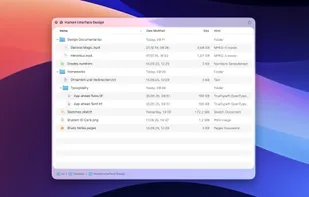
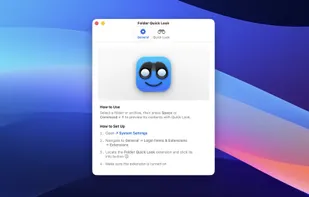
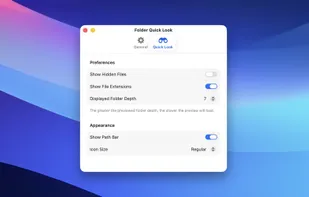
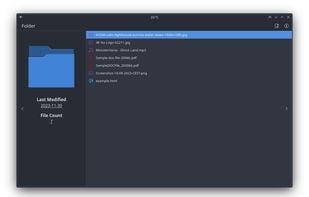
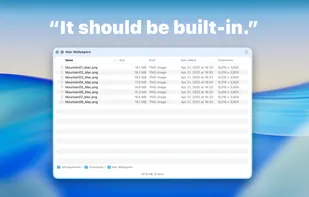
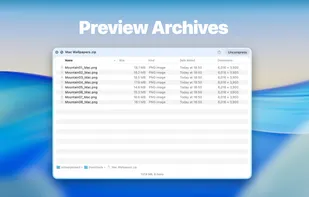
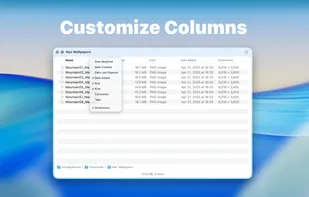
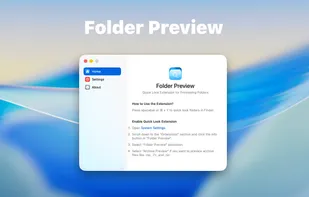
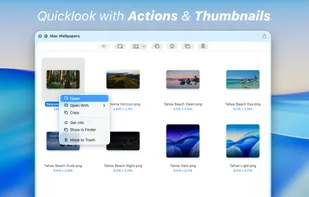
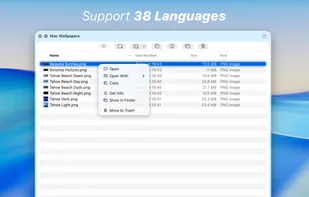
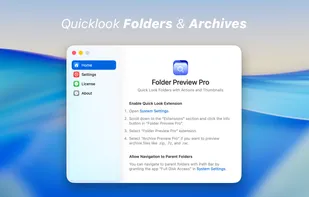
  1. Folder Quick Look is a macOS extension that enhances the system’s Quick Look feature by allowing users to instantly preview the contents of folders and compressed archives without opening them. Once installed, you can simply select a folder or supported archive format (such as...

    Cost / License

    • Free
    • Proprietary

    Platforms

    • Mac
     
    • Folder Quick Look is the most popular Mac alternative to WinQuickLook.

    • Folder Quick Look is the most popular free alternative to WinQuickLook.

    • Folder Quick Look is Free and ProprietaryWinQuickLook is Paid and Open Source
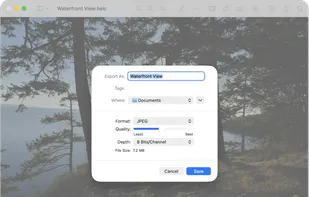
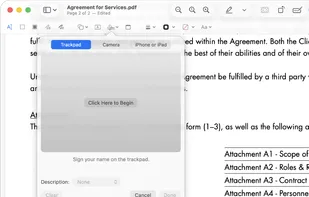
  2. Preview icon
     123 likes

    Native macOS app for viewing, annotating, and editing images and PDFs, featuring tools for cropping, rotating, resizing images, rearranging pages, full-screen viewing, markup, document merging, batch conversion, and export in multiple formats.

    169 Preview alternatives

    Cost / License

    • Free
    • Proprietary

    Application types

    Platforms

    • Mac
    • iPhone
    • iPad
     
    • Preview is the most popular iPhone & iPad alternative to WinQuickLook.

    • Preview is Free and ProprietaryWinQuickLook is Paid and Open Source
    • Preview is LightweightWinQuickLook is not according to our users
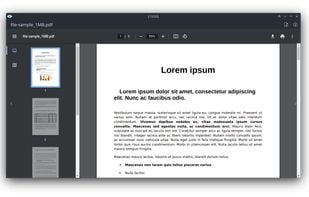
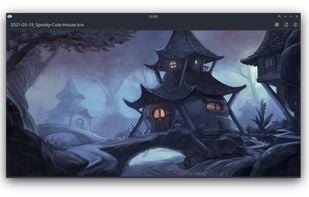
  3. Eye of GNOME icon
     48 likes

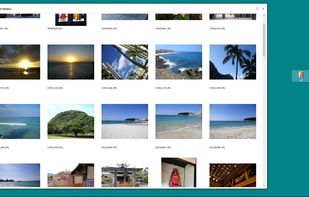
    Eye of GNOME is the official image viewer for the GNOME Desktop environment. With it, you can view single image files, as well as large image collections. The Eye of GNOME supports a variety of image file formats.

    91 Eye of GNOME alternatives

    Cost / License

    Application types

    Platforms

    • Linux
    • Flathub
    • GNOME
     
    • Eye of GNOME is the most popular Linux alternative to WinQuickLook.

    • Eye of GNOME is the most popular Open Source alternative to WinQuickLook.

    • Eye of GNOME is Free and Open SourceWinQuickLook is Paid and Open Source
    • Eye of GNOME is Privacy focused and LightweightWinQuickLook is not according to our users
  4. Kiview icon
     4 likes

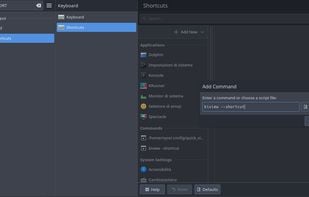
    Kiview gives the user the ability to quickly preview different file types without the need to launch the default application.

    Cost / License

    Platforms

    • Linux
    • Flathub
    • Dolphin File Manager
    • Flatpak
     
  5. Seer Pro icon
     23 likes

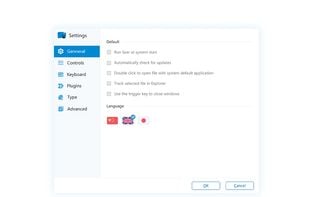
    This is a quick look tool for Windows. Acts just like the one in OS X , but Seer is more powerful and faster.

    16 Seer Pro alternatives

    Cost / License

    • Pay once
    • Proprietary

    Application type

    Platforms

    • Windows
     
    • Seer Pro is the most popular Windows alternative to WinQuickLook.

    • Seer Pro is the most popular commercial alternative to WinQuickLook.

    • Seer Pro is Paid and ProprietaryWinQuickLook is Paid and Open Source
  6. eye of MATE icon
     2 likes

    eom or the Eye of MATE is a simple graphics viewer for the MATE desktop which uses the gdk-pixbuf library. It can deal with large images, and can zoom and scroll with constant memory usage. Its goals are simplicity and standards compliance. Eye of MATE is a fork of Eye of GNOME.

    Cost / License

    • Free
    • Open Source

    Application type

    Platforms

    • Linux
     
  7. Quick Eye icon
     1 like

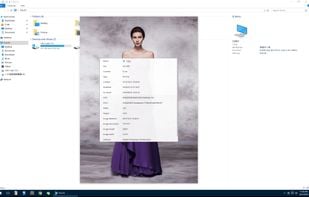
    Quick Eye is a quick look application for Windows. Just press the space bar to quickly preview files. This software is also recommended for people who are used to macOS.

    Cost / License

    • Pay once
    • Proprietary

    Platforms

    • Windows
     
  8. When Quick Look spacebar preview of your Mac doesn't work and you end up with the thumbnail of the photo, you can use Quick Look Fix from the menu bar.

    Cost / License

    • Pay once
    • Proprietary

    Platforms

    • Mac
     
10 of 10 WinQuickLook alternatives