Writage Alternatives

Writage is described as 'New add-in for Word, which enables to edit Markdown documents. Zero knowledge of Markdown is required in order to write structured documents. No need to remember markup for hyperlink or footnote, or how to format a table' and is an app. There are more than 50 alternatives to Writage for a variety of platforms, including Mac, Windows, Linux, Web-based and iPhone apps. The best Writage alternative is Typora. It's not free, so if you're looking for a free alternative, you could try ghostwriter or Mark Text. Other great apps like Writage are Rentry.co, StackEdit, Hemingway Editor and ReText.

Copy a direct link to this comment to your clipboard
Writage alternatives page was last updated

Alternatives list

  1. Typora icon
     326 likes

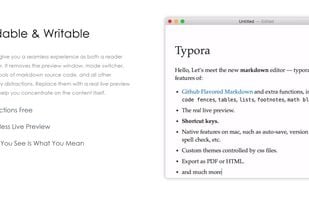
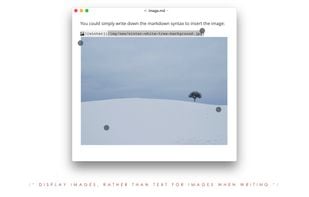
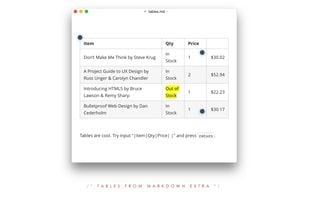
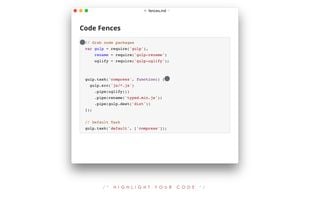
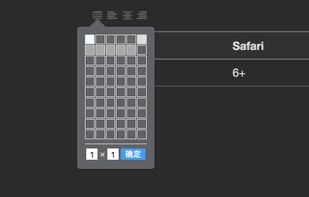
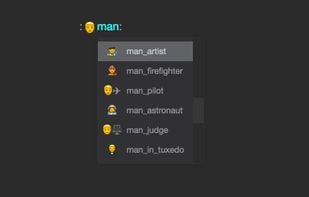
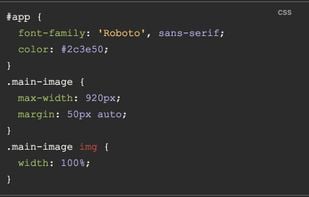
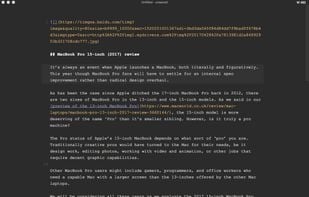
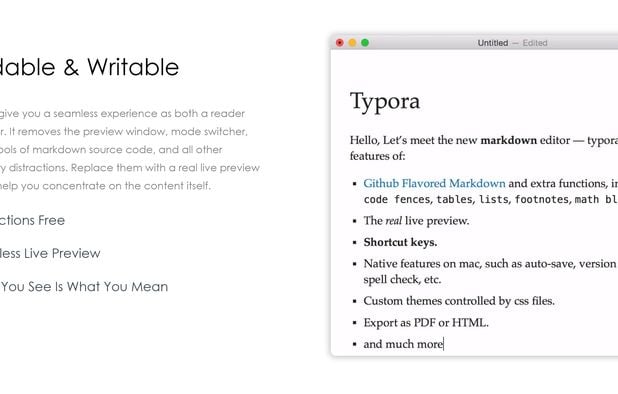
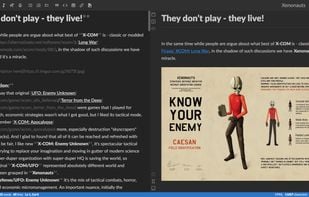
    A minimalist Markdown editor offering cross-platform synchronization, live preview, and seamless export/import in various formats like PDF, DOCX, and LaTeX. Features include distraction-free Focus and Typewriter modes, file management with tree and articles panels, and content organization through an outline panel.

    178 Typora alternatives

    Cost / License

    • Paid
    • Proprietary

    Application type

    Platforms

    • Mac
    • Windows
    • Linux
    • Electron
     
    |
    1
    Comments about Typora as an Alternative to Writage
    Guest
    Negative
    0

    Writage is a document converter, not a document editor.

    Review by a new / low-activity user.
    Typora icon
    • Typora is Paid and ProprietaryWritage is also Paid and Proprietary
    • Typora is Lightweight, Minimalistic and CustomizableWritage is not according to our users
  2. ghostwriter icon
     109 likes

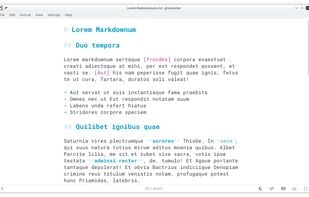
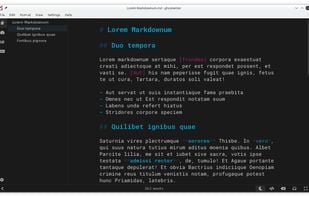
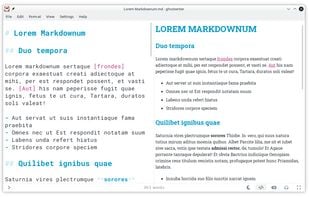
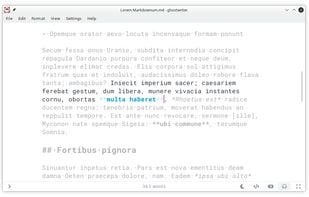
    ghostwriter is a feature-rich text editor using Markdown syntax which makes it suitable for note-taking, document redaction, simple HTML website creation and much more.

    139 ghostwriter alternatives

    Cost / License

    Application type

    Alerts

    • Discontinued

    Platforms

    • Mac
    • Windows
    • Linux
    • Snapcraft
    • Flathub
    • Haiku
     
  3. Mark Text icon
     120 likes

    Open-source Markdown editor on Mac, Windows, and Linux offering real-time preview, clean interface, and various themes. Supports math expressions, exports HTML/PDF, allows image pasting, and more.

    106 Mark Text alternatives

    Cost / License

    • Free
    • Open Source (MIT)

    Application type

    Alerts

    • Discontinued

    Platforms

    • Mac
    • Windows
    • Linux
     
  4. StackEdit icon
     90 likes

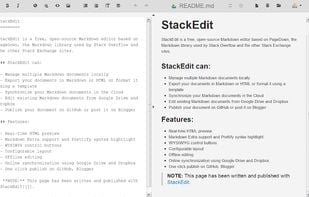
    Full-featured, open-source Markdown editor based on PageDown, the Markdown library used by Stack Overflow and the other Stack Exchange sites.

    Cost / License

    Application type

    Alerts

    • Discontinued

    Platforms

    • Online
    • Chrome OS
    • Google Chrome
     
  5. ReText icon
     49 likes

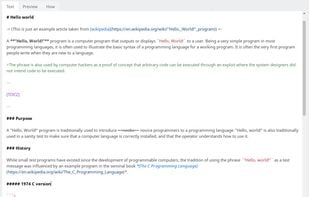
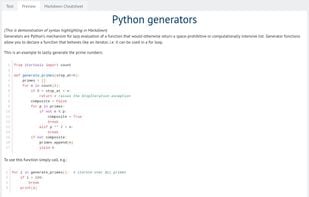
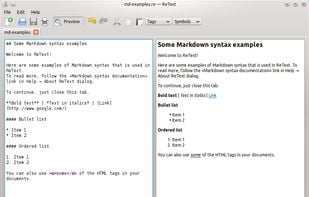
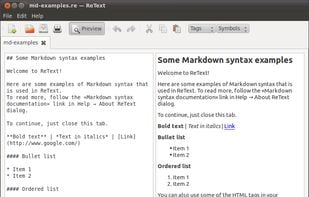
    ReText is a simple text editor for Markdown and reStructuredText documents with syntax highlighting and optional live preview.

    Cost / License

    • Free
    • Open Source

    Application type

    Platforms

    • Mac
    • Windows
    • Linux
    • BSD
     
  6. SXMac icon
     1 like

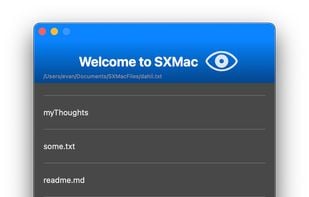
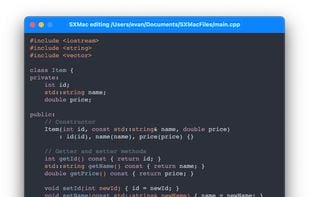
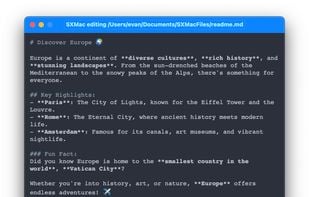
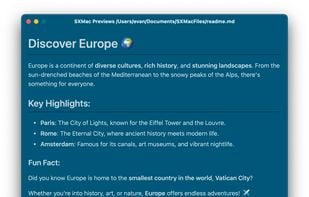
    SXMac is a light, notes like app that can be used as a rich text editor, markdown editor and preview, code editor with more than 100 supported languages. If you need specific files or anything else in one place.

    Cost / License

    • Free
    • Open Source

    Application type

    Platforms

    • Mac
     
  7. MacDown icon
     23 likes

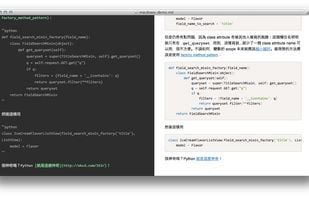
    MacDown is an open source Markdown editor for macOS, released under the MIT License. It is heavily influenced by Chen Luo’s Mou.

    57 MacDown alternatives

    Cost / License

    • Free
    • Open Source

    Application type

    Alerts

    • Discontinued

    Platforms

    • Mac
     
  8. Haroopad icon
     69 likes

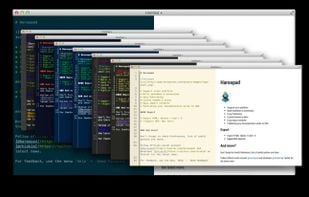
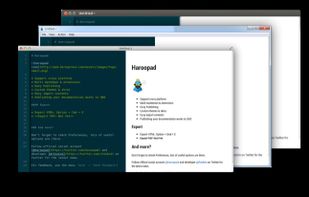
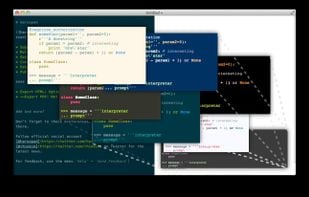
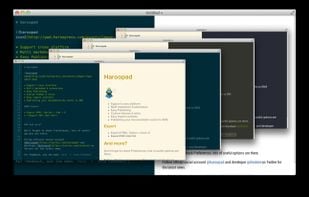
    Haroopad is a markdown enabled document processor for creating web-friendly documents. You can author various formats of documents such as blog article, slide, presentation, report, and e-mail as if experts did.

    Cost / License

    Application type

    Alerts

    • Discontinued

    Platforms

    • Mac
    • Windows
    • Linux
     
  9. MarkdownPad icon
     63 likes

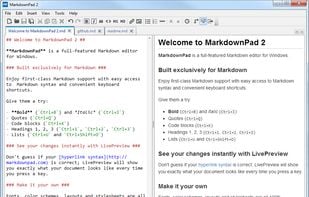
    MarkdownPad is a full-featured Markdown editor for Windows. Features: LivePreview : Instantly see how your documents look in HTML as you create them. Easy formatting with keyboard shortcuts. Markdown formatting can be applied (and removed) with handy keyboard shortcuts and toolb.

    97 MarkdownPad alternatives

    Cost / License

    • Freemium
    • Proprietary

    Application type

    Alerts

    • Discontinued

    Platforms

    • Windows
     
12 of 58 Writage alternatives