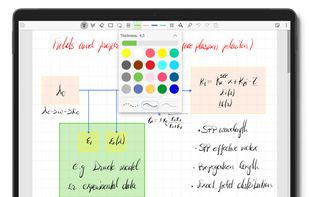
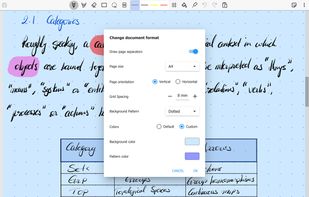
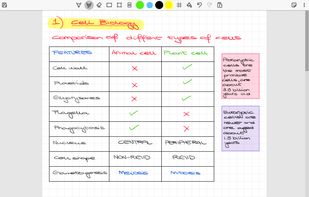
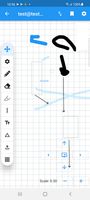
Scrivano is a notetaking application for handwritten notes.
Cost / License
- Free Personal
- Proprietary
Application type
Platforms
- Windows
- Linux



+2


Xournal++ is described as 'Handwritten notes and PDF annotation app with pen input, shape drawing, customizable toolbar, image insertion, audio recording, and multi-platform support' and is a very popular Note-taking tool in the office & productivity category. There are more than 50 alternatives to Xournal++ for a variety of platforms, including Windows, Mac, Android, Linux and Web-based apps. The best Xournal++ alternative is Notesnook, which is both free and Open Source. Other great apps like Xournal++ are Microsoft OneNote, Excalidraw, Evince and MuPDF.
Scrivano is a notetaking application for handwritten notes.

Safe Notes is a security project aimed at providing an encrypted, private note manager that works locally and protects notes from various threat actors.
 India
India
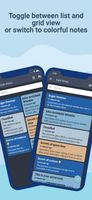



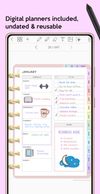
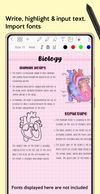
Get starting with digital planning and note taking on an Android tablet with a Bluetooth stylus.
 United States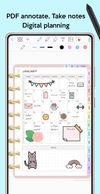


Collectives is a Nextcloud App for activist and community projects to organize together. Come and gather in collectives to build shared knowledge.
 Germany
 EU
EU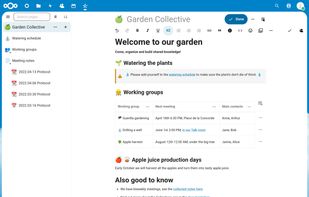


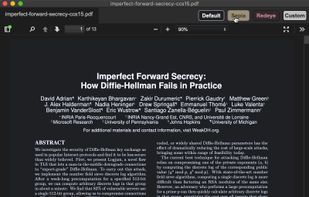
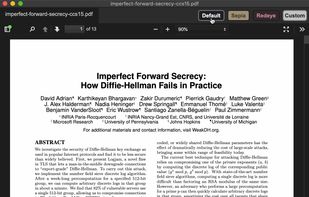

Notetaking and blackboard replacement application. Inspired by Xournal. Written in C++/Qt for Linux / Windows. It has the ability to annotate PDF files and has a few other options (e.g. markdown support).

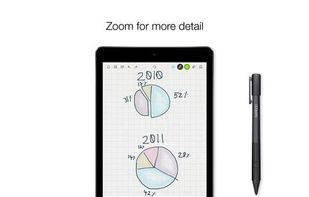
Bamboo Paper, a seriously fun new app from Wacom, provides you with the ability to create virtual notebooks for your tablet, letting you share your ideas visually with handwritten notes, sketches or doodles.
 Japan
Japan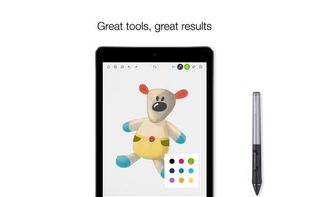


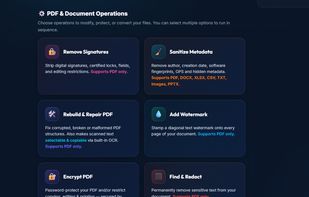
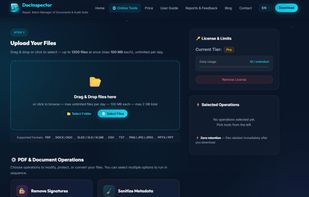
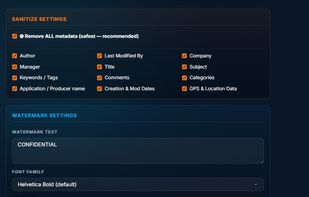
DocInspector is a professional, offline-first document processing and privacy-auditing application designed for legal, financial, and corporate teams. It enables users to clean, repair, and bundle large volumes of documents locally without relying on cloud services.
 Moldova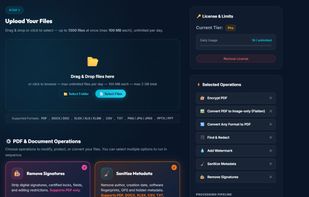


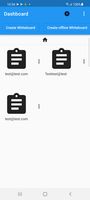
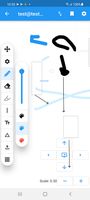
A offline and online Flutter Whiteboard with collaboration Features. Maintained in my free time. Currently demo is offline.


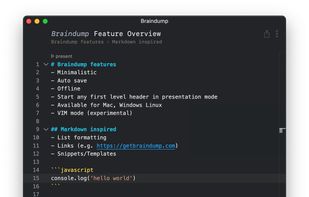
The digital notebook for developers, and makers. Ultra fast fuzzy search. Mouse or Keyboard only navigation. Pure markdown with auto formatting and indentation. Offline.
GermanyEU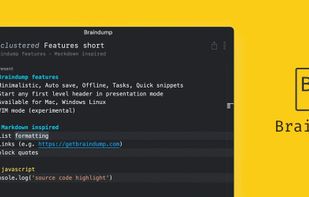


The simplest PDF viewer. Safe (doesn't require permissions), lightweight (just 6,9MB) and modern.
 ItalyEU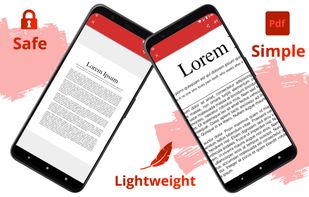


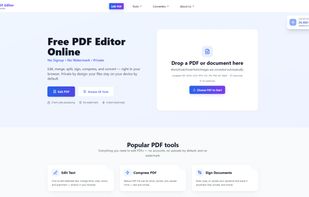
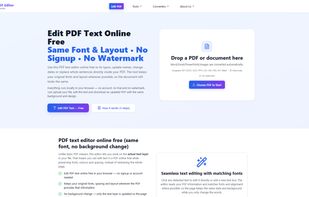
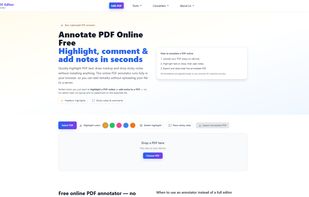
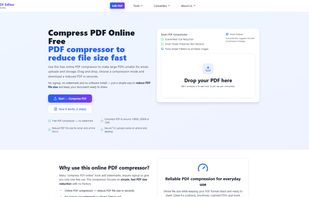
A privacy-first, client-side PDF editor that runs in your browser. Edit, annotate, merge/split, compress to target sizes, OCR scanned PDFs, and convert files—no signup, no watermark.
 Pakistan