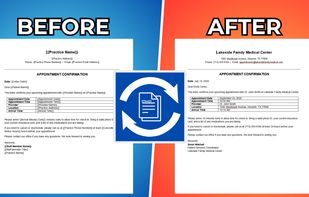
Apps tagged with 'Document Automation Templates'

All apps in Apps tagged with 'Document Automation Templates' category. Use the filters below to narrow down your search. 
Copy a direct link to this comment to your clipboard
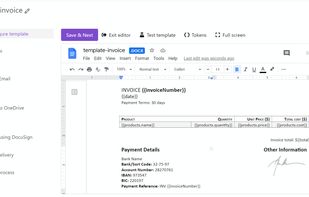
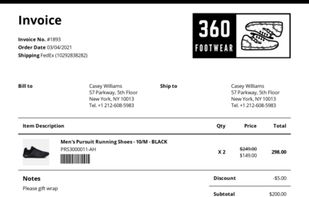
  1. Document automation software that integrates with your favorite apps to generate documents seamlessly.

    Cost / License

    • Paid
    • Proprietary

    Platforms

    • Online
    • Software as a Service (SaaS)
    • US flagUnited States
    Intuitive UI
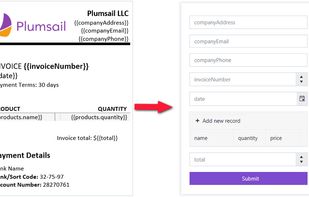
    Auto-generated web forms for each document template
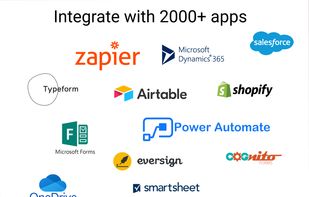
    Integrations with thousands of apps
    6 alternatives
  2. Docamatic icon
     2 likes

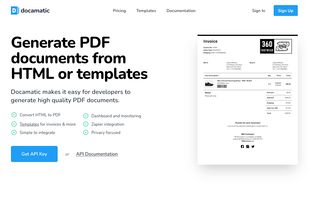
    Easily generate high quality PDF documents from HTML or templates. Fast, scalable and privacy focused PDF generation API.
    Cost / License

    • Freemium
    • Proprietary

    Platforms

    • Software as a Service (SaaS)
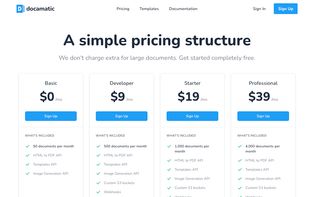
    Docamatic screenshot 1
    Docamatic screenshot 1
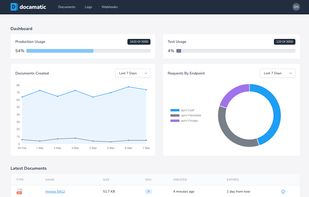
    Docamatic screenshot 2
    +1
    Docamatic screenshot 3
    37 alternatives
  3. XpressDox icon
     1 like

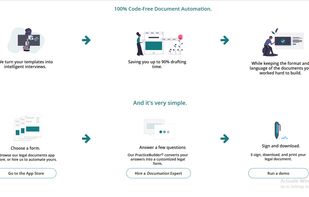
    Document automation software with AI-powered template creation, integration with Microsoft Word, secure data reuse, advanced interview design, and robust APIs.

    Cost / License

    • Paid
    • Proprietary

    Platforms

    • Windows
    • Microsoft Word
    • ZA flagSouth Africa
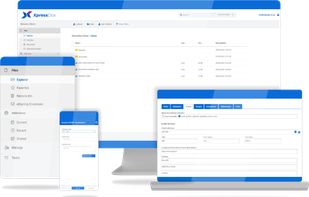
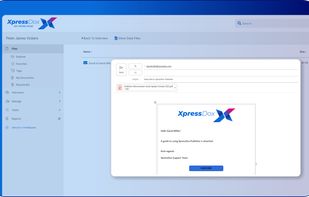
    XpressDox screenshot 1
    XpressDox screenshot 1
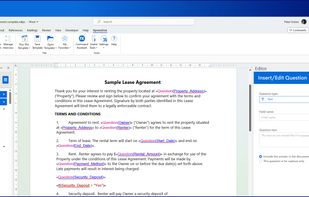
    XpressDox screenshot 2
    +3
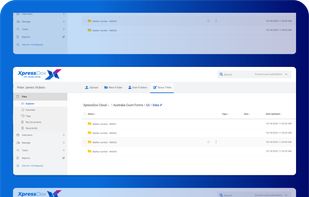
    XpressDox screenshot 3
    16 alternatives
  4. Biin Online icon
     2 likes

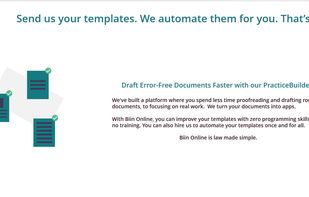
    We've built a platform where you spend less time proofreading and drafting routine documents, to focusing on real work. We turn your documents into apps.

    Cost / License

    • Free
    • Proprietary

    Platforms

    • Software as a Service (SaaS)
    Biin Online screenshot 1
    Biin Online screenshot 1
    Biin Online screenshot 2
    15 alternatives
  5. AXDRAFT icon
     Like

    AXDRAFT helps enterprises draft documents 70% faster and shorten approval time by 4-7 days. Implementation time: 1-3 weeks.
    Cost / License

    • Paid
    • Proprietary

    Platforms

    • Online
    • Self-Hosted
    • Software as a Service (SaaS)
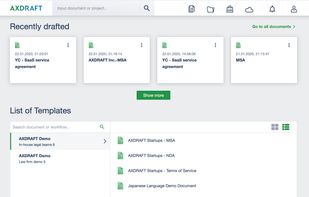
    AXDRAFT automates your templates for you. No DIY. 

Give us your templates or documents and we will launch an automated drafting process in 2 weeks.

Personalized setup for each customer and each document.
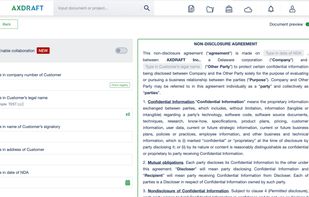
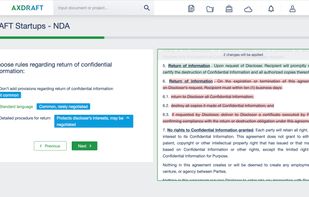
    AXDRAFT transforms document drafting process from erroneous and time consuming copy and paste into a quick and mistake-free Q&A. Draft documents in minutes instead of hours.

On top of this AXDRAFT is not a “black box”. Thanks to live preview, users always see and control in real time how their inputs are impacting the underlying legal document.
    AXDRAFT integrates data from public registers and your internal databases directly into your document in seconds. 

On top of that data is automatically transferred into all transaction documents: NDA, sales agreement and order form - all completed in one click.

With AXDRAFT you will have fewer manual inputs and more accurate, up-to-date data.
    +3
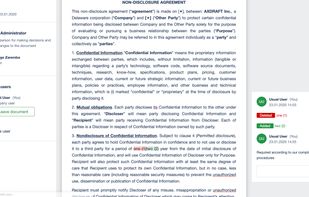
    Forget about back and forth via email and hidden redlines. AXDRAFT allows you to collaborate internally with real-time redline, approvals and complete version control.

Invite your vendors and customers to collaborate with you on legal documents without the need for them to be registered users of AXDRAFT.
    1 alternatives
  6. Templater is a library designed to generate documents from existing Office templates. This allows you to create beautiful reports in a fraction of time compared to other solutions.

    Cost / License

    Platforms

    • Mac
    • Windows
    • Linux
    • Self-Hosted
    • GB flagUnited Kingdom
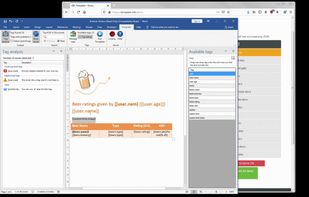
    Templater Reports screenshot 1
  7. TextReplacer is a Word document automation tool that lets you turn DOCX files into reusable templates using placeholders and generate completed Word or PDF documents.

    Cost / License

    • Paid
    • Proprietary

    Application type

    Platforms

    • Online
    • GB flagUnited Kingdom
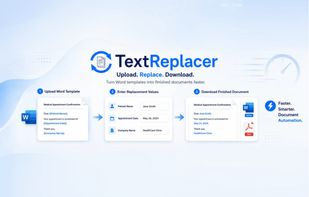
    A banner showing what TextReplacer does.
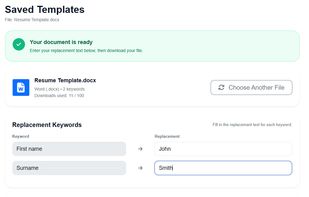
    Showing the user interface of the tool in use.
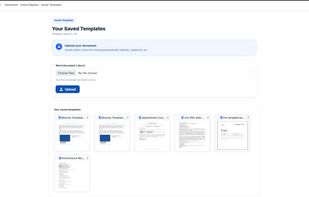
    Showing the Saved Templates page which the user can see all their documents saved in the cloud.
    +3
    Before and after using TextReplcer.
    15 alternatives