

+3



Windows Audio Loudness Equalizer
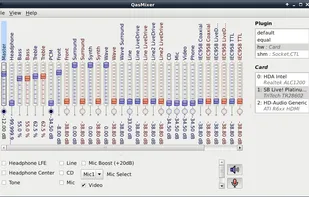
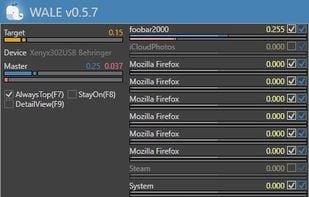
Wale calculates appropriate volume of each app in real time from app's average peak level and try to equalize peak levels of each app to desired level.
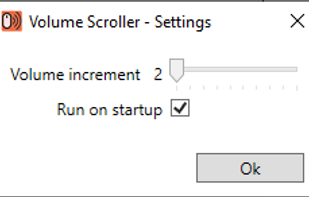
Volume Scroller allows you to quickly change the system volume. All you have to do is hold the mouse pointer over the taskbar and turn the mouse wheel.

VolWheel is a little application which lets you control the sound volume easily through a tray icon you can scroll on. It is written in Perl/Gtk2 and works both for ALSA and OSS. You can configure it quickly through its configuration interface.
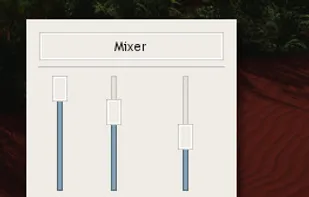

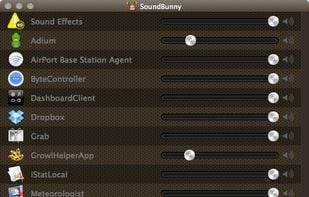

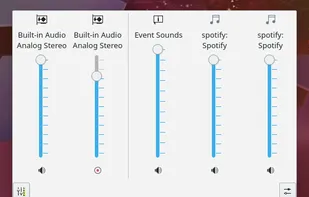
KMix is an application to allow you to change the volume of your sound card. Though small, it is full-featured, and it supports several platforms and sound drivers.

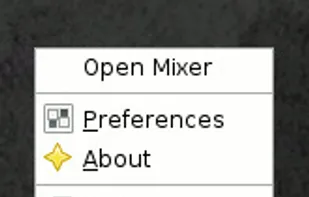
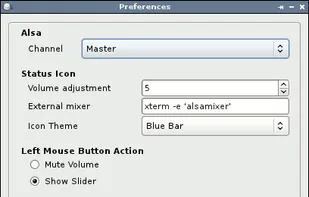
Volume Icon aims to be a lightweight volume control that sits in your systray. It is often used in conjuction with the lightweight tint2 panel/taskbar.


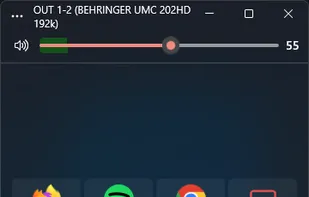
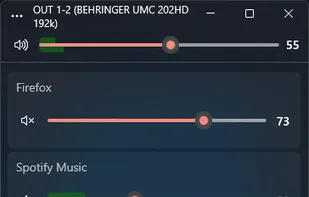
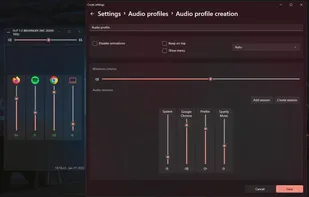

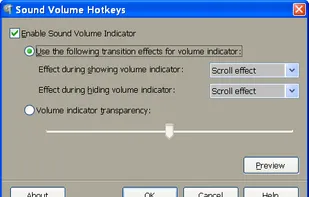
This tool allows to control sound volume using system-wide hotkeys. Customizable on-screen sound volume indicator will show you the current level.



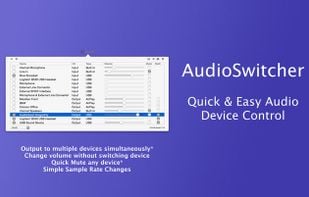
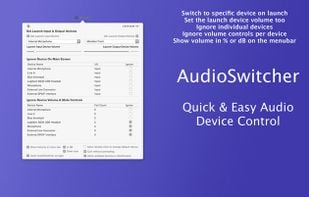
Simple, always ready menubar app that allows you to switch quickly between available input and output devices*

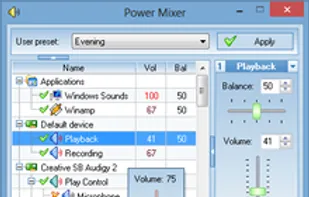
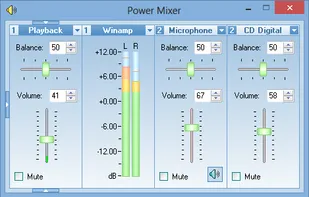
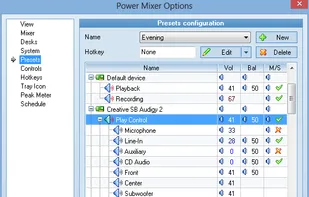
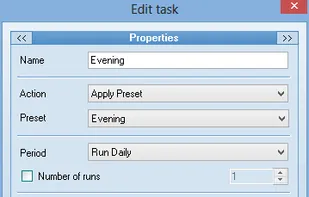
Power Mixer is a complete Windows volume control replacement. It includes audio mixer, scheduler, hot keys support, command line support, the ability to store and recall different presets.

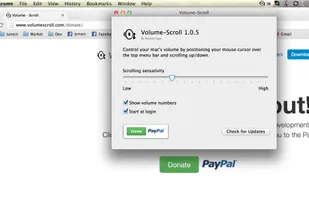
Volume Scroll lets you control your main volume by hovering with your mouse cursor over the top menubar and scrolling up or down to change your volume.

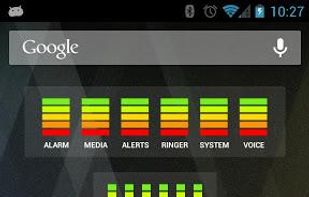
Audio Manager is a home-screen Widget and Volume manager that allows you to get live readings of your current volume levels on your Android phone. Tap on the widget to adjust the volume levels.
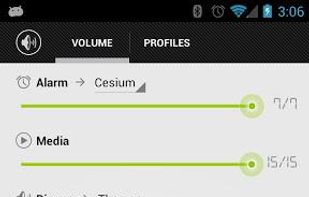
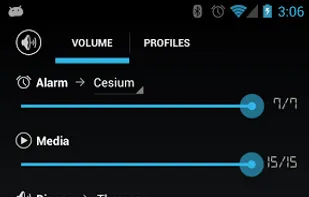
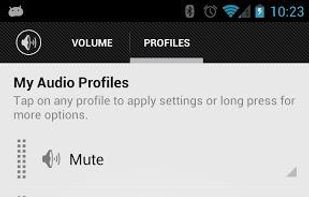

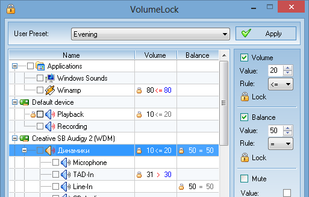
VolumeLock is an easy-to-use audio control utility that gives you the freedom in loudness control. With this program you can guarantee that the volume settings of your PC will never be changed unexpectedly.
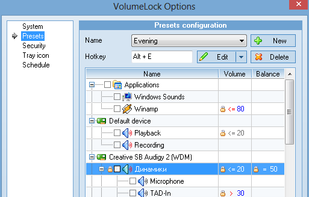
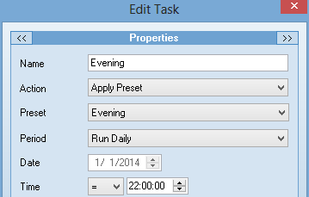
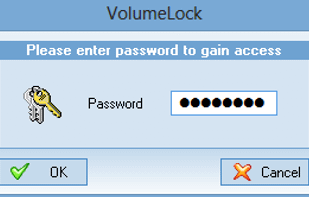

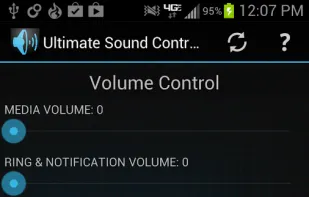
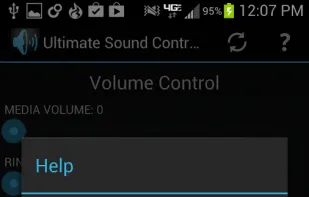
Easily adjust the phone's ringer/notification volume, media volume, alarm volume, system volume, and call volume.
Software that enables you to connect to and control your Windows audio. You can control the audio of individual applications down to device inputs and outputs, all through whatever MIDI controller you have to hand.

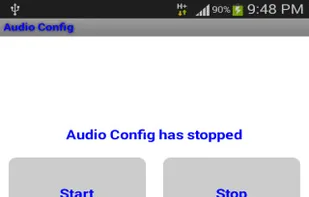
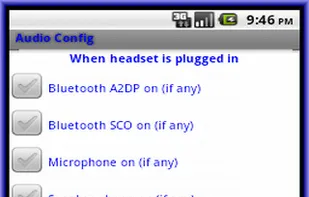
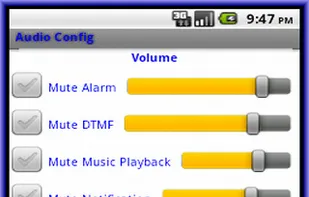
This app help to centralize all audio settings related like various streams volume control, mute-ness and default action to take when headset plug in or plug out in one place. Although most other apps already have something similar, the option to control some of the features are...

Stream audio wirelessly with your Philips TV, soundbars, and speakers. Whether listening to music or watching the big game, never miss a moment with the ease and flexibility of Philips Sound, powered by DTS(R) Play-Fi(R) .
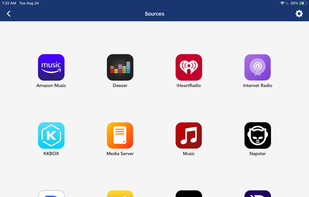
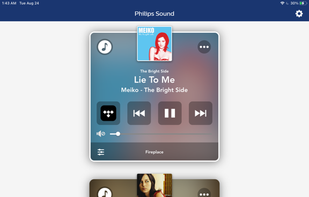
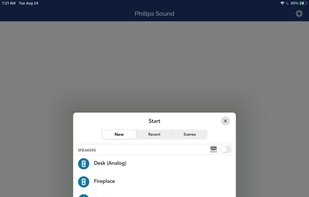
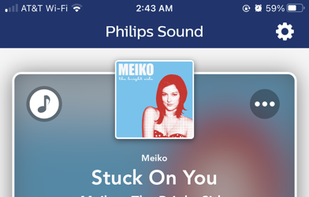

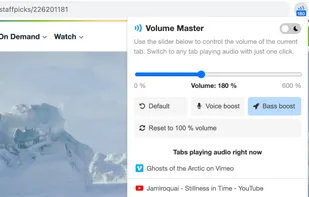

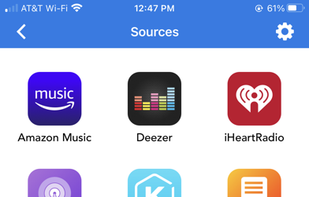
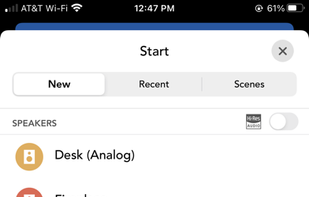
Breakthrough DTS Play-Fi(R) technology powers simple, great-sounding whole-home wireless audio systems for smartphones and tablets. You can stream your favorite tunes over Wi-Fi right from the Play-Fi app to speakers from DTS Play-Fi product partners.
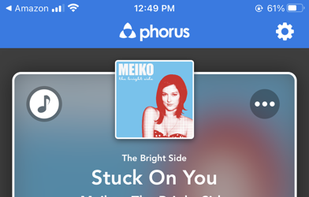
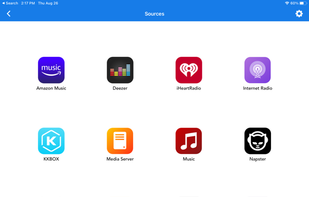

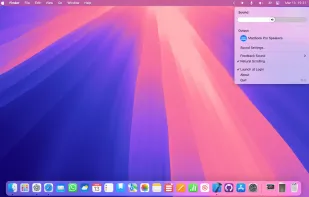
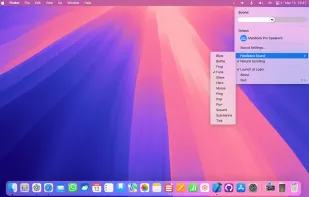
Instantly adjust your Mac’s volume with a smooth scroll gesture! Elegant, intuitive, and distraction-free—take full control of audio with just your fingertips.

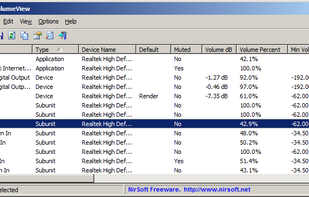
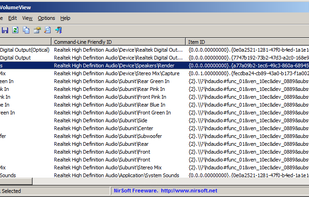
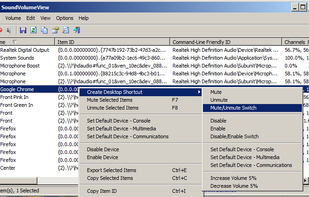
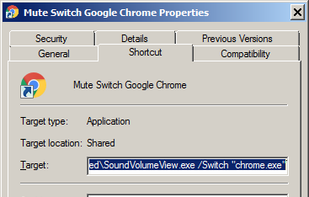
Displays information and current volume level for all active sound components on your system, enables saving a sound profile into a shortcut file to load later, or changing individual settings via a shortcut file with extensive command line support.

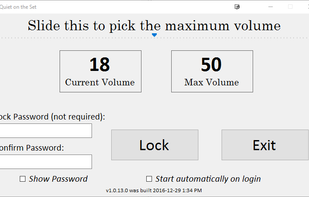
Prevent someone from turning up the volume on a Windows machine beyond a maximum volume


 Germany
 EU
EU


 United States


 Singapore

 Czechia


 Israel