C++ Development Tools

All apps in C++ Development Tools category. Use the filters below to narrow down your search. 
Copy a direct link to this comment to your clipboard
  1. Bloodshed Dev-C++ is a full-featured Integrated Development Environment (IDE) for the C/C++ programming language. It uses Mingw port of GCC (GNU Compiler Collection) as it's compiler. Dev-C++ can also be used in combination with Cygwin or any other GCC based compiler.

    Cost / License

    • Free
    • Open Source

    Application type

    Alerts

    • Discontinued

    Platforms

    • Windows
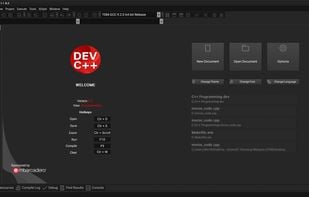
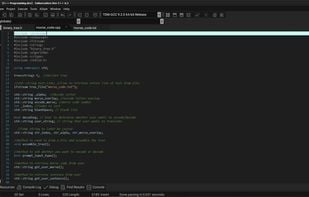
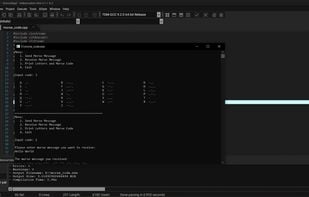
  2. Embarcadero Dev-C++ is a new and improved fork (sponsored by Embarcadero) of Bloodshed Dev-C++ and Orwell Dev-C++. It is a full-featured Integrated Development Environment (IDE) and code editor for the C/C++ programming language.

    Cost / License

    Application types

    Platforms

    • Windows
    Embarcadero Dev-C++ screenshot 1
    Embarcadero Dev-C++ screenshot 1
    Embarcadero Dev-C++ screenshot 2
  3. PVS-Studio icon
     17 likes

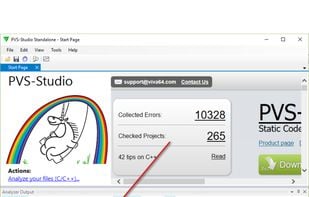
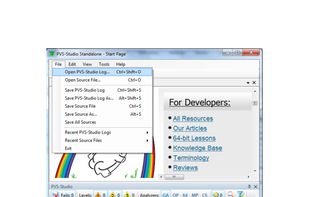
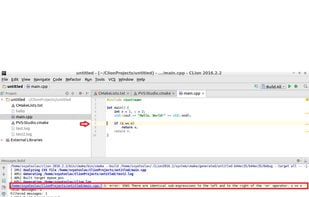
    PVS-Studio is a static analyzer that detects errors in source code of C, C++ and C# applications. The PVS-Studio tool is intended for developers of contemporary applications and it integrates into the Visual Studio 2005/2008/2010/2012/2013 environment.

    Cost / License

    • Paid
    • Proprietary

    Platforms

    • Windows
    • Linux
    • MinGW
    • Microsoft Visual Studio
    • clang
    PVS-Studio screenshot 1
    PVS-Studio screenshot 1
    PVS-Studio screenshot 2
    10 alternatives
  4. CppCode icon
     3 likes

    CppCode is an offline C/C++ IDE & Compiler:

    • compile C/C++ code offline (no internet connection required)
    • built-in libc and libc++
    • safe (no data sent to any servers)
    • code complete
    • real-time diagnostics (warnings and errors) and fixes
    • built-in file navigator (varia.

    Cost / License

    • Freemium
    • Proprietary

    Application types

    Platforms

    • iPhone
    • iPad
    CppCode screenshot 1
    CppCode screenshot 2
    CppCode screenshot 3
    29 alternatives
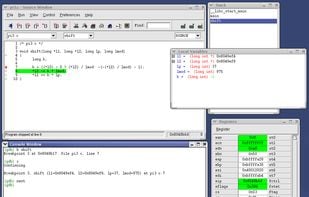
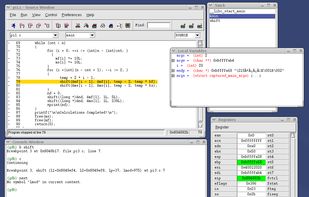
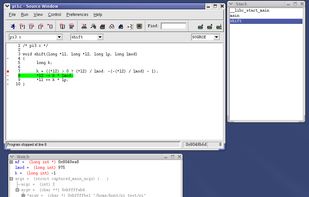
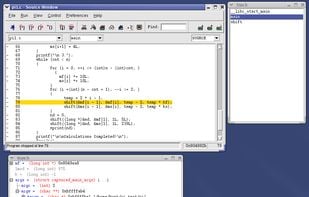
  5. DDD is a graphical front-end for command-line debuggers such as GDB, DBX, WDB, Ladebug, JDB, XDB, the Perl debugger, the bash debugger bashdb, the GNU Make debugger remake, or the Python debugger pydb. Besides ``usual'' front-end features such as viewing source texts...

    Cost / License

    • Free
    • Open Source

    Platforms

    • Linux
    • BSD
    • Cygwin
    GNU Data Display Debugger screenshot 1
    GNU Data Display Debugger screenshot 2
    GNU Data Display Debugger screenshot 3
    10 alternatives
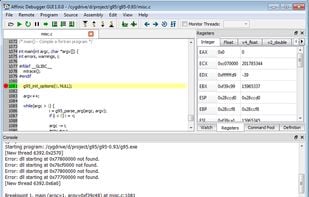
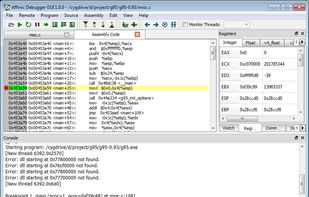
  6. Affinic Debugger GUI .aka. ADG, is designed as a graphical user interface for various debuggers. With the graphical windows, ADG can unleash the full power of debuggers by viewing multiple types of information within one view and maneuvering debuggers with easily clicking.

    Cost / License

    • Freemium
    • Proprietary

    Platforms

    • Mac
    • Windows
    • Linux
    Main Window
    Assembly Code Viewer
    [Mac OS X]
  7. Kdbg icon
     Like

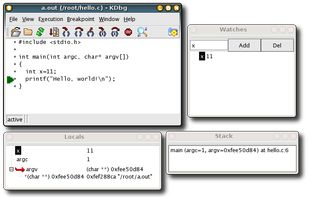
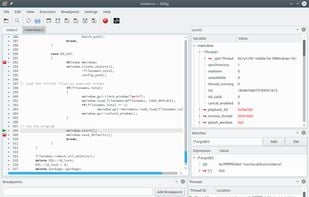
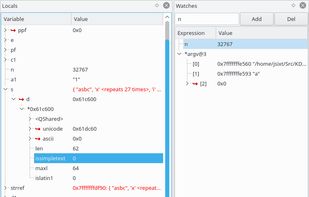
    KDbg is a graphical user interface to gdb, the GNU debugger.It provides an intuitive interface for setting breakpoints,inspecting variables, and stepping through code.

    Cost / License

    • Free
    • Open Source

    Platforms

    • Linux
    Kdbg screenshot 1
    Main Window
    Variables and Watches
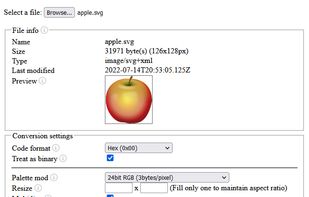
  8. An online tool that can convert any file to a C style array. It can also handle image color format and size conversion.

    Cost / License

    • Free
    • Open Source (MIT)

    Platforms

    • Online
    Interface
    4 alternatives
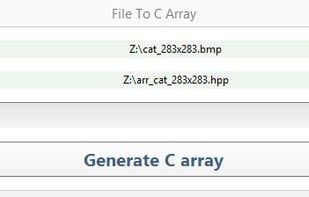
  9. File To C Array is a tool that generates a C array from the contents of any file. Such arrays can be used as a way of embedding resource files into an executable binary, gaining access to the resource files without having to use platform-dependent code.

    Cost / License

    • Free
    • Open Source

    Platforms

    • Windows
    User interface
    4 alternatives