


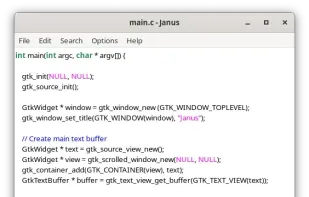
Janus is a simple, native Linux text editor. Supports UTF-8 and binary data through it's binary editing mode. Spiritual successor to Leafpad.
Basic Notepad is a plain and simple text editor. You can use this wonderful too to process your plain text documents easy without any text formatting.
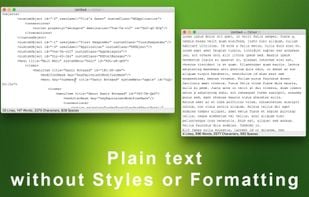
PlainPad offers a myriad of options to customize the writing environment to your own needs and preferences. Whether quick notes, ideas, tasks or extensive texts, PlainPad offers an environment for all types of writing to put your thoughts into words.
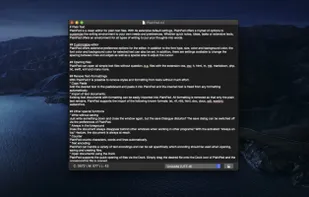
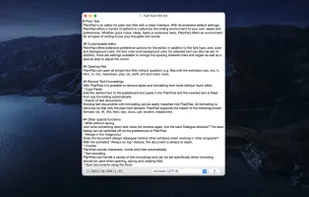
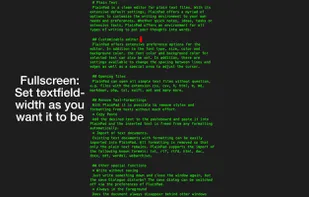

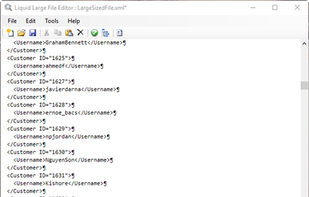
The large file editor looks and feels like any other text editor, but with one significant difference, it can open and edit huge files instantly, essential for any big data projects.

WD Officepad may not be one of the normal text editing applications that you may have likely come across while looking for one. This is because of its unique design principles and build style. From the ground up, its designed for users who want simplicity, ease-of-use and beauty...

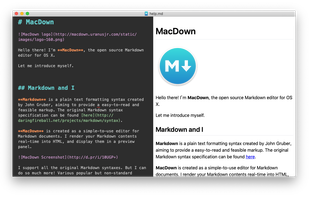
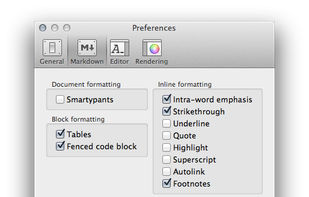
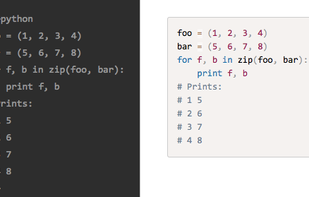 +1
+1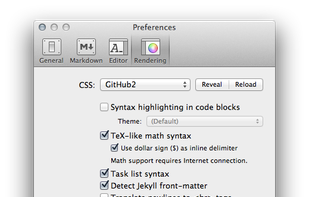

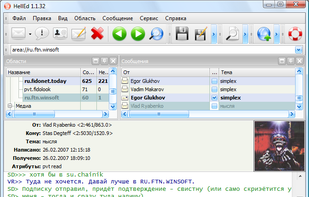
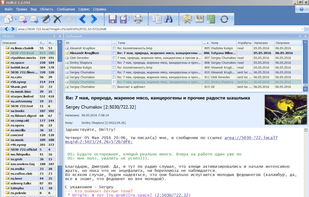
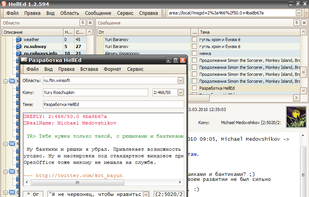
HellEd is full-featured FTN message editor with a graphical interface. Uses husky smapi library to access message bases. Works on Windows XP/Vista. Requires Microsoft .NET Framework 2.0.
 +3
+3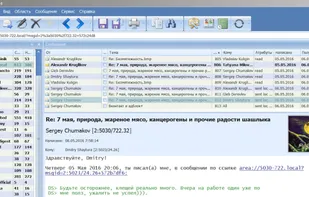

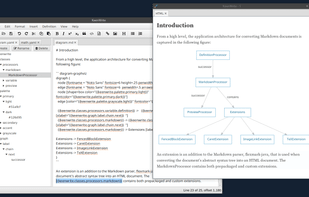
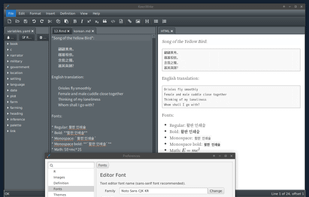
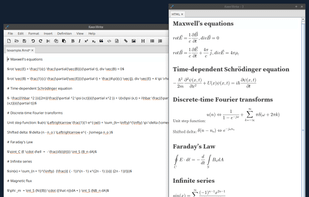
A free, open-source, cross-platform desktop Markdown editor for producing beautifully typeset PDFs.
 +5
+5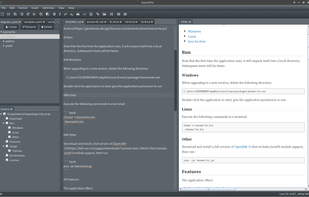

 +8
+8
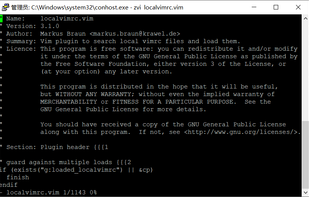
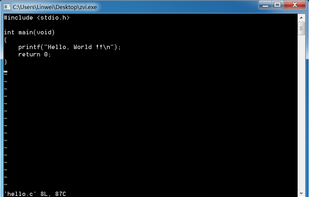
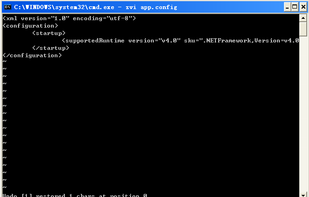

A plain text editor that you can use to create, edit, and save text-based documents in real-time on the Internet. It is the best Wordpad online over conventional notepad software that you can use offline.
Cost / License
- Free
- Proprietary
Application types
Platforms
- Online
- Android
- iPhone
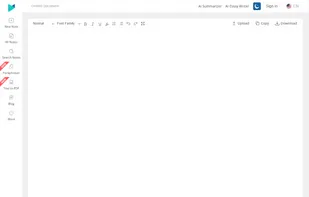
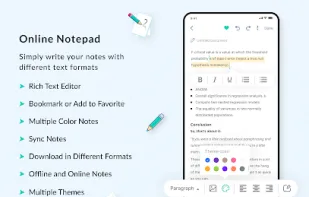

SplitMark is a minimal, Quill-based online text editor with robust markdown support. It combines a clean and simple user interface with the power of rich-text editing and markdown capabilities, giving you a distraction-free yet powerful writing experience.


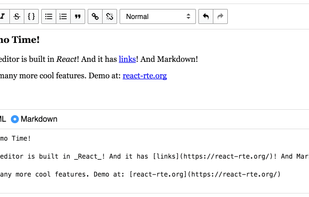
React Rich Text Editor is a UI component built completely in React that is meant to be a full-featured textarea replacement. It's based on the excellent, open source Draft.js from Facebook which is performant and production-tested.
Cost / License
- Freemium
- Proprietary
Platforms
- Self-Hosted
- React
- JavaScript

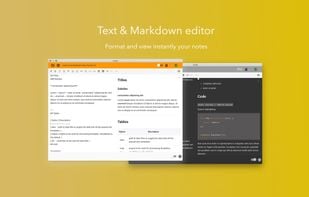
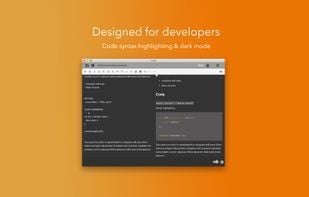
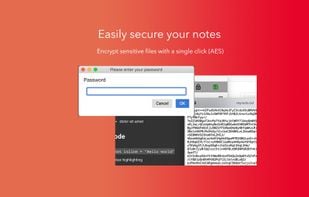
Free text and markdown editor. Developer friendly thanks to integrated Dark mode and syntax highlighting of code. Secure your notes on the fly with our AES encoder. Multi-notes and draft support. Available on all platforms.
 +1
+1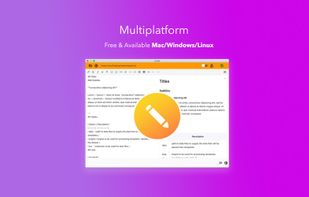


 Hungary
 EU
EU

 United States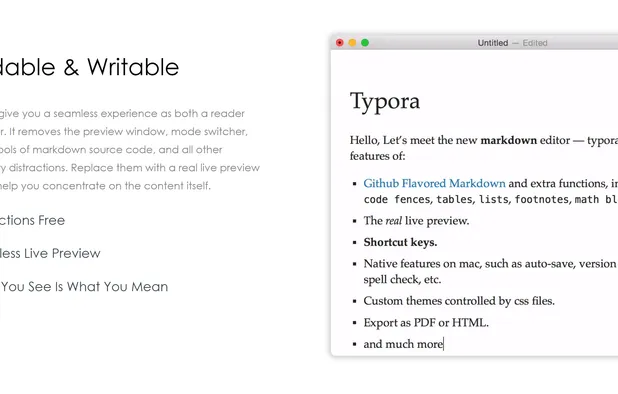



 Canada
 Isle of Man


