




Visual Studio Code
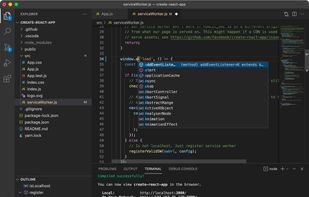
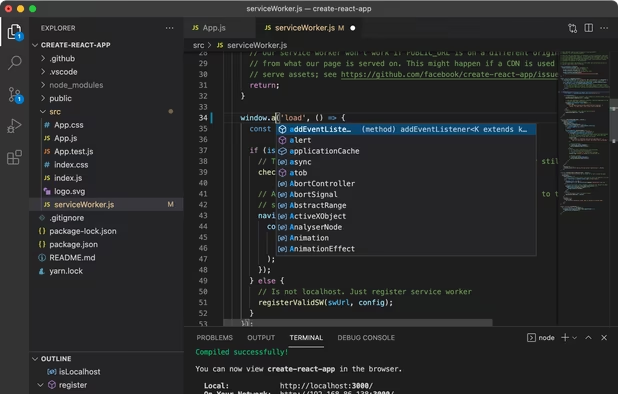
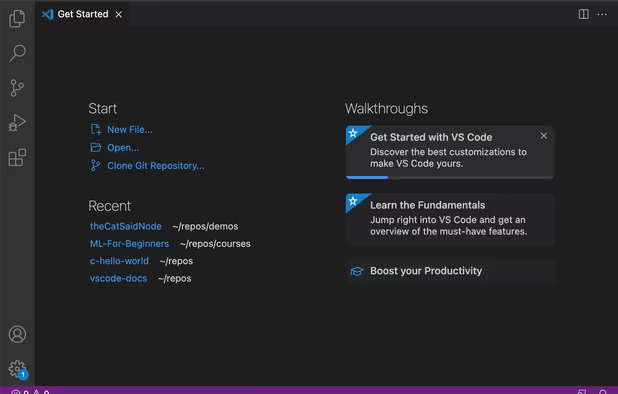
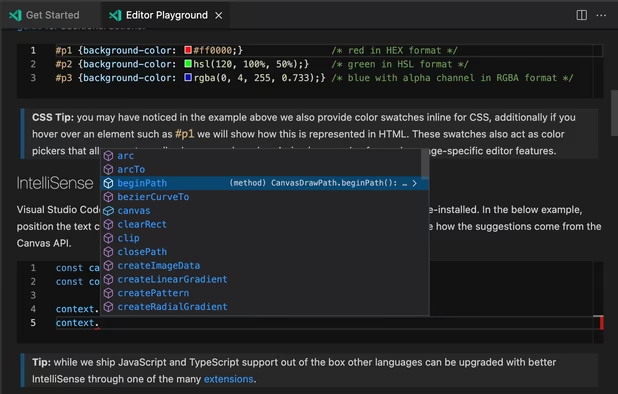
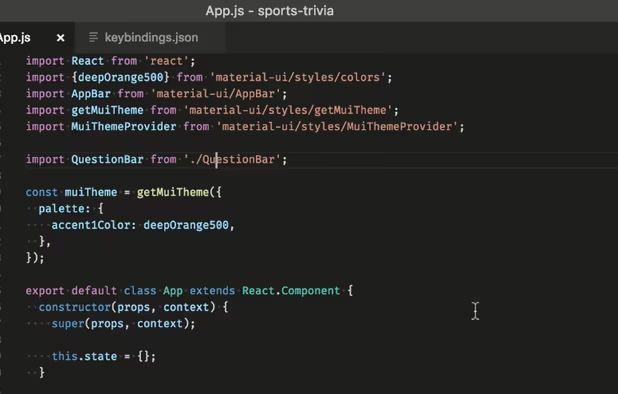
Free and extensible code editor with built-in Git support, smart IntelliSense, integrated debugger, 30,000+ extensions, works offline, supports markdown and syntax highlighting for numerous languages.
Cost / License
- Free
- Proprietary (MIT)
Application typeApplication types
Platforms
- Mac
- Windows
- Linux
- Online
- Chrome OS
- Snapcraft

Features


Visual Studio Code News & Activities
Recent News
- Fla published news article about ReSharper
 ReSharper 2026.2 adds agent protocol support and debugging for VS Code
ReSharper 2026.2 takes the first step toward supporting ACP-based agents in Visual Studio, beginnin...
- Fla published news article about Visual Studio Code
 Visual Studio Code 1.125 adds web search, configurable extension update delay
Visual Studio Code 1.125 introduces an integrated browser that allows users to search the web and b...
- Maoholguin published news article about Mistral Vibe
 Mistral AI relaunches its Le Chat chatbot as Vibe with work automation & new coding tools
Mistral AI has rebranded Le Chat as Vibe, turning its consumer chatbot into a broader AI work agent...


Recent activities
- Vexty liked Visual Studio Code
- Burak-KAYA liked Visual Studio Code
- thumbrella liked Visual Studio Code
 Everton-Kozloski added Visual Studio Code as alternative to Aurapunk IDE
- KickStartAi liked Visual Studio Code
- daniel_threadovo liked Visual Studio Code
- CJessop-Company liked Visual Studio Code
- Lunatik56 liked Visual Studio Code
- magicscraper liked Visual Studio Code
- Taha-Bozdemir-5443 liked Visual Studio Code


Featured in Lists
All the tools, services and so on that we use when we develop AlternativeTo. AlternativeTo is built with Next.JS and...

This is going to be a list of the free tools/software that can be used mostly in any field. it's based on websites...

After a fresh Windows installation, new users might get frustrated by the weakness of the default Microsoft apps. So,...

What is Visual Studio Code?
Visual Studio Code information
Developed by
 Microsoft
 Licensing
Proprietary (MIT) and Free product.Written in
Rating
Average rating of 4.2Alternatives
234 alternatives listedNews
54 news article related to Visual Studio CodeBadge
Get an embeddable badge for Visual Studio CodeSupported Languages

AlternativeTo Categories
Development, Office & Productivity, OS & UtilitiesGitHub repository
- 167,636 Stars
- 30,663 Forks
- 9178 Open Issues
- Updated


Comments and Reviews
Faster then atom. Fresher then notepad++. Freer then sublime text.
And more extensible than all three.
Fast, intuitive, extensible
It is actually NOT open source. Its base is open source, you have to compile it yourself since the binary you can download on the official page was actually MODIFIED and under a proprietary license! It's like the relationship between Chrome and Chromium, except that Google NEVER even tried to call the Chrome "open source", but Microsoft indeed does.
The name for the open source application is actually called "Code - OSS Dev".
Actually, VSCode developers says that "The cool thing about all of this is that you have the choice to use the Visual Studio Code branded product under our license or you can build a version of the tool straight from the vscode repository, under the MIT license. Here's how it works. When you build from the vscode repository, you can configure the resulting tool by customizing the product.json file. This file controls things like the Gallery endpoints, “Send-a-Smile” endpoints, telemetry endpoints, logos, names, and more. When we build Visual Studio Code, we do exactly this. We clone the vscode repository, we lay down a customized product.json that has Microsoft specific functionality (telemetry, gallery, logo, etc.), and then produce a build that we release under our license." They seems to be light and reversible customizations.
[Edited by dany111, December 18] https://github.com/Microsoft/vscode/issues/60
Things seem to be more complex. See: https://github.com/Microsoft/vscode/issues/31168#issuecomment-317319063 https://github.com/VSCodium/vscodium/blob/master/DOCS.md#proprietary-debugging-tools https://github.com/Microsoft/vscode/issues/49159
[Edited by dany111, June 14]
One of the tenets of the FOSS philosophy is that you can create derivative works from a FOSS product for whatever purpose, including commercial. Now Microsoft has done exactly that: It has created branded binaries from its own FOSS code. And there is a good reason behind that; they need to protect their customers against backspaceware. (The same goes for the popular Google Chrome.)
Hard to argue with the default. The extension marketplace is the real moat, even as the app drifts further from lightweight editor with every release.
Great overall editor with an incredible library of extensions. It can get a bit resource-heavy with too many plugins, but it's still my primary go-to.
Fast, free, tons of extensions. My daily editor.
My fav IDE. Has everything I want. Unlimited themes, font customisations. I really like the AI side chat.
This used to be a good IDE until they forced their AI extension to be installed by default and cannot be uninstalled. Disabling it doesn't even turn it off.