Window Managers for Mac

All apps in Window Managers for Mac category. Use the filters below to narrow down your search. 

Popular filters:

Copy a direct link to this comment to your clipboard
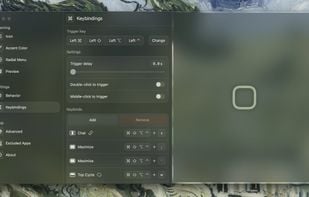
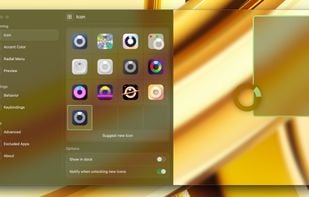
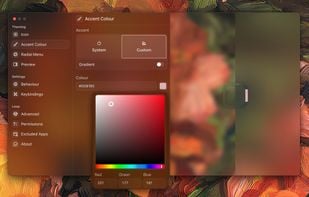
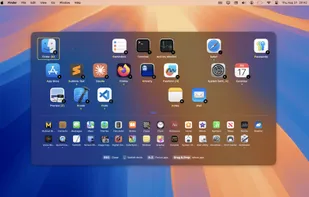
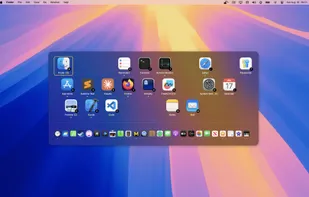
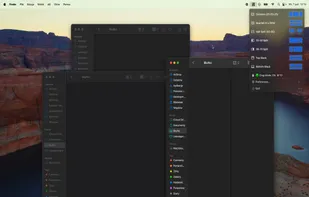
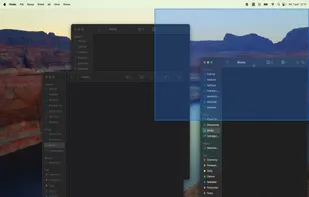
  1. Loop is a macOS app that simplifies window management for you! You can effortlessly choose your window direction using a radial menu triggered by a simple key press, and customize it according to your preferences with personalized colors and settings.

    Cost / License

    Application type

    Platforms

    • Mac
    Loop - Window Management screenshot 1
    Loop - Window Management screenshot 1
    Loop - Window Management screenshot 2
    +10
    Loop - Window Management screenshot 3
    32 alternatives
  2. SnapZones icon
     9 likes

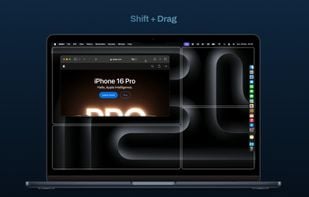
    Effortlessly organize and align windows using intuitive controls. Choose from predefined or custom layouts and manage multiple displays with ease.

    Cost / License

    • Paid
    • Proprietary

    Application type

    Platforms

    • Mac
    SnapZones screenshot 1
    SnapZones screenshot 1
    53 alternatives
  3. MacsyZones icon
     5 likes

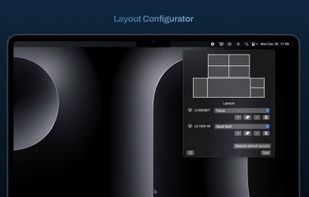
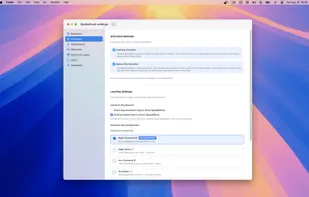
    Create custom layouts for organizing windows into zones, snap windows into place swiftly, and arrange macOS desktops for improved multitasking and workflow.

    Cost / License

    Application type

    Platforms

    • Mac
    MacsyZones screenshot 1
    54 alternatives
  4. Macscope icon
     4 likes

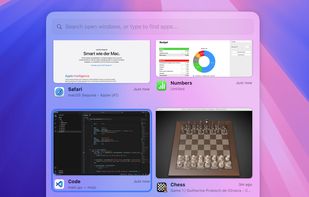
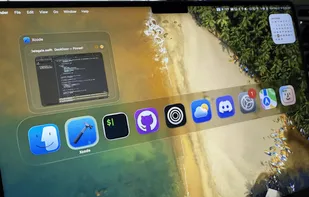
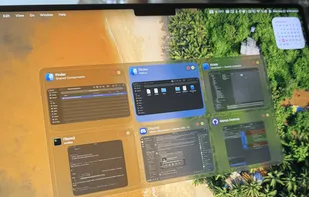
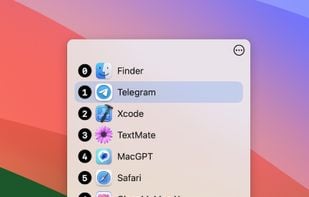
    The intelligent window switcher that transforms how you navigate macOS. Built for developers, designers, and anyone who values efficiency.

    Cost / License

    • Paid
    • Proprietary

    Application type

    Platforms

    • Mac
    Macscope screenshot 1
    22 alternatives
  5. Magnet icon
     28 likes

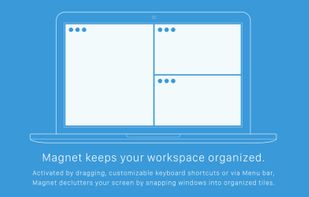
    Every time you multitask with many apps open, you need all the windows arranged accordingly. Magnet makes this process swift and easy.

    Cost / License

    • Paid
    • Proprietary

    Application type

    Platforms

    • Mac
    Magnet screenshot 1
    Magnet screenshot 1
    Magnet screenshot 2
    71 alternatives
  6. WindowKeys icon
     4 likes

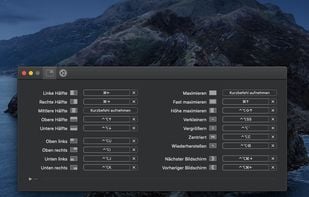
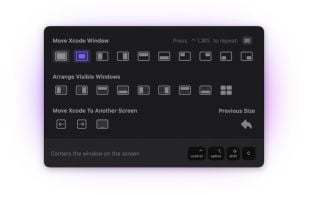
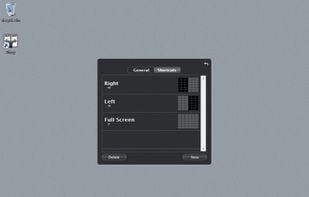
    Access all native macOS window tiling commands in one place — the Tiling Panel. Customize keyboard shortcuts and use them on any keyboard, even third-party ones.

    Cost / License

    • Free
    • Proprietary

    Application type

    Platforms

    • Mac
    WindowKeys screenshot 1
    52 alternatives
  7. DockDoor icon
     4 likes

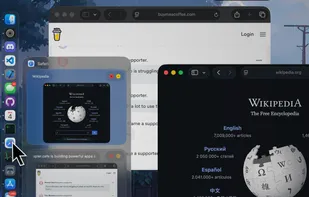
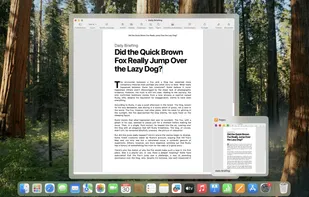
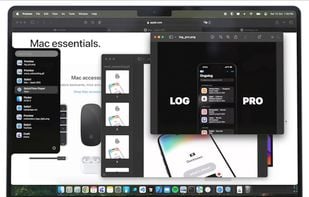
    Open-source utility for macOS that enables dock peeking, intuitive alt-tab navigation, seamless window management, and easy desktop integration.

    Cost / License

    Application type

    Platforms

    • Mac
    DockDoor screenshot 1
    DockDoor screenshot 1
    DockDoor screenshot 2
    +5
    DockDoor screenshot 3
    30 alternatives
  8. TabTab icon
     7 likes

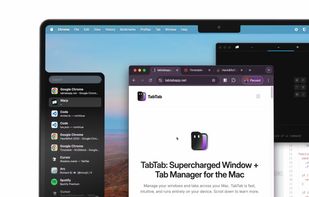
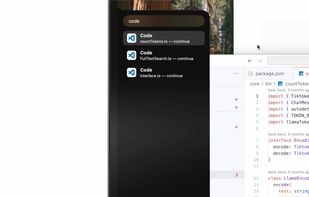
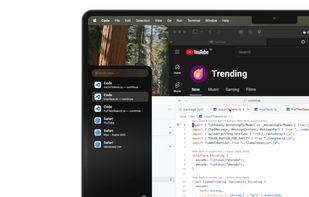
    TabTab is a native macOS app that will seriously elevate your window and tab management. Switch seamlessly between windows, navigate to individual tabs in apps like Chrome, VSCode, and Figma, and quickly search for any window or tab with ease.

    Cost / License

    • Freemium
    • Proprietary

    Application type

    Platforms

    • Mac
    TabTab screenshot 1
    TabTab screenshot 1
    TabTab screenshot 2
    +2
    TabTab screenshot 3
    24 alternatives
  9. Griddle icon
     2 likes

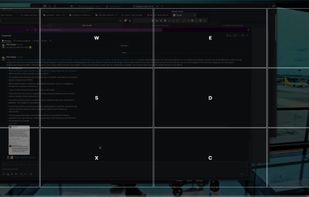
    A native macOS menu bar app that provides quick window tiling with keyboard shortcuts and visual grid overlay. Just press QWE, ASD to tile your windows instantly. DRM-free, one-time purchase for all your Macs.

    Cost / License

    • Paid
    • Proprietary

    Application type

    Platforms

    • Mac
    Griddle screenshot 1
    Griddle screenshot 1
    54 alternatives
  10. MacTiler icon
     1 like

    Split screen and organize windows on Mac with keyboard shortcuts, drag-and-drop zones, and professional layouts. Better than native Split View. Multi-monitor support.

    Cost / License

    • Paid
    • Proprietary

    Application type

    Platforms

    • Mac
    MacTiler screenshot 1
    MacTiler screenshot 1
    MacTiler screenshot 2
    52 alternatives
  11. Divvy icon
     65 likes

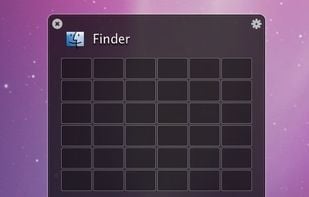
    Divvy is an entirely new way of managing your workspace. It allows you to quickly and efficiently "divvy up" your screen into exact portions.

    Cost / License

    • Paid
    • Proprietary

    Application type

    Alerts

    • Discontinued

    Platforms

    • Mac
    • Windows
    Divvy screenshot 1
    Divvy screenshot 1
    Divvy screenshot 2
    +4
    Divvy screenshot 3
    91 alternatives
  12. Quick Tab icon
     2 likes

    How many times a day do you find yourself pressing Command+Tab and then endlessly clicking Tab until you locate the desired application?

    Cost / License

    • Paid
    • Proprietary

    Application type

    Platforms

    • Mac
    Quick Tab screenshot 1
    23 alternatives
  13. Moom icon
     24 likes

    Moom makes window management as easy as clicking a mouse button—or using a keyboard shortcut, if you're one of those types of people.

    Cost / License

    • Paid
    • Proprietary

    Application type

    Platforms

    • Mac
    Pop-up positioning
    Click in the empty box below the pop-up palette, move the mouse to where you'd like the window to be, then click-and-drag out its new dimensions.
    Grab a window, drag it to an edge or corner, and release the mouse.
    +8
    Save and restore window layouts
    79 alternatives
  14. Contexts icon
     11 likes

    Switch between application windows effortlessly – with a click, a quick gesture, keyboard shortcuts or search; no matter how many of them you have open; even on multiple spaces & multiple displays.

    Cost / License

    • Paid
    • Proprietary

    Application type

    Alerts

    • Discontinued

    Platforms

    • Mac
    28 alternatives
  15. Amethyst icon
     21 likes

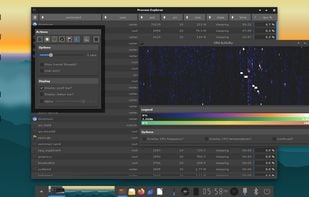
    Amethyst is a tiling window manager for Mac similar to the xmonad tiling window manager popular on Linux. Amethyst is written in Objective-C and has configurable shortcuts, multi-monitor support, multiple layouts, and the option to float certain applications.

    Cost / License

    • Free
    • Open Source (MIT)

    Application type

    Platforms

    • Mac
    Amethyst screenshot 1
    Amethyst screenshot 1
    101 alternatives
  16. snApp icon
     1 like

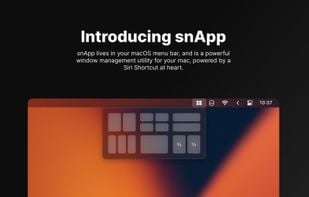
    snApp is a powerful window management utility, built for the Mac. At its core, it is powered by the award-winning Siri Shortcut, Snap. 

    Cost / License

    Application type

    Platforms

    • Mac
    snApp screenshot 1
    snApp screenshot 1
    58 alternatives