Apps with 'Registry Compare' feature

All apps in Apps with 'Registry Compare' feature category. Use the filters below to narrow down your search. 
Copy a direct link to this comment to your clipboard
  1. Uninstall Tool icon
     24 likes

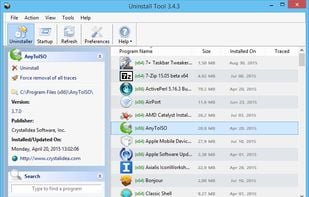
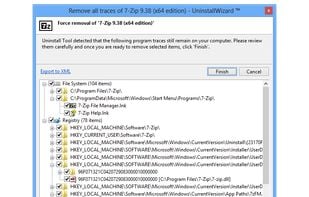
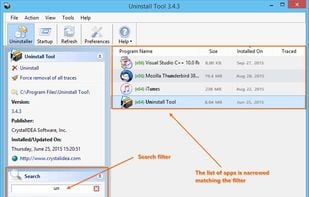
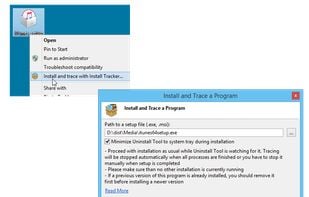
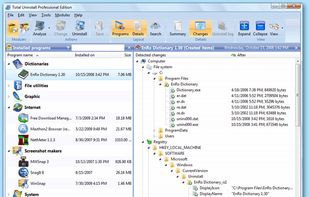
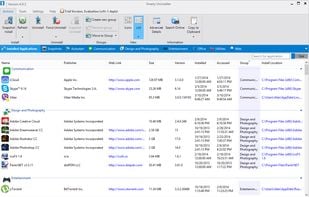
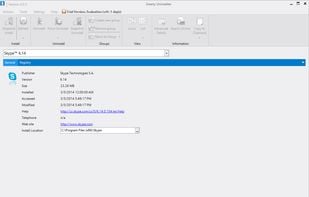
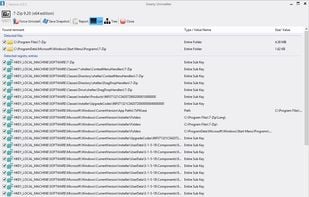
    Make your Computer Work Faster Now by using Uninstall Tool! Its a fast, secure and convenient way to remove unneeded applications and system components. Great, powerful and reliable alternative to standard Windows Add/Remove program.

    Cost / License

    • Paid
    • Proprietary

    Platforms

    • Windows
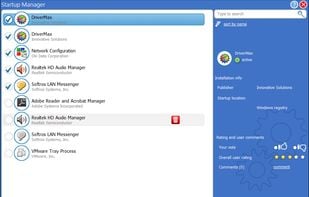
    Main Window
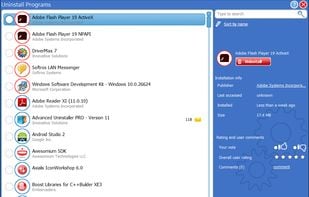
    Uninstall Wizard
    Filter Application List
    +2
    Track changes
  2. Regshot icon
     29 likes

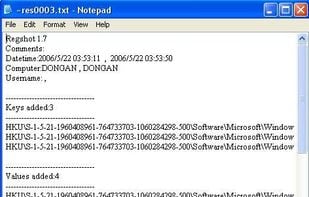
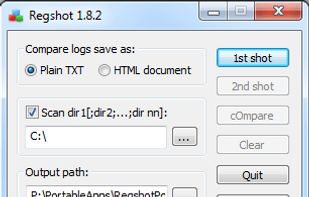
    Quickly take a snapshot of your registry and then compare it with a second snapshot. You can also specify folders (with subfolders) to be scanned for changes as well.

    Cost / License

    • Free
    • Open Source

    Platforms

    • Windows
    • PortableApps.com
    Regshot screenshot 1
    Regshot screenshot 1
    13 alternatives
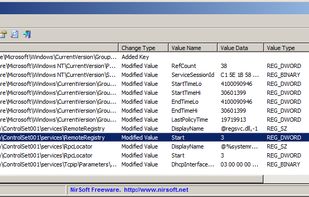
  3. RegistryChangesView is a tool for Windows that allows you to take a snapshot of Windows Registry and later compare it with another Registry snapshots, with the current Registry or with Registry files stored in a shadow copy created by Windows.

    Cost / License

    • Free
    • Proprietary

    Platforms

    • Windows
    RegistryChangesView screenshot 1
    5 alternatives
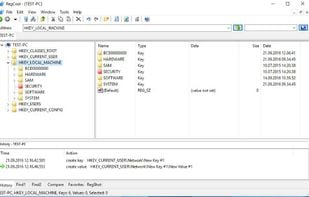
  4. RegCool icon
     13 likes

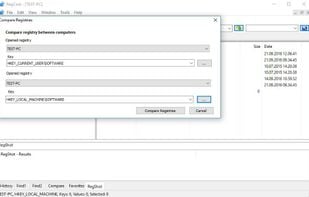
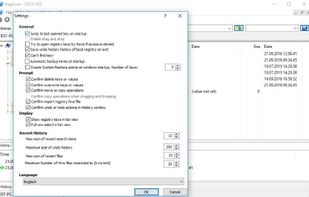
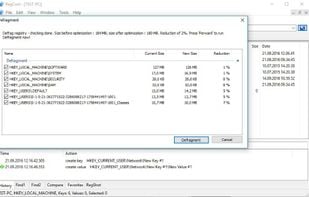
    RegCool is an advanced registry editor. In addition to all the features that you can find in RegEdit and RegEdt32, RegCool adds many powerful features that allow you to work faster and more efficiently with registry related tasks.

    Key Features

    • Multiple undo and redo
    • Sear.

    Cost / License

    • Free
    • Proprietary

    Application type

    Platforms

    • Windows
    RegCool screenshot 1
    RegCool screenshot 1
    RegCool screenshot 2
    +2
    RegCool screenshot 3
    17 alternatives
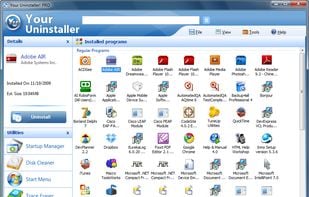
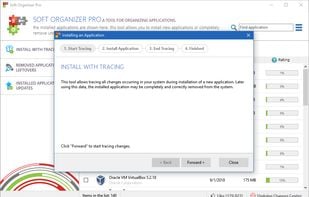
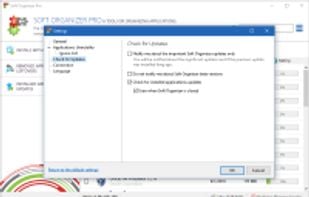
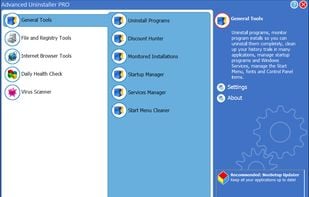
  5. You've probably encountered some stubborn programs that just wont uninstall at all or uninstall completely, right? And, more often than not, when you use the Windows Add/Remove Program utility, there are remnants or "artifacts" of the program left behind in the...

    Cost / License

    • Paid
    • Proprietary

    Platforms

    • Windows
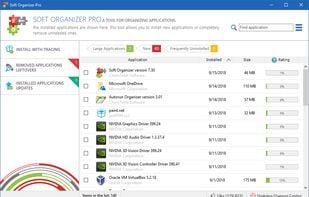
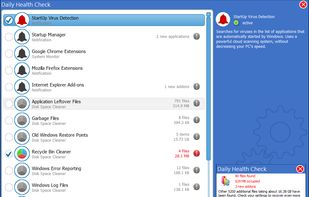
    Main Interface
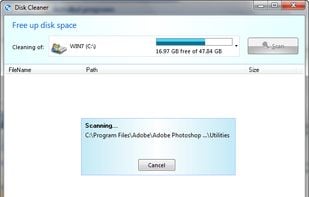
    Disk Cleaner
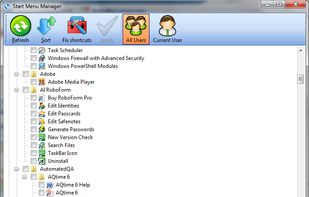
    Start Menu Manager
  6. RegFromApp icon
     17 likes

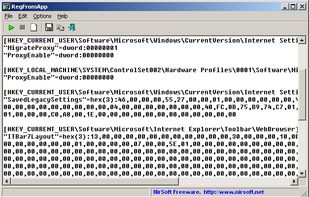
    RegFromApp monitors the Registry changes made by the application that you selected, and creates a standard RegEdit registration file (.reg) that contains all the Registry changes made by the application. You can use the generated .

    Cost / License

    • Free
    • Proprietary

    Platforms

    • Windows
    RegFromApp screenshot 1
    4 alternatives
  7. WhatChanged icon
     10 likes

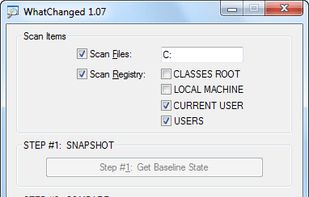
    WhatChanged is a system utility that scans for modified files and registry entries. It is useful for checking program installations. There are two steps for using WhatChanged:

    Cost / License

    • Free
    • Proprietary

    Alerts

    • Discontinued

    Platforms

    • Windows
    • PortableApps.com
    WhatChanged screenshot 1
    7 alternatives
  8. InstallWatch Pro (InstallWatch.exe). Every now and then one keeps installing and removing many software and often the changes occurring in the system create trouble in due course, so InstallWatch is just the right solution to keep a track of all the ongoing activities.

    Cost / License

    • Free
    • Proprietary

    Alerts

    • Discontinued

    Platforms

    • Windows
    10 alternatives