If you've ever launched a Meta ad campaign manually, you know the drill - open Ads Manager, duplicate an ad, swap the creative, update the copy, change the CTA, repeat. For a 20-ad test that's an hour of clicking. For a 50-ad launch, you're losing half a day to work that should take minutes.
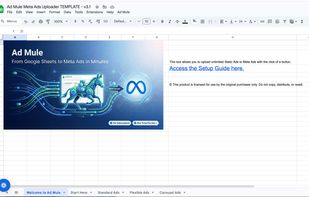
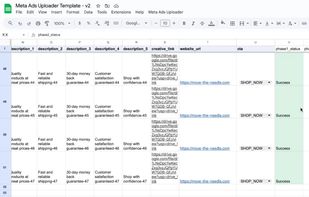
Ad Mule is a Google Sheets-based tool that lets you bulk upload Meta ads without touching Ads Manager. Fill in your spreadsheet rows — campaign name, ad set, creative links, headlines, body copy, CTA - then click Upload from the Ad Mule menu. Your ads are created in your Meta account, paused and ready to review.
It supports Standard, Flexible, and Carousel ad types, handles UTM parameters and ad scheduling automatically, and is error-resilient - if an upload fails partway through, re-run it and it picks up where it left off. All ads are created paused so nothing goes live until you're ready.
No external software to install. No monthly subscription. It runs entirely inside Google Sheets using built-in Apps Script. Setup takes about 10 minutes and requires only a Meta system user token - no ongoing API credentials to manage.
Built by a former Agency Head of Traffic who managed $30M+ in ad spend, Ad Mule was created to solve a real problem: media buyers and agency teams wasting hours on manual ad creation instead of high-leverage strategic work.
One-time purchase. Unlimited ad accounts.









 Nick Miller