



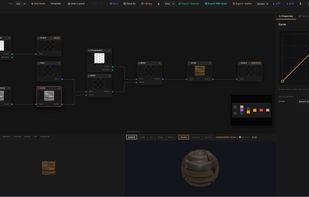
A suite of 24 free browser-based creative tools for designers, developers and game creators. No sign-up required, all processing happens locally.
Cost / License
- Freemium
- Proprietary
Application type
Platforms
- Online
 Switzerland



+9


Adobe Photoshop serves as a professional raster graphics editor for Windows and macOS, handling advanced image editing, retouching, and digital art. Users praise its extensive feature set for graphics and design, though many complain about high pricing compared to other editors.
GIMP tops the rankings as the leading Photoshop alternative, offering broad image-editing and retouching tools completely free and open-source. Many users switch to GIMP specifically to escape Photoshop's cloud licensing and subscription model. Affinity Photo ranks second with its polished interface and one-time purchase model, repeatedly highlighted as a cost advantage over subscription pricing. Luminar Neo brings AI tools like GenErase and GenExpand plus focus stacking and HDR merging for photographer-centric workflows.
Krita ranks third, focusing on digital painting with advanced brush control and animation support for artists. The alternatives landscape splits between pro photo editors and art-first painting apps, with Photopea standing out as a free, install-free option with PSD support and a familiar interface.
For open source transparency, GIMP and Krita lead with community-driven development and no proprietary licensing restrictions. Linux users have native options in GIMP, Krita, and MyPaint without relying on Windows or macOS-only tools. Windows-only picks include Paint.NET and Corel PaintShop Pro for desktop editing with layers, effects, and selection tools.
Web-based editors like Photopea, Pixlr, and Sumo Paint work in browsers when you can't install software on school or locked-down computers. Users avoiding subscriptions can choose Affinity Photo and Affinity Designer for predictable one-time licensing. For PSD workflows, Photopea, Affinity Photo, and Pixelmator open Photoshop-format documents to maintain collaboration compatibility. iPad workflows benefit from Affinity Photo, Pixelmator, and Pixlr for editing on tablets rather than desktop-only setups.
A suite of 24 free browser-based creative tools for designers, developers and game creators. No sign-up required, all processing happens locally.
Switzerland
Perfect your photos and apply 200+ effects. Remove or replace background in few clicks! Remove unwanted objects from any photo.


QueekyPaint is a unique browser-based drawing tool for creating animated drawings online. Visit the massive gallerys and learn drawing by watching the process of your favourite artists. QueekyPaint is free and simple to use.
 Germany
 EU
EU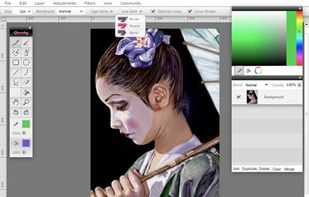


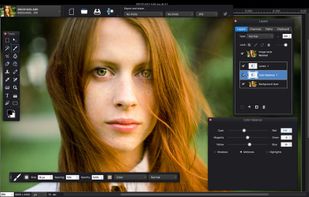
Artipic is a multi-platform image editing system that allows you to quickly and easily edit, retouch, compose and distribute your pictures and photos.
 SwedenEU


Unleash your inner creative with Fresh Paint – the ultimate canvas for your big ideas. Fresh Paint is a fun and easy to use painting app with the right tools for artists of all ages. We believe that brilliant, creative ideas can come from anyone, anytime.
 United States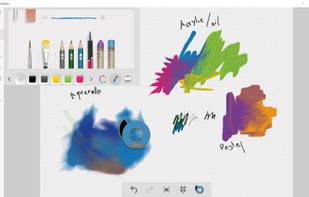


Lensa is the best photo app for selfies. It automates editing process allowing you to make perfect pictures in a matter of seconds.
United States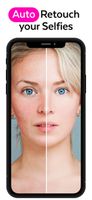
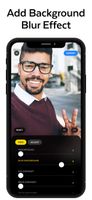
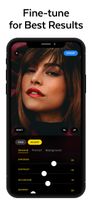


Bazaart® is an award winning photo collage and design app. It allows you to create masterpieces on the go, and seamlessly work with Adobe Creative Cloud. Bazaart is available on iOS and Android devices.
 United Kingdom



 Canada
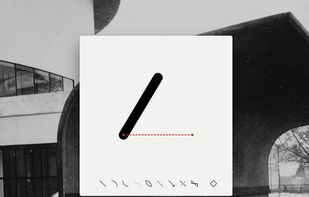


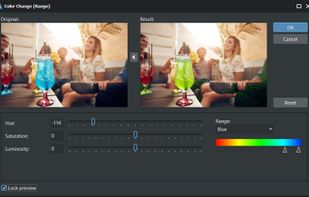
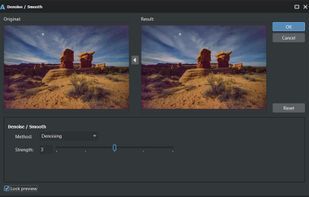
AlterPhoto is powerful photo editor and image manipulation tool for Windows. It combines ease of use with powerful editing features powered by computer vision and generative AI. This program will become an indispensable tool for both photographers and graphic designers.
 CyprusEU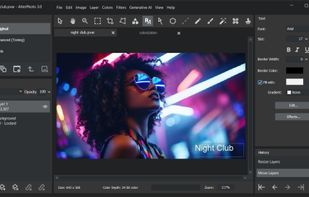



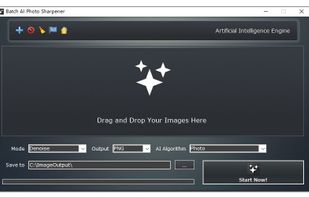
Batch AI Photo Sharpener is a Windows desktop photo enhancement software program that enables users to sharpen and enhance photos and images in bulk offline by the AI (Artificial Intelligence) deep learning algorithm.


Free Photo Editing Software for PC
PixBuilder Studio is a free image editing software program for digital photo editing, images processing, and resizing. For digital photo editing, you can use its many professional quality functions. PixBuilder Studio allows you to use the foll.


 China
China


