Cost / License
- Free
- Open Source
Application type
Platforms
- Mac
- Windows
- Linux
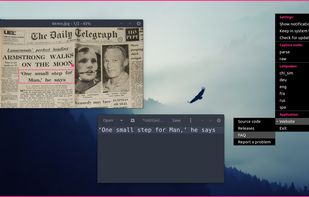


CaptureText is described as 'How often were you in the situation when you needed to save some data but wasnt able to do it because words or figures were protected by some script of just cannot be copied? Well, heres the tool that will help you to avoid all these problems and settle them once and for all' and is a screenshot capture tool in the photos & graphics category. There are more than 10 alternatives to CaptureText for a variety of platforms, including Windows, Mac, Android, iPhone and Chrome OS apps. The best CaptureText alternative is NormCap, which is both free and Open Source. Other great apps like CaptureText are Capture2text, Universal Copy, HyperSnap and Text.ai - Intelligent Text Extractor.

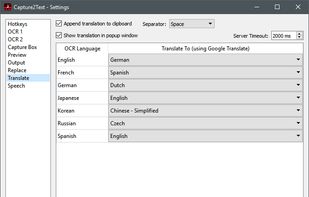
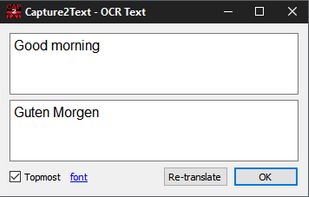
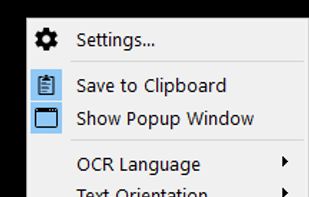
Capture2Text enables users to quickly OCR a portion of the screen using a keyboard shortcut.
 United States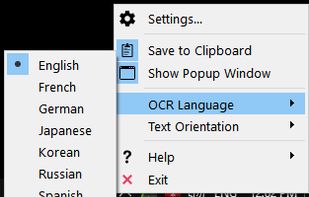


Universal Copy is the fastest way to copy text on Android, even from the apps that won’t let you or inside images.


HyperSnap is the fastest and easiest way to take screen captures from Windows screen, and text capture (TextSnap™) from places where normal text copy is not possible. HyperSnap combines the power of a first-class screen capture application with an advanced image editing utility...
United States


Enables comprehensive screen text capture from any part of Windows application windows—including status bars, menus, and custom controls—regardless of APIs, using a COM interface for easy integration into automation, translation, and data extraction workflows.


You can use Easy Screen OCR to capture a snapshot and start OCR process. this program will detect the text from the image and start OCR process immediately. You can extract the text to copy and paste in seconds.
 China
China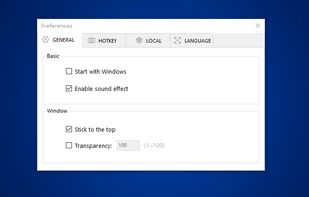
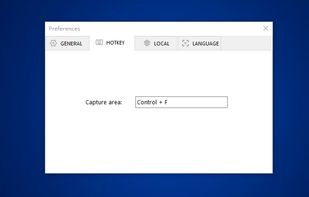
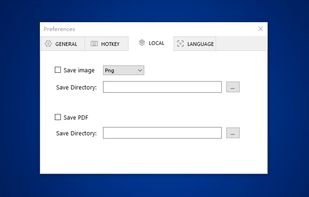
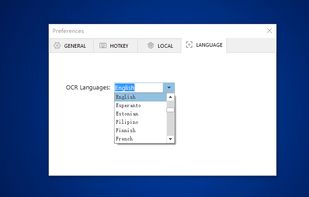


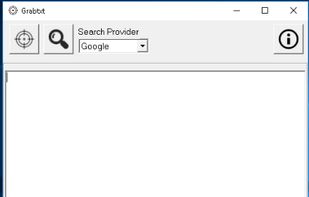
Capture the text portions from many Windows dialog boxes and quickly use it to execute a search using Google or any other search provider.



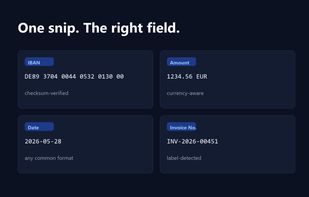
Snip2Field is a Windows utility for anyone who copies data off invoices and PDFs. Press a hotkey, drag a box over an IBAN, amount, date or invoice number, and it runs OCR on just that region and copies the result — no retyping.
 Taiwan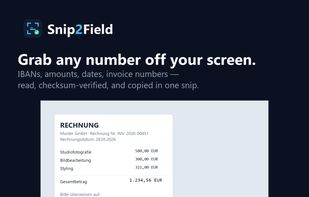


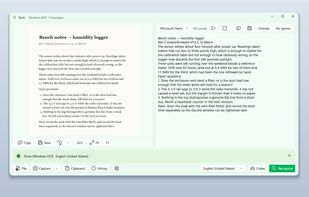
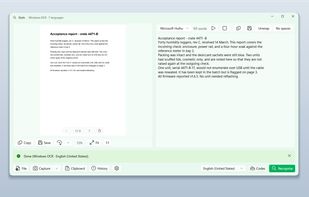
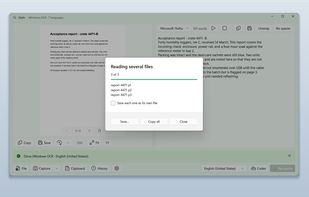
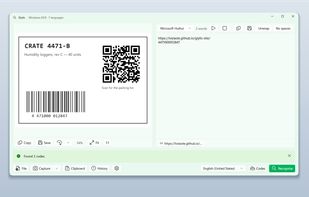
Glyfo turns pictures of words back into words. Drag a box around part of the screen with Alt+Z, open an image or a PDF with Ctrl+O, paste from the clipboard, or send a file over from Explorer, Photos or Snipping Tool.