




Chameleon WebExtension
8 likes
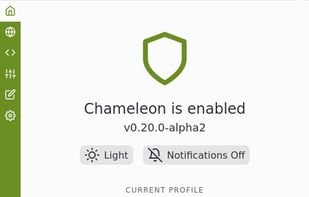
Chameleon is a WebExtension port of the popular Firefox addon Random Agent Spoofer .

Cost / License
- Free
- Open Source (GPL-3.0)
Platforms
- Mozilla Firefox


Features
Chameleon WebExtension News & Activities
Highlights All activities
Recent activities
 gwrvan-barre added Chameleon WebExtension as alternative to BlockAds
Chameleon WebExtension information
Developed by
sereneblueLicensing
Open Source (GPL-3.0) and Free product.Written in
Alternatives
14 alternatives listedBadge
Get an embeddable badge for Chameleon WebExtensionSupported Languages

AlternativeTo Categories
Security & Privacy, Web BrowsersGitHub repository
- 690 Stars
- 69 Forks
- 51 Open Issues
- Updated


Featured in Lists

A list with 7 apps by RemovedUser without a description.
List by RemovedUser with 7 apps, updated

A list with 15 apps by OrdinaryAlien without a description.
List by OrdinaryAlien with 15 apps, updated

A brief discussion of browsers and extensions that can help keep what you do online hidden from prying eyes, ordered...
List by Privacy Pirate with 15 apps, updated

Comments and Reviews
Not only for experts!
My simple words: very good privacy add-on. My hope... not only for firefox.
The best and most complete Random Agent Spoofer extension for the Firefox browser. It's open source, has lots of configuration options and is easy to use. Excellent!