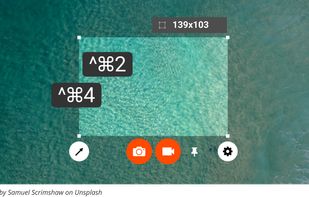
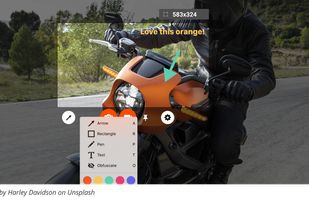
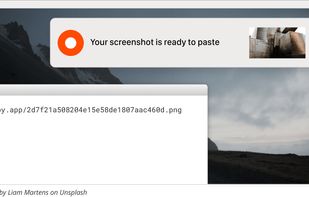
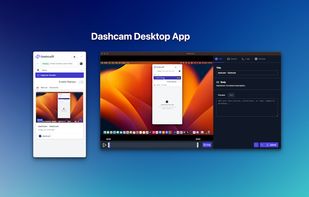
Beautiful screenshots with stunning backgrounds and powerful annotation tools. Create, edit, and share professional-quality screenshots with ease.
Cost / License
- Paid
- Proprietary
Application typeApplication types
Platforms
- Mac
- Windows
 Portugal
 EU
EU
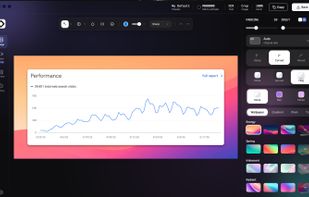


Zight is described as 'Enables screen and webcam recording, cloud storage, AI transcription, detailed screenshot and video editing, and instant sharing of annotated content across Windows and Mac' and is a very popular screenshot capture tool in the photos & graphics category. There are more than 100 alternatives to Zight for a variety of platforms, including Windows, Mac, Web-based, Google Chrome and Linux apps. The best Zight alternative is ShareX, which is both free and Open Source. Other great apps like Zight are Greenshot, Flameshot, Snagit and PicPick.
Beautiful screenshots with stunning backgrounds and powerful annotation tools. Create, edit, and share professional-quality screenshots with ease.
PortugalEU
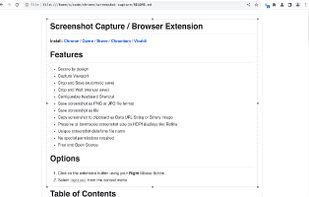
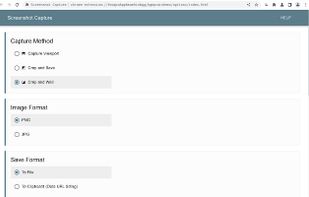
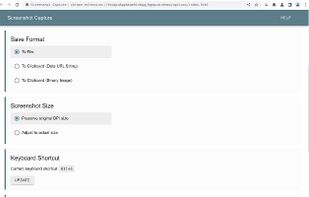
This extension is able to capture 100% of both the vertical and horizontal content appearing on any webpage on the Internet.


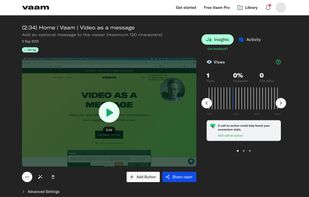
Vaam, video as a message, lets users create and access a shareable video in seconds, with the click of a button. It's a fun and beautiful experience where every company can have their own branding.
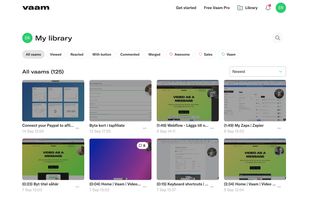




Boom is an AI screen recorder and video editor for async updates, demos and walkthroughs you share by link. It removes filler words and bad takes automatically, adds captions and dubs into 50+ languages.
PortugalEU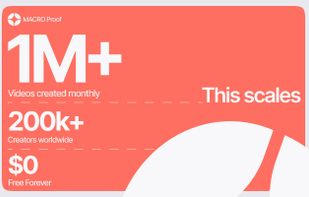
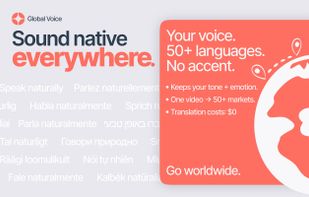
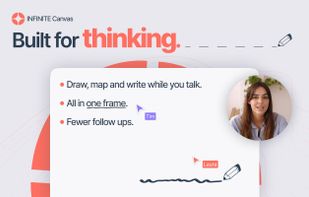
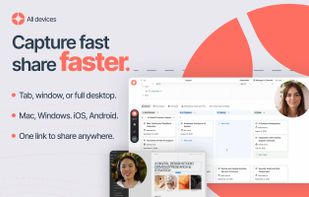


Free AI-powered snipping tool featuring text extraction from images, instant translation in 100+ languages, screenshot question answering, and text-based editing. Annotate, summarize content, remove objects, or add highlights to captures—no editing skills needed.
 China
China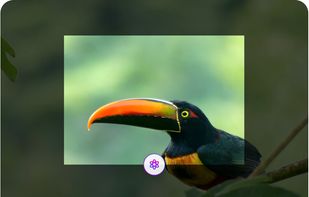

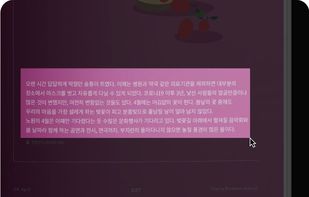


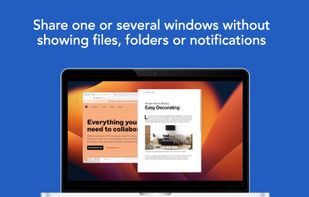
Share or record any number of windows over a clean background, without icons, folders or notifications.
 United States

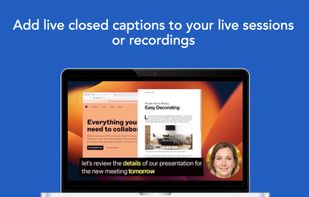


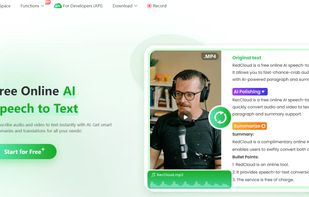
AI-driven platform for creators and professionals offering subtitle generation, speech-to-text, text-to-speech, text-to-video, video translation, vocal extraction, cloud storage, sharing, and advanced video editing tools for comprehensive multimedia management and conversion.
 Hong Kong SAR China




Capture HD video at 60 FPS, record iOS devices, and edit screen or image content with annotation, voiceover, and advanced file management. Includes fullscreen, selection, and web capture, quick sharing to cloud, FTP, YouTube, and fast search for Mac users.
 India
India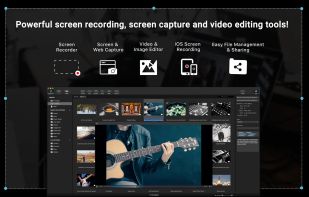
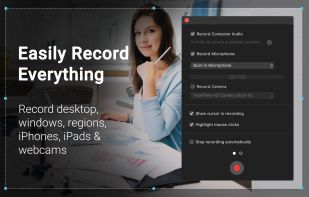
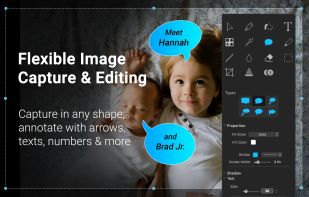
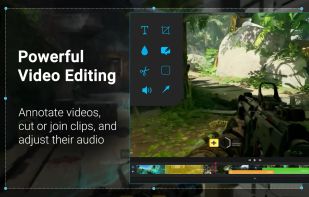


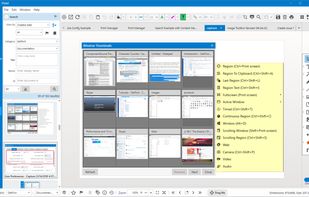
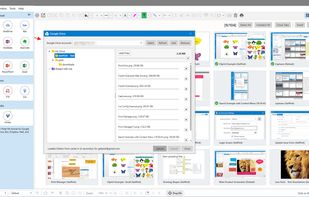
Pixtel Capture is a Windows screen capture app combining 12+ capture modes, annotation, and one-click sharing to Google Drive, OneDrive, Dropbox, Jira, and Office — all in one place. Free plan available; paid plans from $25/yr.
United States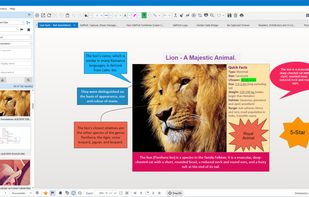
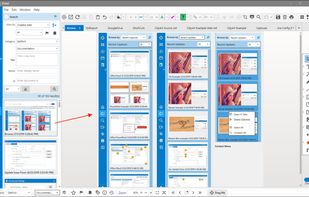


Zappy is a macOS screen capture tool made for internal use by Zapier and released free for all. It's built for speed and provides the perfect set of features for remote teams to work with screenshots and GIF recordings quickly and effectively.
United States