Cost / License
- Paid
- Proprietary
Application type
Platforms
- Mac
 Romania
 EU
EU
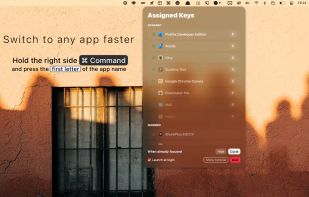

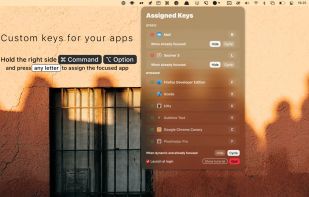

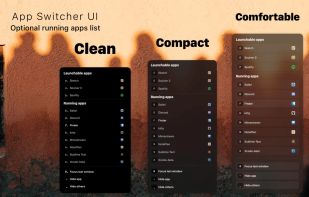

+1
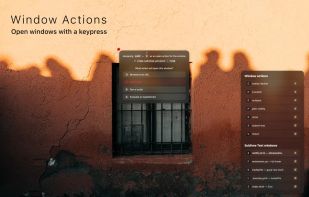


Command-Tab Plus 2 is described as 'Command-Tab Plus is a keyboard-centric application and window switcher for Mac, offering a powerful alternative to the built-in macOS switcher. It boosts productivity with features like quick app switching, isolated workspaces (Spaces), hiding inactive apps, and customizable' and is a Window Manager in the os & utilities category. There are more than 25 alternatives to Command-Tab Plus 2 for Mac, Windows, Linux and Homebrew. The best Command-Tab Plus 2 alternative is BetterCmdTab, which is both free and Open Source. Other great apps like Command-Tab Plus 2 are Compiz, AltTab, Macscope and Spatial Dock.
RomaniaEU
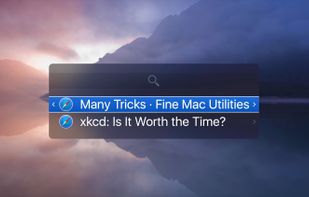
Witch lets you access all of your windows by pressing a shortcut and choosing from a clearly arranged list of window titles.
 AustriaEU



SMBAct is the all-in-one cross-platform solution that allows you to keep your windows and applications well-organized and significantly simplify the process of interaction with them.
 United States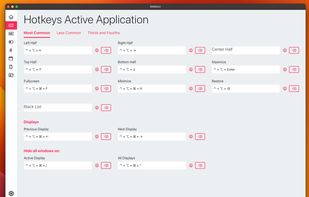
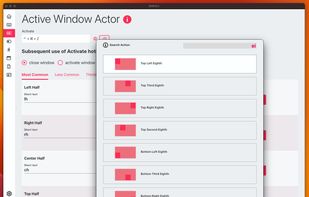
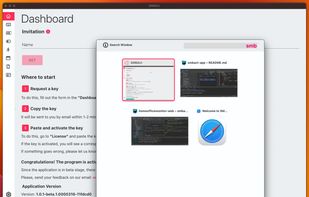


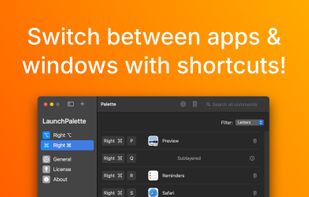
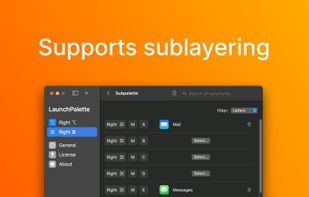
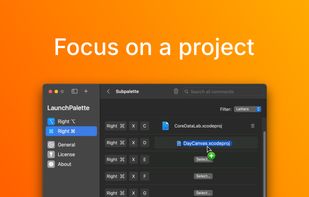
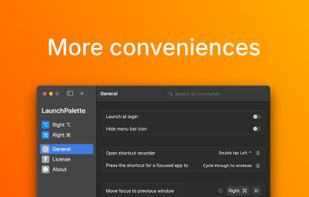
Elevate macOS multitasking with bespoke hotkeys to switch between apps and focus on windows, all in a sleek user interface.


VistaSwitcher is an elegant and powerful task management utility for Windows OS. Once installed, it replaces the default Windows Alt-Tab dialog with a nice box that shows a list of all running tasks, with their names and preview snapshots, and enables the user to take actions on...
 Russia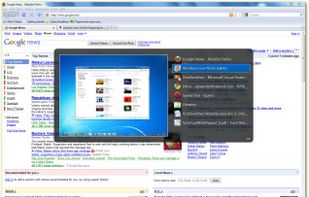


TaskBar64 is a lightweight macOS utility that displays open application windows as individual taskbar buttons with their titles.
 HungaryEU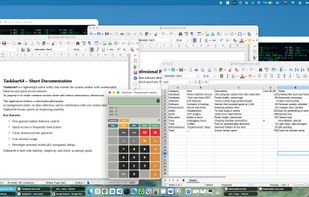


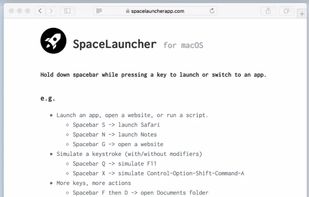
With SpaceLauncher for macOS, you can launch or switch to an app by pressing a pre-defined key while holding down spacebar.

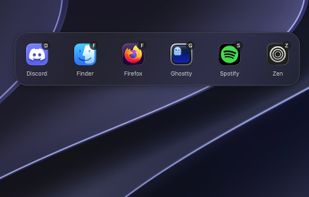
Sxitch is a powerful and native app switcher for MacOS. You pick the app you want to switch to based on the apps name. Simply type "z" and switch to Zen. Or press ctrl + q and then "G" to quit ghostty. Don't want to see finder in the app switcher?





HyperSwitch provides a compelling alternative to HyperDock for keyboard junkies.



Easy Window Switcher makes switching between different windows as easy as alt+` (that's alt+backtick). Forget having to alt+tab between a million-and-one different open windows to find the one you are looking for, with Easy Window Switcher, tabbing between windows of the...


 India
India


TopDesk radically reduces the time you spend switching between tasks by giving you the ability to quickly find the window you want from a thumbnail view.
 Australia