ImageToText app allows you to extract editable ASCII text from images, and share the results by EMAIL or EVERNOTE.
Cost / License
- Free
- Proprietary
Platforms
- iPhone
 United States




Condense is described as 'Typing out has come to a end. Say ‚Hello‘ to Condense. Your easy to use optical character recognition (OCR) application' and is an app in the office & productivity category. There are more than 25 alternatives to Condense for a variety of platforms, including Mac, Windows, iPhone, Linux and iPad apps. The best Condense alternative is Adobe Acrobat DC. It's not free, so if you're looking for a free alternative, you could try ClarifyDocuments or CopyFish. Other great apps like Condense are ABBYY FineReader PDF, Text Lens, TextSniper and Frog - Extract Text.
ImageToText app allows you to extract editable ASCII text from images, and share the results by EMAIL or EVERNOTE.
United States
48h sale! Just take a photo of a text with phone number, e-mail address or URL and immediately call, write e-mail or open URL in Safari. Or just scan and OCR any text.
 Germany
 EU
EU

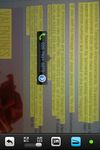


Text Detective finds and reads text in printed documents within seconds using your iPhone’s camera. The detected text can easily be read, edited, copied and pasted into documents, emails or other apps. It even stores all the scanned text in a history, which allows you to refer...
United States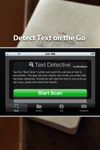
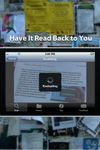
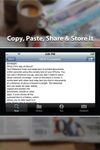


OCRKit uses OCR (Optical Character Recognition) technology to recognize the text in the graphic, which is particular useful for PDFs received via e-mail, created by DTP, office applications, with a scanner or copier.
GermanyEU


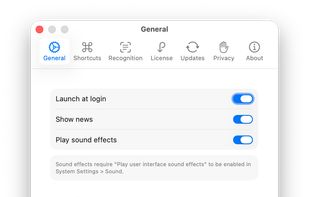
Ever needed to quickly grab text from an image, a non-selectable PDF, a video, or a website that blocks copying? Hawkr makes it effortless. With a simple keyboard shortcut, you can capture any text visible on your screen and have it instantly copied to your clipboard.
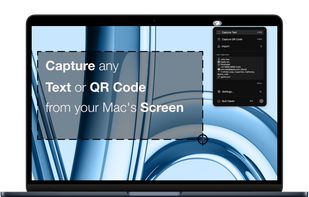
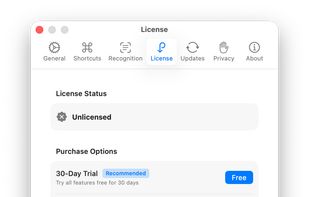


You need to get the text out of an image or from anywhere on your screen? With picatext this is as easy as selecting a file or a screen area. So now you can get the text you need in almost no time. No need to tediously typewrite everything again.
GermanyEU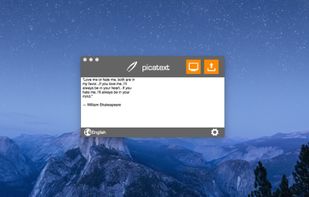
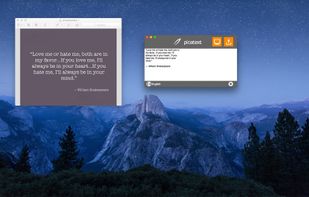
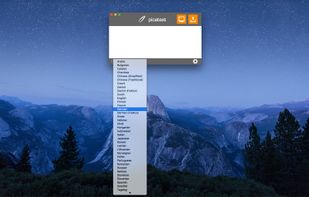

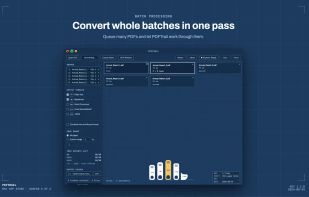
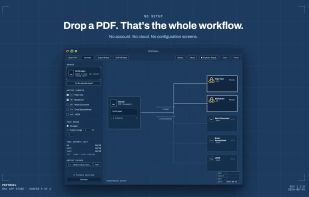
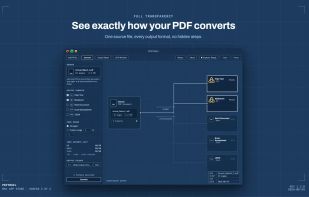
Pull the data out of your PDF without sending it anywhere. PDFTrail extracts tables and text on-device — no upload, no account — into Excel, Word, Markdown, or JSON, with structure kept intact.



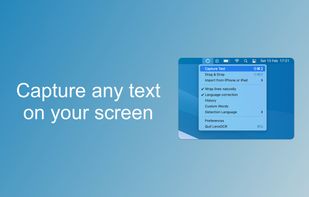

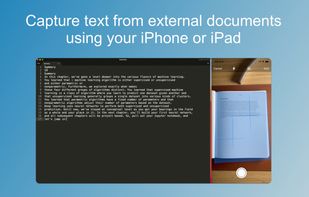
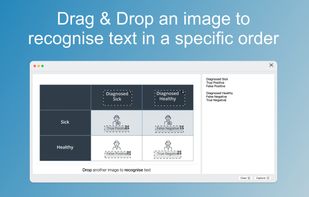


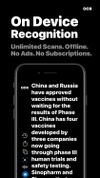
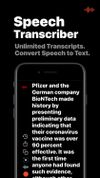
LudyLens is the fastest screen OCR app for Mac. Capture text from videos, images, PDFs, or any app. Pin it. Edit it. 100% on-device.
United States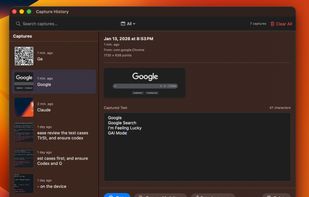
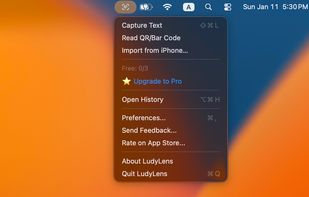




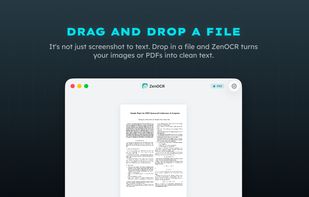
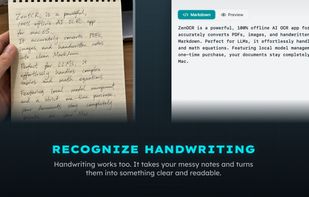
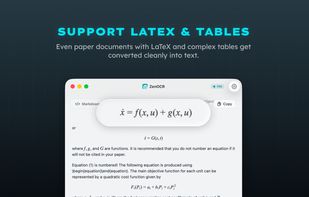
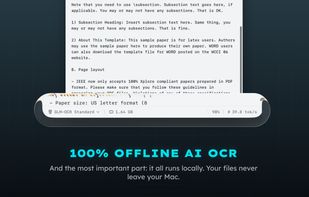
ZenOCR is a menu bar OCR app for macOS. Trigger it with a global shortcut to capture any part of the screen, or drag an image or PDF onto it, and it extracts the text instantly. It can convert PDFs to Markdown while preserving tables and math (LaTeX), which makes it handy for...


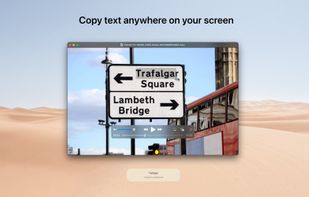
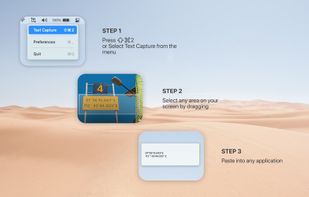
With TextGrabber you can easily copy text anywhere on your screen.