Cost / License
- Paid
- Proprietary
Application type
Platforms
- Mac
 Luxembourg
 EU
EU



+3
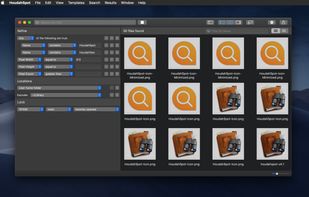


Copernic Desktop Search is described as 'Indexes and searches over 170 file types, emails, attachments, and media on local, network, and cloud storage with instant results and a 75,000 file index limit' and is a File Search utility in the file management category. There are more than 50 alternatives to Copernic Desktop Search for a variety of platforms, including Windows, Mac, Linux, Microsoft Outlook and Web-based apps. The best Copernic Desktop Search alternative is Everything, which is free. Other great apps like Copernic Desktop Search are DocFetcher, Agent Ransack, Recoll and Cling Fuzzy Finder.
LuxembourgEU
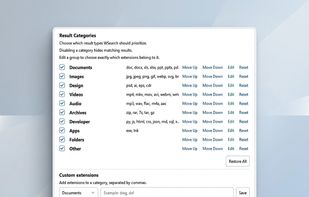
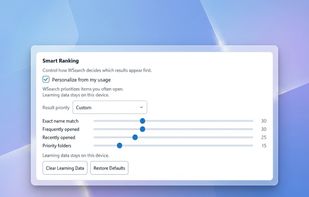
WSearch is a lightweight Windows desktop search application designed to help you quickly find files, folders, and applications.
 Vietnam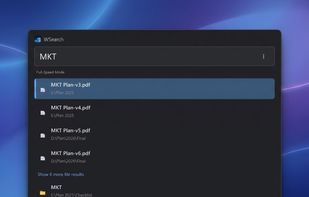



X1 offers next generation enterprise search, eDiscovery and desktop search for traditional and virtual environments
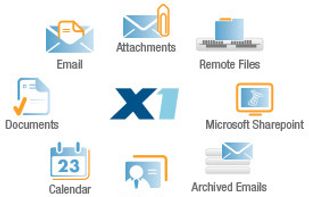
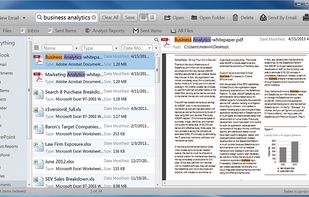
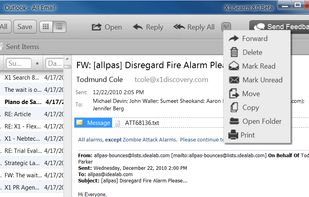
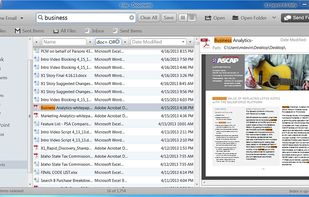


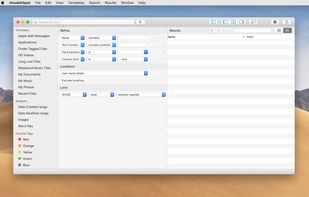
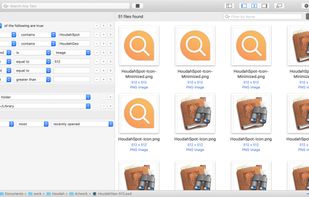
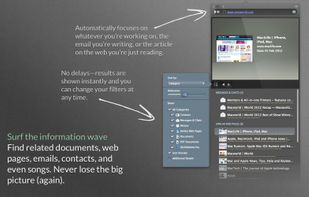
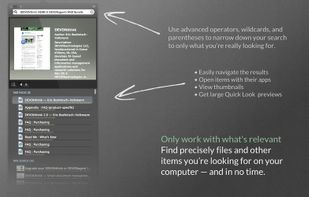
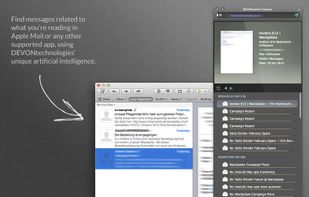
Mac utility provides context-aware search, unveils hidden relationships between files, emails, and online data, employs Boolean logic, intelligent filtering, and previews, integrates via menu bar and Services, optimizing information discovery while preserving workflow.
 GermanyEU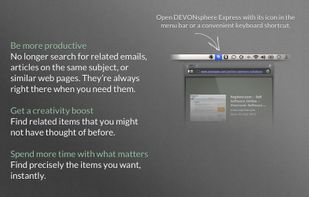


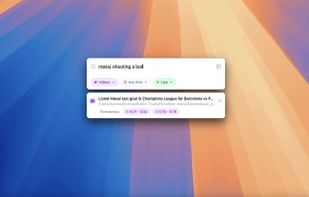
Fenn is a powerful, AI-driven desktop search engine for macOS that makes your files instantly searchable—including videos, audio, PDFs, Word documents, Excel sheets, and images. Just type or upload an image to find exactly where any object, person, or concept appears.


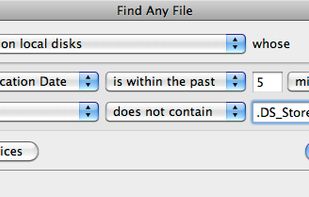
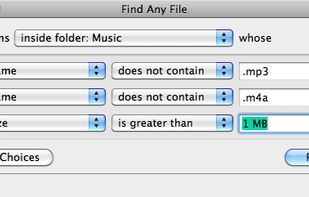
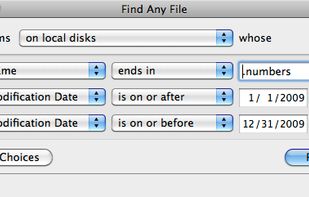
Find Any File searches your local disks for files by name, creation or modification date, size, or type and creator code (not by content, though). As there are other tools with a similar search operation, here are the special features unique to Find Any File:
GermanyEU


Lightweight, privacy-focused tool provides instant, semantic file search on personal devices. Indexes local folders and connected Gmail, lets users filter sources using @, has real-time filename matching, and ensures no external data transfer.
 EstoniaEU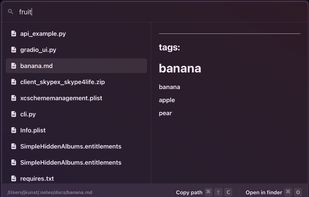


VX Search is an automated, rule-based file search solution allowing one to search files by the file type, category, file name, size, location, extension, regular expressions, text and binary patterns, creation, modification and last access dates, EXIF tags, etc.
 CyprusEU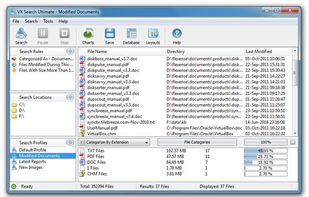
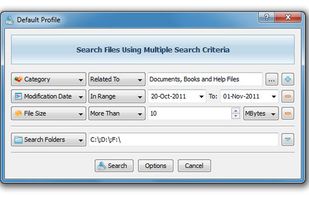


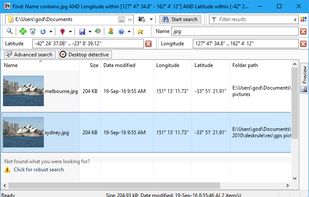
Wherever you have files DeskRule can locate them. Search your hard disk, but also in mobile phones and cameras, zipfolders, FTP, OneDrive and all the other virtual shell folders.


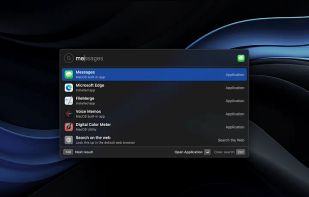
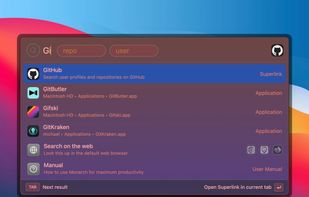
Designed for beginners and professionals alike, Monarch is a command center that makes it easier than ever to switch apps, run calculations, search clipboard history, take notes and more with only a single hotkey. No complicated setup or configuration required.



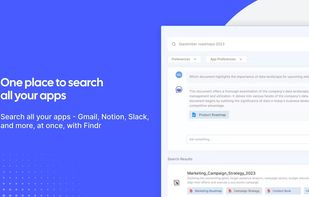
Private search for Outlook, Gmail, Drive, Slack and more. Spend less time hunting with search that actually works!
 United States
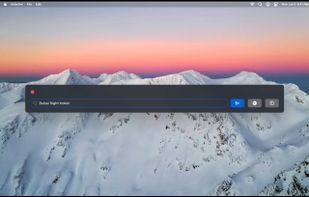
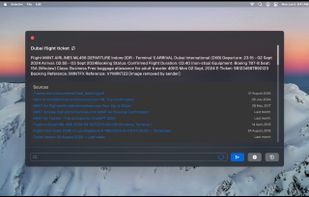
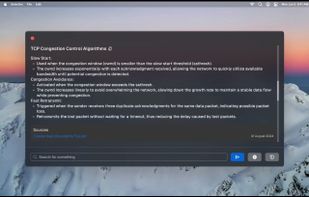


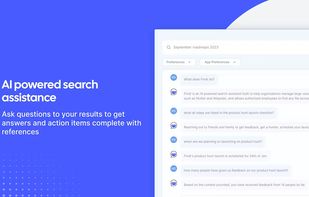
AI-powered search that works across apps. Get instant answers to all questions with references to your app sources.
United States