


Cost / License
- Free
- Open Source (AGPL-3.0)
Application type
Platforms
- Mac
 China
China



+3


Cursorful is described as 'Browser extension that creates beautiful screen recordings with zooms and pans that guide viewer focus' and is a Screen Recorder in the video & movies category. There are more than 50 alternatives to Cursorful for a variety of platforms, including Mac, Windows, Web-based, Linux and Google Chrome apps. The best Cursorful alternative is OpenScreen, which is both free and Open Source. Other great apps like Cursorful are Recordly, ScreenArc, Camtasia and Cap.
China
Kap is an open-source screen recorder built with Electron and designed to be easy to use but extensible.
 Sweden
 EU
EU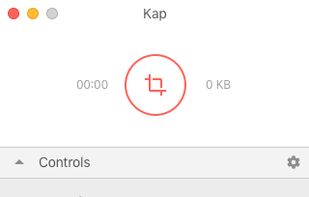


macOS tool for detailed screen recording, timeline-based video editing, customizable cursor animations, camera and audio capture, background editing, and easy sharing. Suitable for tutorials, presentations, or social media creation with a user-friendly workflow.
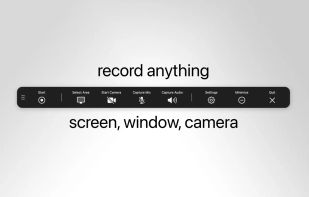
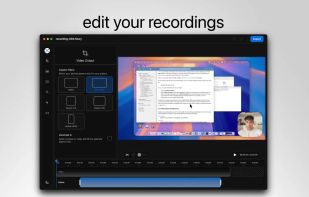
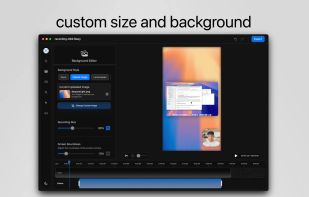
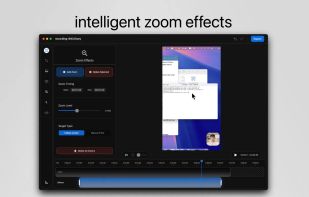

Native macOS screen recording and editing with auto-zoom following every action, built-in editor for quick trims, super-fast Metal-accelerated 4K export, no subscription, customizable backgrounds, movable camera overlay, shadow effects, and AI-driven features.
 Canada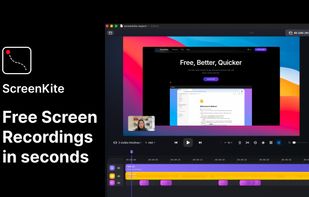

Screenshot and screen recorder app for macOS. One app instead of four. Capture multiple windows, annotate, zoom, add transitions, and drop your recording onto a 3D MacBook with a simulated lens. Everything stays local.
 Australia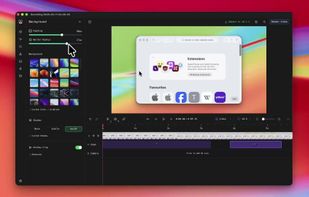
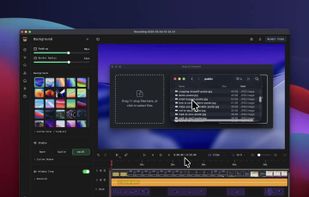
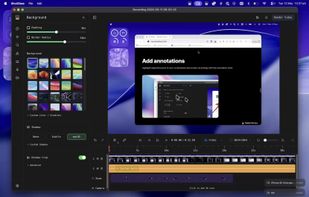
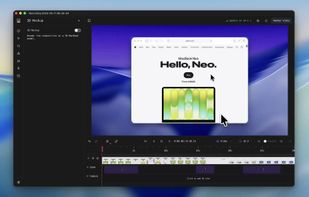


Comprehensive tool supporting all video creation stages with a doc-style editor, separate scene recording, auto-sync, customizable layout, and transcript-based editing.
 ItalyEU

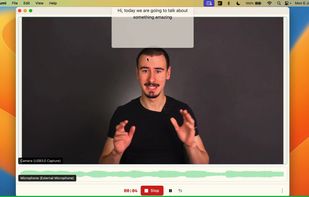
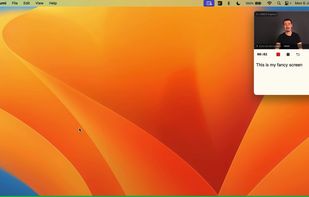


Beautiful screenshots with stunning backgrounds and powerful annotation tools. Create, edit, and share professional-quality screenshots with ease.
 PortugalEU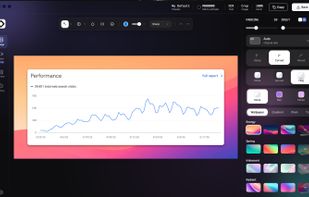


ScreenTune is a macOS app for capturing, editing, and exporting screenshots and screen recordings. It lets users record a screen, window, or selected area, then adjust the result with backgrounds, padding, frames, rounded corners, shadows, cursor styling, annotations, text...
 Japan
Japan
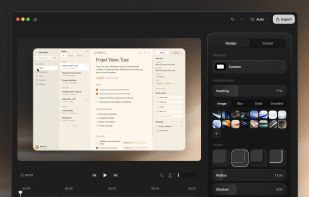


Smooth Capture is a macOS app designed to create cinematic, professional-looking screen recordings with "zero effort" by automatically applying polished visual effects like auto-zoom, cursor smoothing, and 3D device framing.
 Vietnam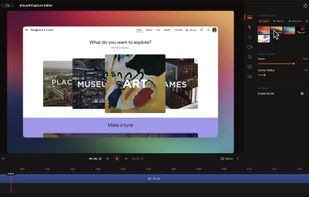
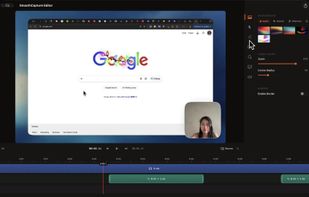
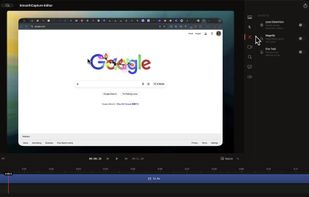
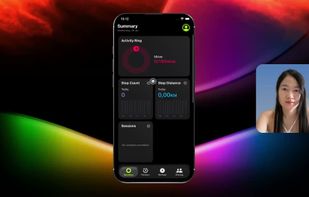


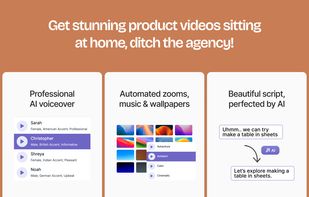
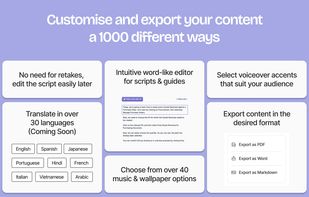
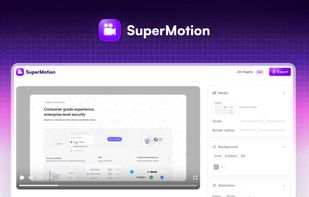
Converts rough screen recordings into professional videos with AI-enhanced scripts, natural voiceovers, automated zoom, grammar correction, and generates step-by-step guides with screenshots and descriptions—no editing or technical background required.
 United States



Turn static images or a boring video into captivating animated clips that really capture attention. Ideal for Dribbble shots, Twitter videos, landing page videos, feature announements.
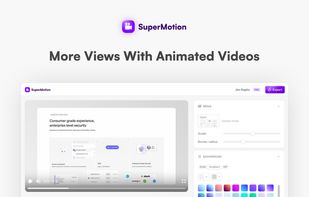
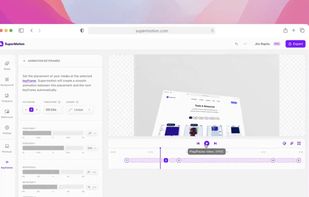
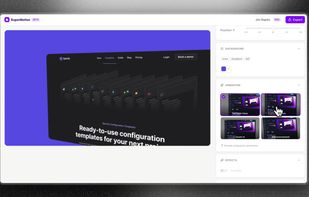


A screen recorder comes with automated editing. Automatically track cursor movement, apply dynamic zoom and click effects, add a pleasant background, and generate a professional-looking video/gif that is ready to use.
China


