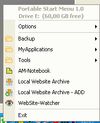
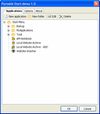
Portable Start Menu is a simple and free start menu application that can be installed on USB sticks or local PCs.
Cost / License
- Free
- Proprietary
Platforms
- Windows
 Austria
 EU
EU



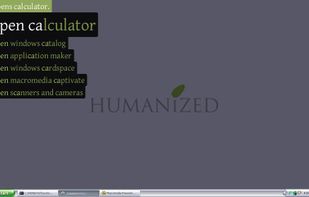
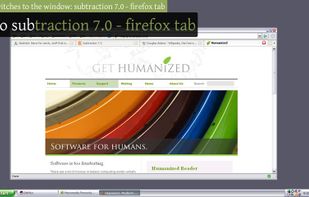
dmenu is described as 'Dynamic menu for X, originally designed for dwm. It manages large numbers of user-defined menu items efficiently' and is a application launcher in the file management category. There are more than 50 alternatives to dmenu for a variety of platforms, including Windows, Linux, Mac, File Explorer and KDE Plasma apps. The best dmenu alternative is Vicinae, which is both free and Open Source. Other great apps like dmenu are Raycast, Alfred, Listary and AppGrid for KDE.
Portable Start Menu is a simple and free start menu application that can be installed on USB sticks or local PCs.
AustriaEU
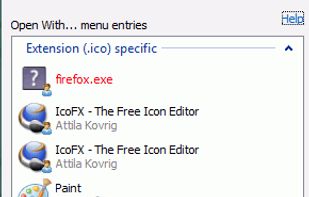
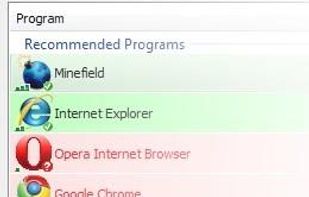
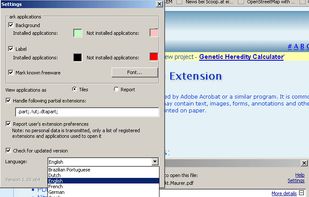
OpenWith Enhanced is a small freeware application which replaces the standard Windows 'Open With...' window with an improved comprehensive yet intuitive dialog box.
 United States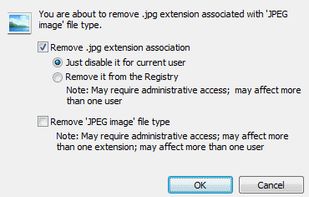


SlickRun is a free floating command line utility for Windows. SlickRun gives almost instant access to any program or website. SlickRun allows you to create command aliases (known as MagicWords), so C:\Program Files\Outlook Express\msimn.exe becomes MAIL.

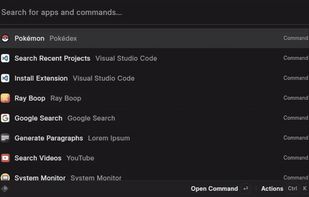
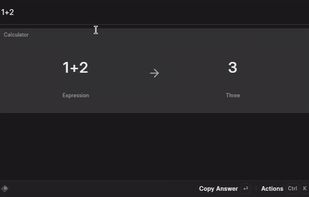
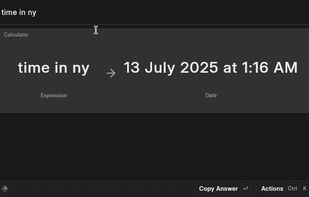
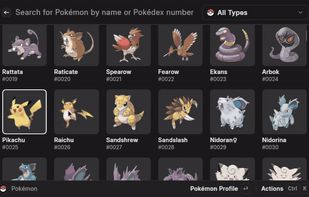

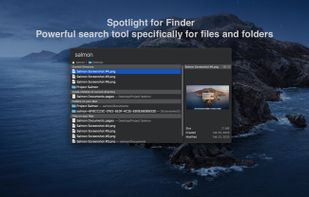
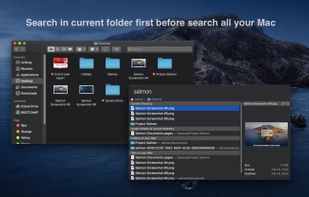
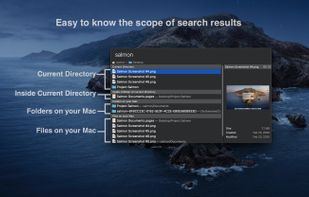
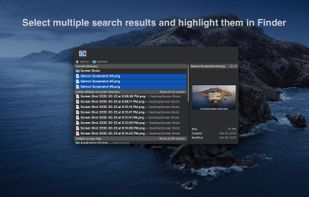
Salmon - Spotlight for Finder. Powerful search tool for files and folders with support for multiple selection. Powerful @modifiers to filter and sort.


Rocket is an application launcher for KDE Plasma. It sorts all of your applications in a horizontal grid alphabetically, so you will always find what you are looking for at first glance. No more menu navigation, only scrolling.
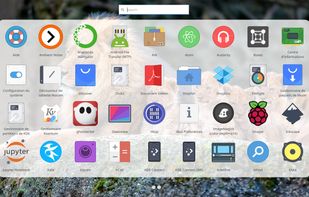
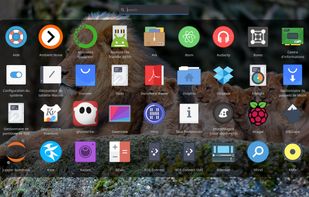
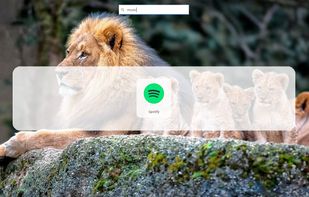
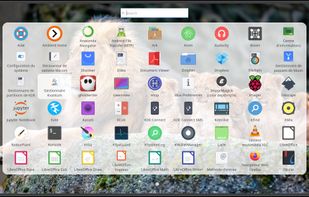


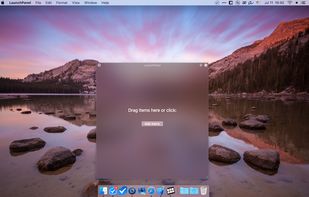
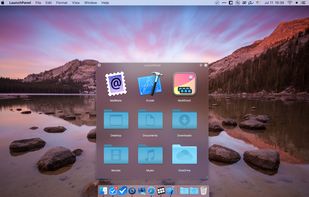
LaunchPanel is a completely FREE application that allows you to quickly launch applications, open files and folders.
 Ukraine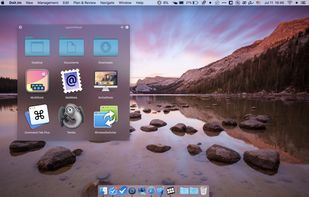



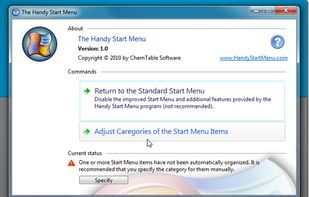
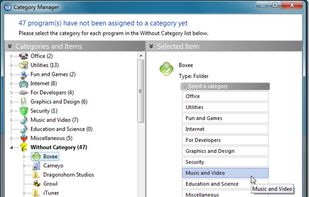
Do you often find yourself looking for a program in the long list of the Start menu?
 Russia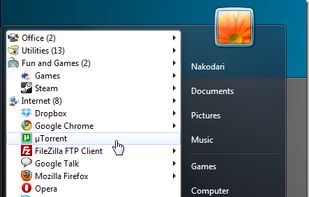





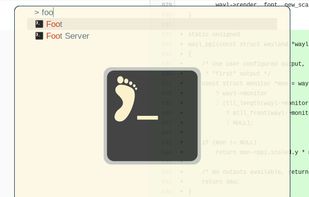
Application launcher for wlroots based Wayland compositors, similar to rofi's drun mode.

Enso is dead simple to use. You just hold down the Caps Lock key and type an Enso command, which is displayed in a translucent overlay. Once the command is typed, you simply release the Caps Lock key to activate it, and the overlay disappears.
United States