Cost / License
- Free
- Proprietary
Application type
Platforms
- Mac
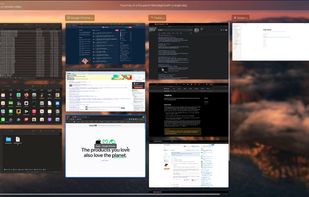


DockDoor is described as 'Open-source utility for macOS that enables dock peeking, intuitive alt-tab navigation, seamless window management, and easy desktop integration' and is a Window Manager in the os & utilities category. There are more than 25 alternatives to DockDoor for Mac, Windows, Linux and Homebrew. The best DockDoor alternative is BetterCmdTab, which is both free and Open Source. Other great apps like DockDoor are AltTab, Macscope, Spatial Dock and InfyniDock.

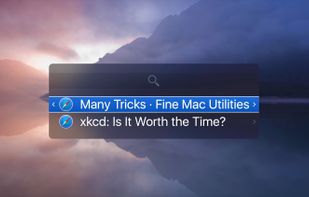
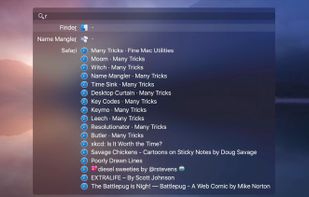
Witch lets you access all of your windows by pressing a shortcut and choosing from a clearly arranged list of window titles.
 Austria
 EU
EU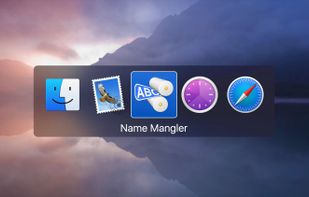


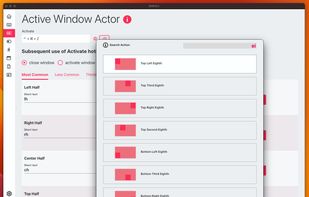
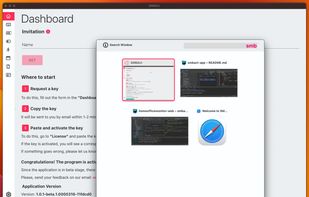
SMBAct is the all-in-one cross-platform solution that allows you to keep your windows and applications well-organized and significantly simplify the process of interaction with them.
 United States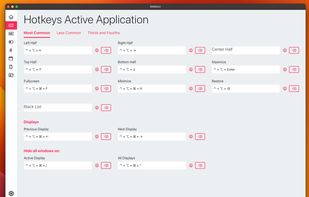


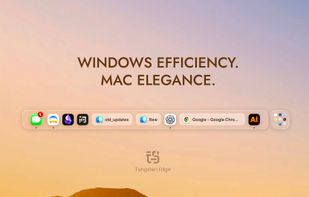
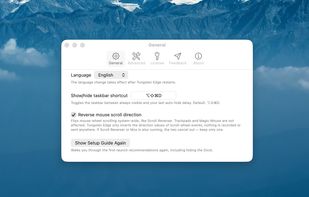
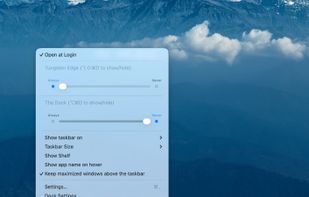
Tungsten Edge is an open-source Dock replacement for macOS that organizes by window instead of by app. Every open window gets its own labeled card at the bottom of the screen, so you can switch straight to the window you want with a single click — no Mission Control, no cycling...



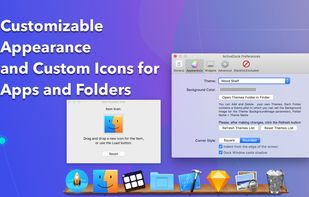
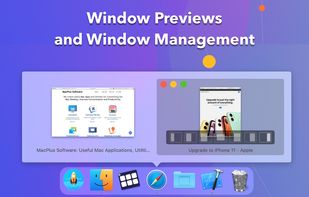
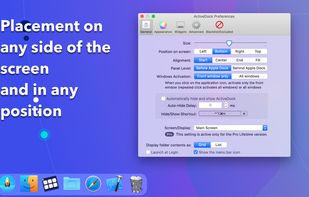
ActiveDock 2 is a customizable alternative to the standard macOS Dock, offering advanced features for app launching, window management, appearance customization, and more. It fully replaces the classic Apple Dock and Launchpad while preserving their familiar look and behavior...
 Ukraine


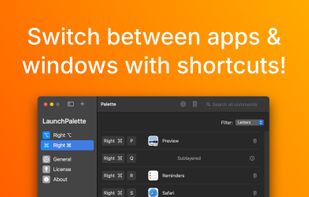
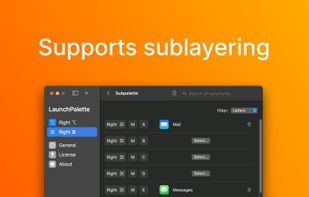
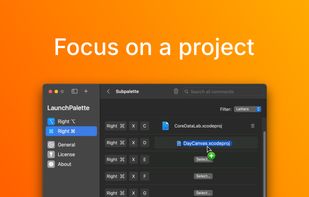
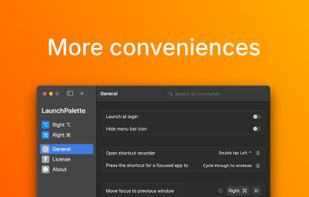
Elevate macOS multitasking with bespoke hotkeys to switch between apps and focus on windows, all in a sleek user interface.


TaskBar64 is a lightweight macOS utility that displays open application windows as individual taskbar buttons with their titles.
 HungaryEU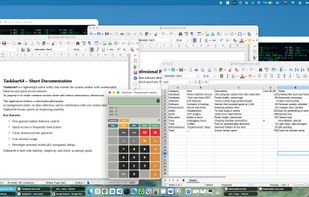


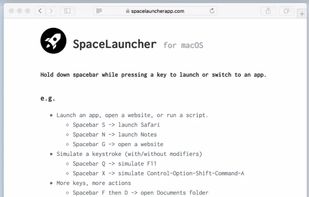
With SpaceLauncher for macOS, you can launch or switch to an app by pressing a pre-defined key while holding down spacebar.


Wins is a Windows Manager, which brings system-level arrange window features to Mac.


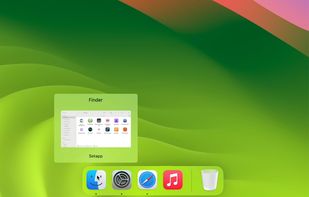
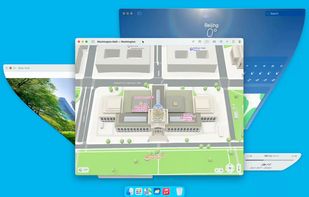


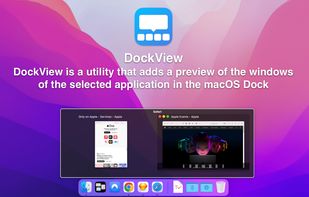
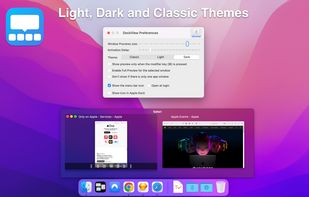
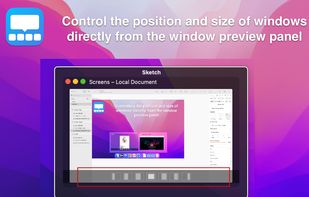
DockView is a macOS utility that shows live previews (thumbnails) of an application’s open windows when you hover over its icon in the Dock. You can quickly switch, minimize, or close windows directly from that preview panel — all without altering the system Dock itself.
Ukraine

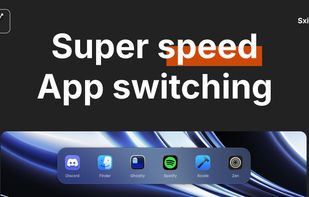
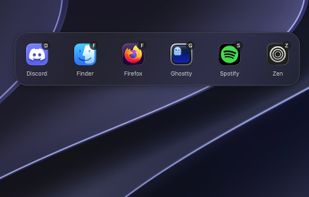
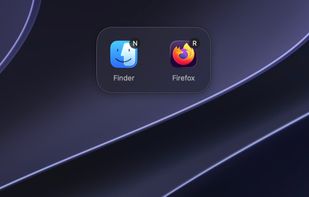
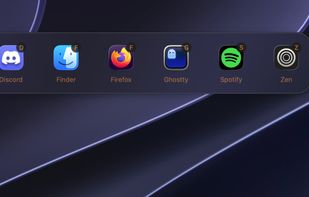
Sxitch is a powerful and native app switcher for MacOS. You pick the app you want to switch to based on the apps name. Simply type "z" and switch to Zen. Or press ctrl + q and then "G" to quit ghostty. Don't want to see finder in the app switcher?


HyperSwitch provides a compelling alternative to HyperDock for keyboard junkies.