


DockFlow
2 likes
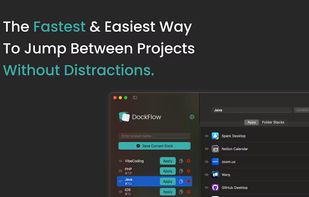
Boost your productivity with DockFlow. Instantly save, manage, and switch between multiple macOS Docks. It's simple and built for focus.

Cost / License
- Pay once
- Proprietary
Application typeApplication types
Platforms
- Mac


Features
DockFlow News & Activities
Highlights All activities
Recent activities
- Melisa_Safiyya liked DockFlow
- ExtraDock liked DockFlow
 POX added DockFlow as alternative to Dockfinity
 Maoholguin added DockFlow as alternative to DockProfiles


DockFlow information
Developed by
 Asaf Mazuz
 Licensing
Proprietary and Commercial product.Pricing
One time purchase (perpetual license) that costs $5.Alternatives
6 alternatives listedBadge
Get an embeddable badge for DockFlowSupported Languages


No comments or reviews, maybe you want to be first?