Cost / License
- Free
- Proprietary
Application type
Platforms
- Windows


Easy Screen Capture and Annotation is described as 'Lets you capture and annotate any part of the screen. The main goal of the product is to speed up the capture and editing process saving you valuable time by automating repetitive tasks' and is a screenshot capture tool in the photos & graphics category. There are more than 100 alternatives to Easy Screen Capture and Annotation for a variety of platforms, including Windows, Mac, Google Chrome, Web-based and Linux apps. The best Easy Screen Capture and Annotation alternative is ShareX, which is both free and Open Source. Other great apps like Easy Screen Capture and Annotation are Greenshot, PicPick, Snipping Tool and FastStone Capture.


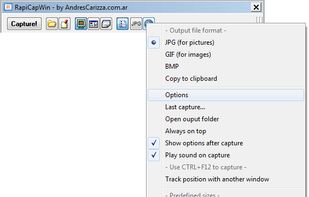
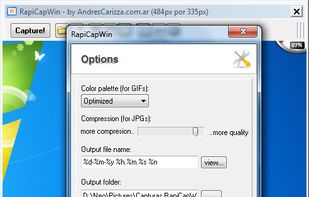
RapiCapWin is a very easy to use tool to take screenshots.
The program presents three classical modes of capture, full screen, the active windowand a rectangular area.
 Germany
 EU
EU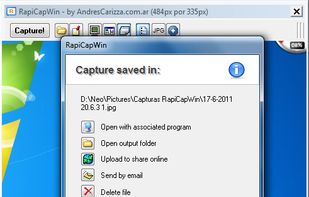


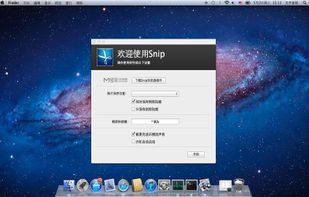
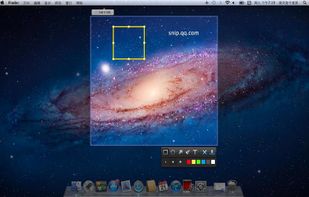
Snip is a screen-capture application that can capture the active window or custom areas. Drag to zoom in/out the screen shot; add labels, texts and handwriting contents of your choice and save it to your device or the clipboard.
 China
China


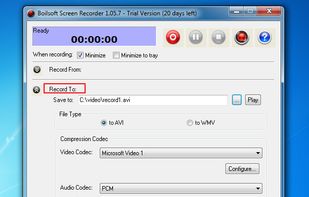
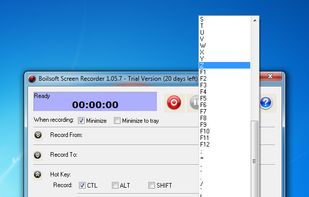
Boilsoft Screen Recorder is a screen-recording software helps to capture screen activities and record video to avi, wmv from microphone, line-in, or speakers for screen sharing.
China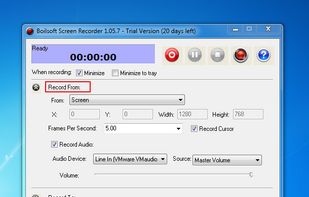


 South Korea


Fast, lightweight screenshot and screen recording tool for Windows and Linux with annotations, OCR, uploads, pinned captures, GIF and MP4 recording.
 Türkiye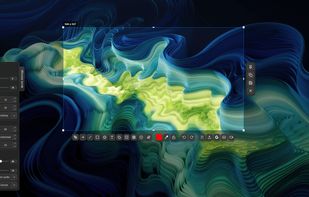
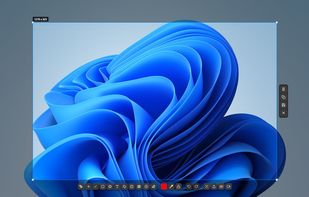


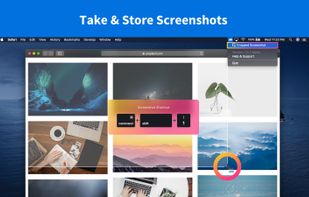
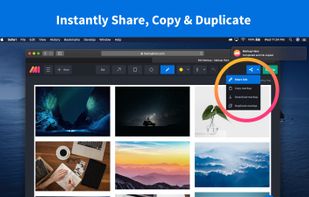
Lightning fast and ultra elegant screenshot and annotation tool that does all you need without the bloat. Made for Mac and Windows.
 United States
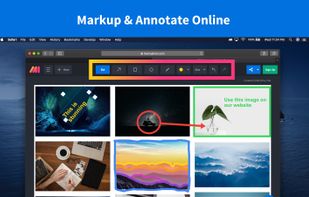


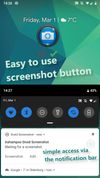
Ashampoo Droid Screenshot is a fully-fledged mobile application to capture, edit and share screenshots and images on your Android device. Capture screen contents, take photos with your built-in camera or simply load existing images and add stylable arrows, shapes, stamps and...
GermanyEU


Szoter is easy to use, free, online image annotation tool. It makes expressing Your ideas and thoughts easy. It can be used to share Your ideas with friends, highlight important parts of images or even to create readable bug reports.
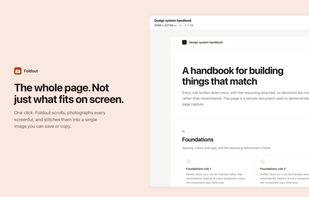
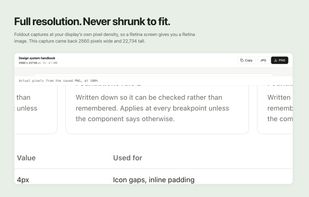
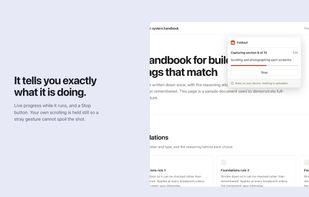
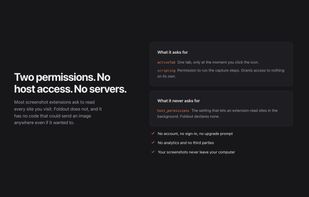
Foldout captures an entire web page as a single image, including everything below the fold. Click the button and it scrolls the page, captures each section, and stitches them together in the browser.
 Canada