

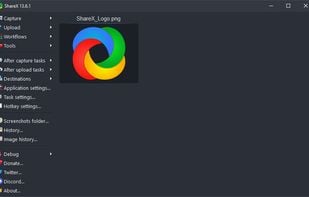
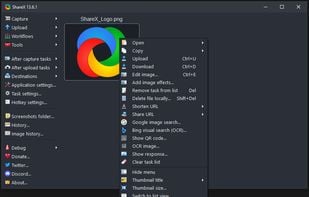
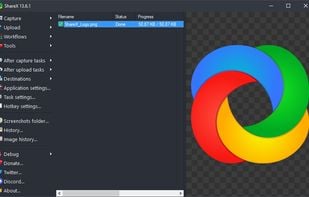
Open-source screen capture and file sharing tool with recording, editing, and annotation features. Supports 4K, dark mode, theming, offline use, and offers a lightweight, ad-free experience without tracking user data.
 United States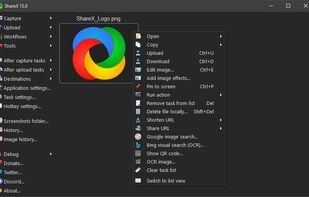
+9



Evernote Web Clipper is described as 'Save anything you see online - including text, links and images - into your Evernote account with a single click' and is a very popular screenshot capture tool in the photos & graphics category. There are more than 100 alternatives to Evernote Web Clipper for a variety of platforms, including Windows, Web-based, Mac, Google Chrome and iPhone apps. The best Evernote Web Clipper alternative is ShareX, which is both free and Open Source. Other great apps like Evernote Web Clipper are Raindrop.io, Greenshot, wallabag and Karakeep.
Open-source screen capture and file sharing tool with recording, editing, and annotation features. Supports 4K, dark mode, theming, offline use, and offers a lightweight, ad-free experience without tracking user data.

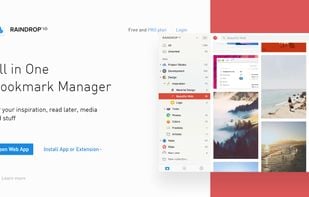
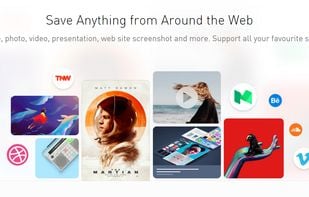
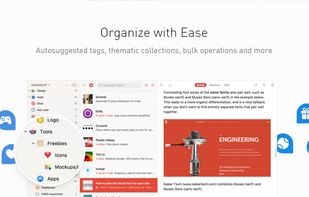
Capture and organize bookmarks and associated content like articles, photos, and more with Raindrop.io. Enjoy real-time collaboration, privacy focus, web clipper, and sync across devices without ads.



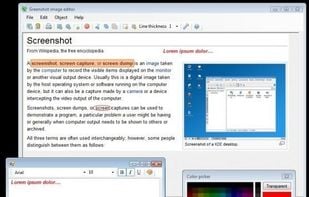
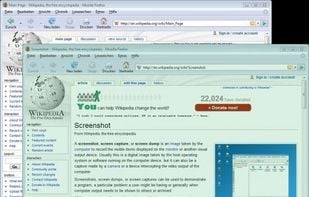
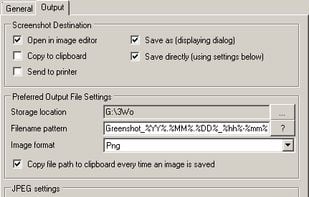
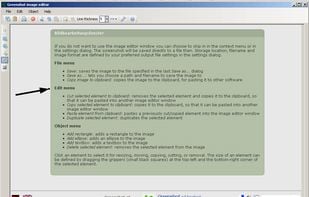
Lightweight screenshot tool offering OCR, exports to Office apps and online storage, integration with external commands, supporting 32 languages and minimal space requirement.


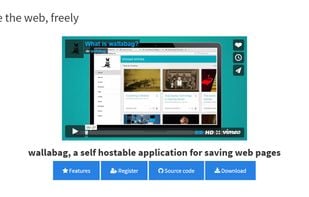
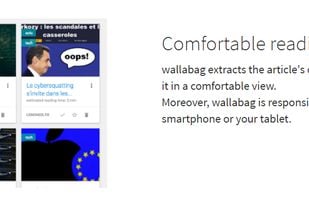
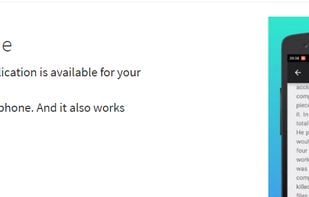
Open-source, self-hosted service that extracts article content for comfortable viewing, offers responsive offline access on multiple devices, supports import from popular tools, multilingual options, filters, classification, and downloads in many formats.


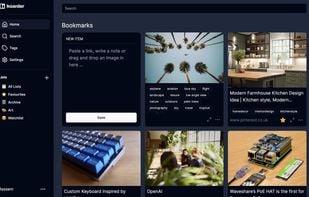
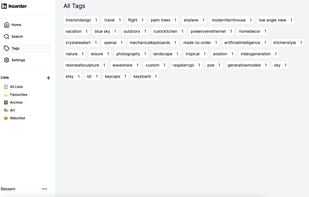
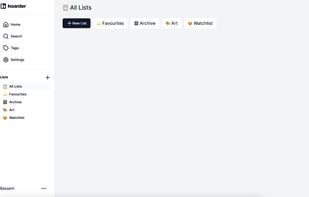
Self-hostable, open-source tool for organizing bookmarks, notes, and images with automatic AI tagging, full-text search, Chrome plugin, web dark mode, and iOS support planned. Fetches titles and descriptions, sorts by lists, and is designed for privacy-focused users.



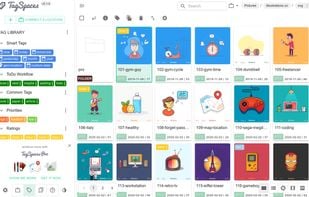
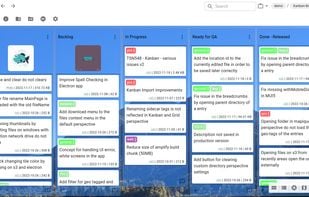
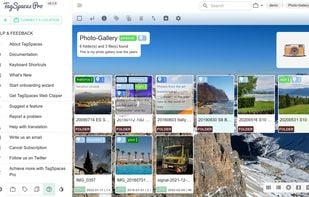
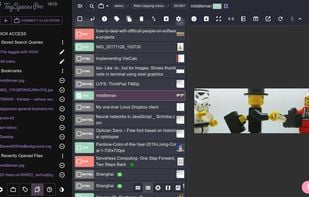
Privacy-first, multi-device organizer for files and folders with customizable tags, color labels, note editing in markdown or HTML, Kanban boards, S3 object storage support, web page clipping, vendor lock-in free filename tagging, open source option, and multi-format preview.


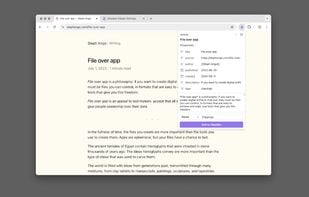
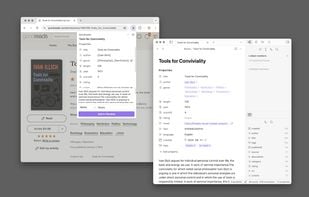
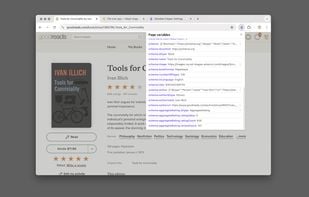
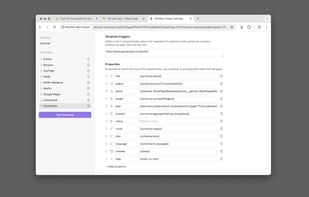
Obsidian Web Clipper saves web content into your personal vault, ensuring offline access. Use customizable templates, smart triggers, and select page content to clip. Preserves data in Markdown, providing a secure, private, and durable format for organizing linked notes.


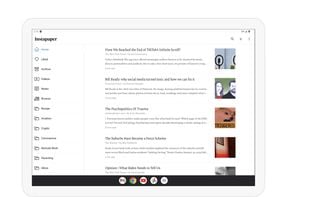
Save articles and web pages for offline access, organize content into folders, highlight text, use text-to-speech and speed reading, and sync and read on web or mobile. Provides clean reading view, integration options, sharing features, and device-friendly access.


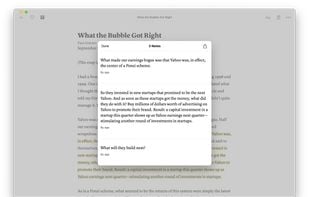


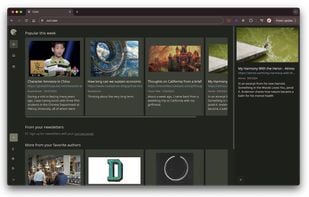
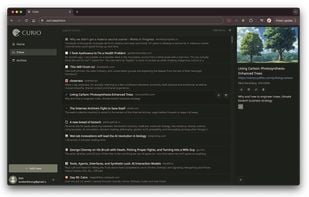
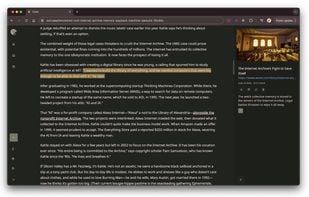
Capture web links and newsletters, organize articles with tags, notes, and highlights, search a personal library, and read clean text online or offline in a focused Markdown viewer. Planned features include AI summaries, PDF extraction, and mobile apps.



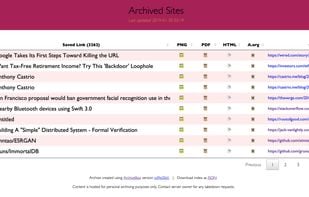
Self-hosted archiving platform storing web content as HTML, PDFs, screenshots, media, and WARC files; imports links from bookmarks, RSS, or files; supports browser history, complex sites, JSON indexing, Git repo archiving, regular scheduling, and offline browsing.
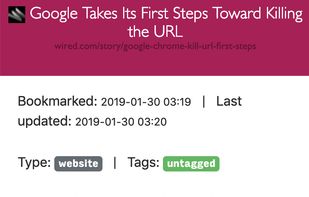

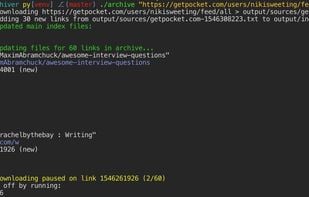


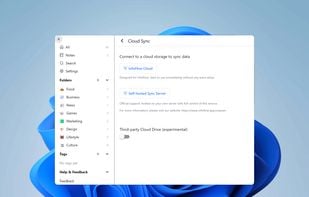
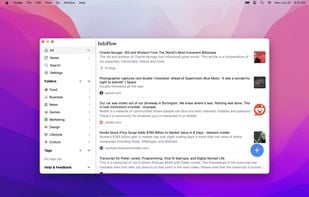
Privacy-focused read-it-later tool offering local-first data storage, offline full-text search, and seamless device syncing. Organize with folders, tags, and notes. Supports Omnivore data import, stores local copies to prevent 404 errors, and ensures privacy control.


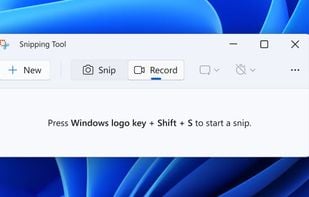
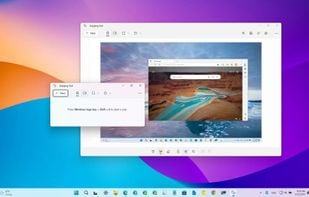
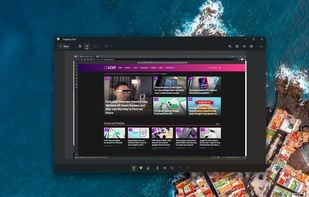
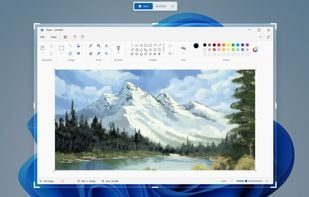
Snipping Tool is a screen capture utility that allows users to take screenshots of specific objects or full screens, annotate them, and save or share the captured images or videos.


 Kazakhstan
 Germany
 EU
EU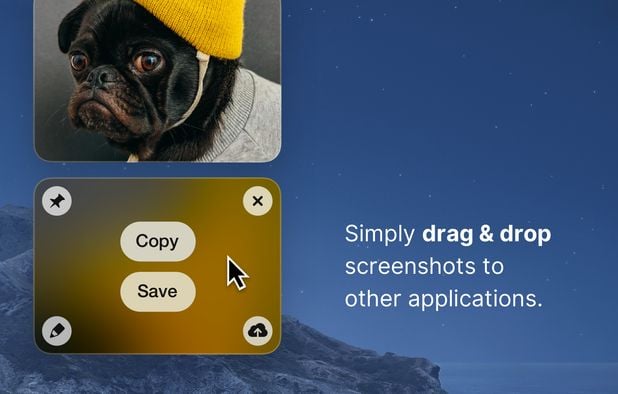


 France
 United Kingdom


It does a better job than Evernote of formatting text for later reading. In a few cases, though (e.g. Wikipedia articles), Instapaper completely fails to capture text.