


WhatFont is a bookmarklet and Chrome extension that makes it easy to find out the fonts used in a webpage.
Cost / License
- Free
- Proprietary
Platforms
- Mac
- Windows
- Linux
- Google Chrome
 China
China


Font Finder by Image is described as 'Identifies any font from a photo or screenshot. Upload an image, crop the text, and it returns the closest matching fonts from a 75,000-font index. Free, no signup — a free alternative to WhatTheFont and Matcherator' and is an website in the development category. There are four alternatives to Font Finder by Image, not only websites but also apps for a variety of platforms, including Android, iPhone, iPad and Google Chrome apps. The best Font Finder by Image alternative is WhatFont, which is free. Other great sites and apps similar to Font Finder by Image are WhatTheFont, WhatFontIs and Find my Font.
WhatFont is a bookmarklet and Chrome extension that makes it easy to find out the fonts used in a webpage.
China
WhatTheFont uses deep learning to search our collection of over 233,000 font styles and find the best match for the fonts in your photo. It even works with connected scripts and when there’s more than one font in an image.
 United States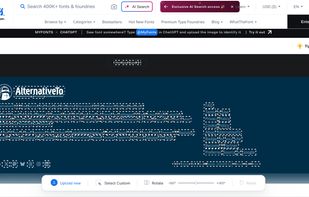





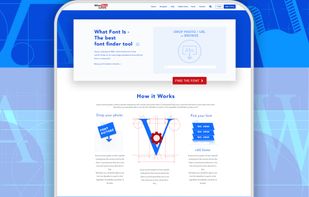
Using a catalogue of 550k+ fonts (commercial or free) and font finder AI, for every image uploaded we show over 60 similar fonts ( free or commercial).


Find my Font is a software application that runs on your device (PC or mobile) and identifies the fonts in images.


 Greece
 EU
EU