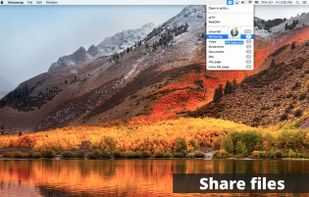
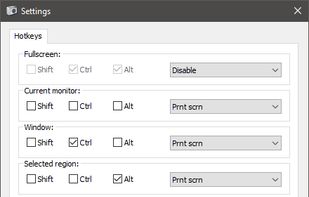
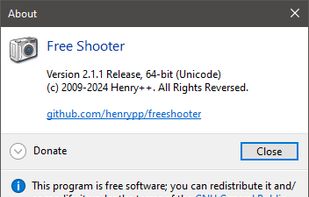
Freeware tool for taking fast and simple screenshots of the entire screen, windows and regions.
Cost / License
- Free
- Open Source (GPL-3.0)
Application type
Platforms
- Windows
 Kazakhstan




+1


Free Snipping Tool is described as 'With Free Snipping Tool, not just you create snips, you can save your snips on major backup services like Imgur, Google Drive and Dropbox. Not just this you can also upload them via FTP or simple WebRequest' and is a screenshot capture tool in the photos & graphics category. There are more than 100 alternatives to Free Snipping Tool for a variety of platforms, including Windows, Mac, Web-based, Linux and Google Chrome apps. The best Free Snipping Tool alternative is ShareX, which is both free and Open Source. Other great apps like Free Snipping Tool are Greenshot, Flameshot, PicPick and Snipping Tool.
Freeware tool for taking fast and simple screenshots of the entire screen, windows and regions.
Kazakhstan
Capture the whole page or any portion, annotate it with rectangles, circles, arrows, lines and text, one-click upload to share.
 United States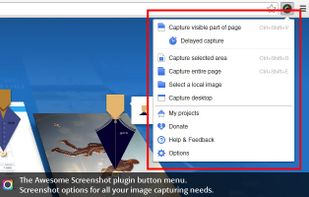





Capture screenshots or record videos with Ashampoo Snap’s efficient tools. Enjoy easy editing, multi-display support, OCR for 180 languages, and instant sharing capabilities. Revamp your projects with video cutting, annotations, and custom capture options.
 Germany
 EU
EU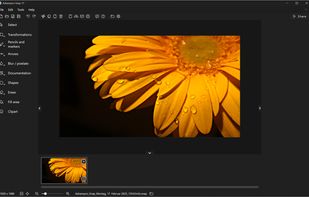

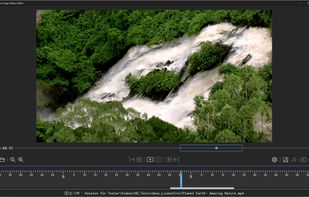
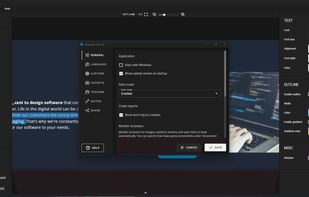


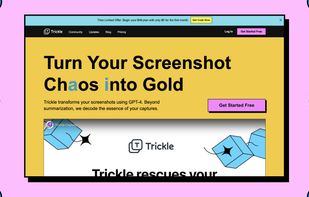
Trickle helps you summarize and organize screenshots, extracting insights for easy search and query. Transform visual chaos into an intelligent archive, allowing you to screenshot anything and effortlessly retrieve and utilize its contents later.





This extension is able to capture 100% of both the vertical and horizontal content appearing on any webpage on the Internet.


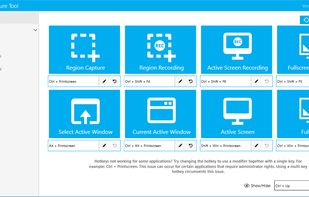
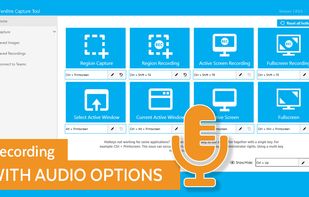
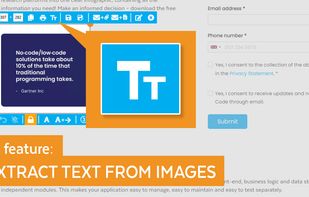
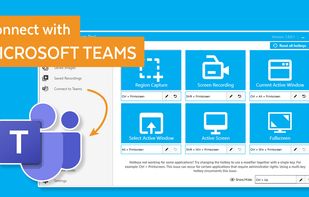
The Fenêtre Capture Tool for making professional screenshots and screen recordings. With advanced functions and abilities that other free capture tools don't offer.


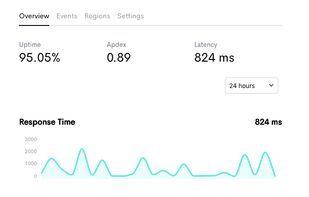
Want to share what you've worked on with friends or co-workers but think a plain screenshot is a bit bland? Screely instantly turns your screenshot into a beautiful image you can share.


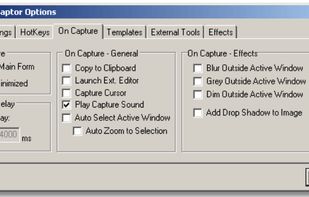
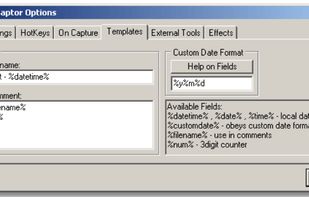
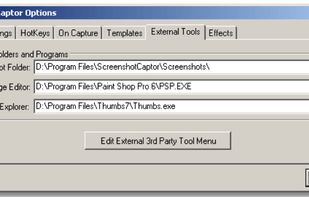
Screenshot Captor is a program for taking screenshots on your computer. Its different from other screenshot utilis in several notable ways:
United States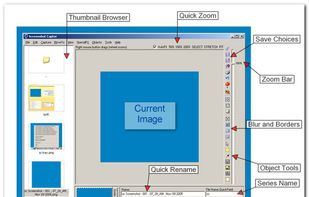


Gyazo lets you instantly grab the screen and upload the image to the web. You can easily share on Chat, Social, Email, or anywhere!
United States


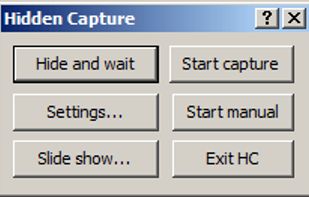
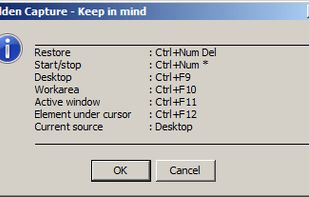
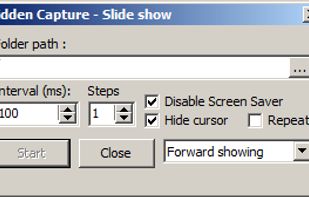
Grab screenshots in a stealth mode, and start the capturing process at a user-defined time with the help of this simple to use and efficient software tool.


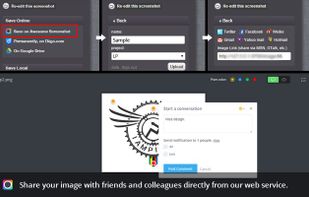
Monosnap allows you to save screenshots easily, conveniently, and quickly, sharing them with friends and colleagues at once.
 CyprusEU