Cost / License
- Free
- Proprietary
Application type
Platforms
- Windows


Gadwin PrintScreen Professional is described as 'It added an editing feature to the Gadwin PrintScreen' and is a screenshot capture tool in the photos & graphics category. There are more than 100 alternatives to Gadwin PrintScreen Professional for a variety of platforms, including Windows, Mac, Web-based, Google Chrome and Linux apps. The best Gadwin PrintScreen Professional alternative is ShareX, which is both free and Open Source. Other great apps like Gadwin PrintScreen Professional are Greenshot, PicPick, Snipping Tool and Ksnip.

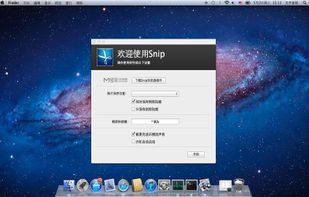
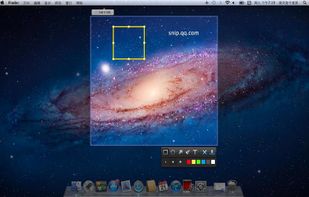
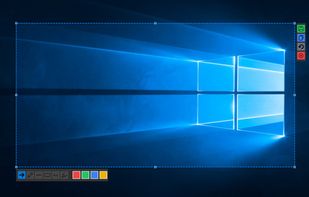
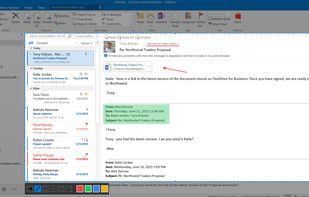
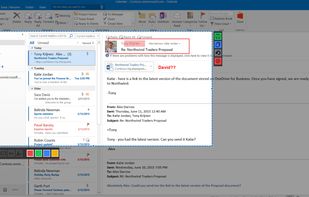
Snip is a screen-capture application that can capture the active window or custom areas. Drag to zoom in/out the screen shot; add labels, texts and handwriting contents of your choice and save it to your device or the clipboard.
 China
China


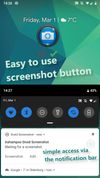
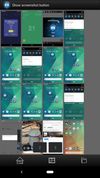
Ashampoo Droid Screenshot is a fully-fledged mobile application to capture, edit and share screenshots and images on your Android device. Capture screen contents, take photos with your built-in camera or simply load existing images and add stylable arrows, shapes, stamps and...
 Germany
 EU
EU


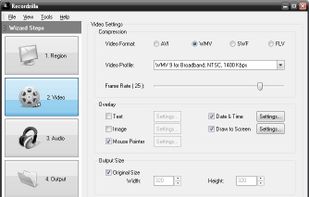
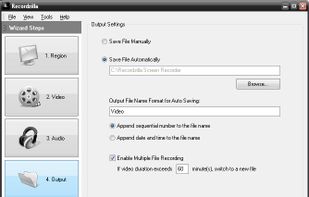
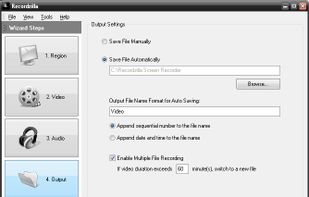
Recordzilla is a screen recorder software that lets you capture video, audio and pictures of anything you see on your computer screen and save it as video AVI, WMV, Flash SWF, or Flash FLV.
 Malaysia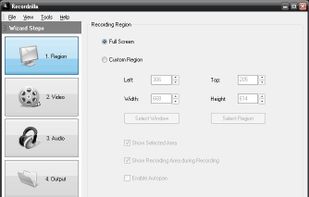


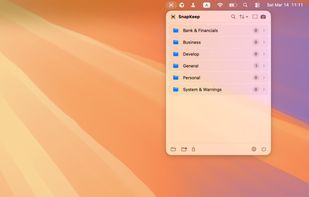
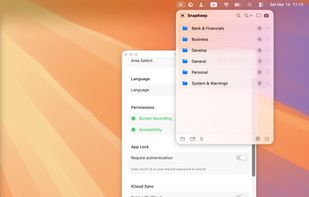
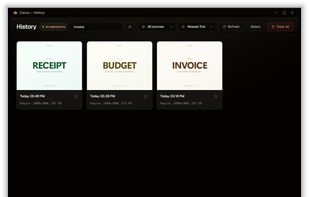
SnapKeep is a native, local-first screenshot manager designed for users who are tired of cloud-dependent tools and messy desktops.


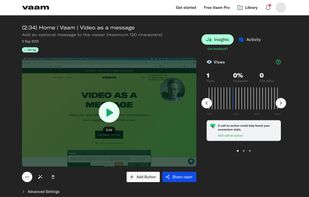
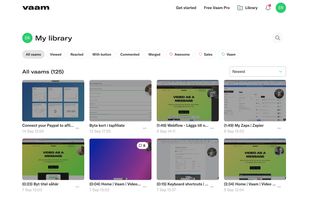
Vaam, video as a message, lets users create and access a shareable video in seconds, with the click of a button. It's a fun and beautiful experience where every company can have their own branding.


 South Korea

 United Arab Emirates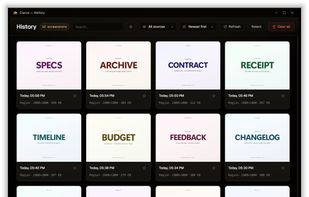
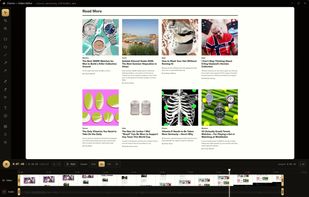

EasyCapture Pro is a screenshot utility designed for Windows users who need a quick and simple way to take screenshots and save images locally.


 United States


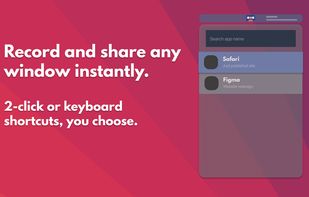

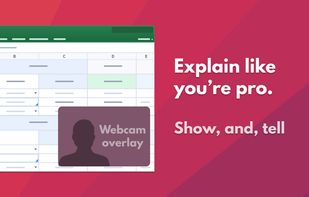
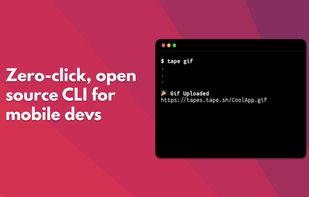


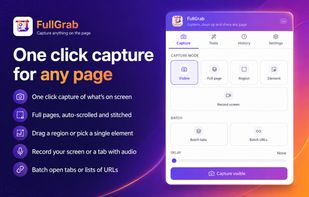
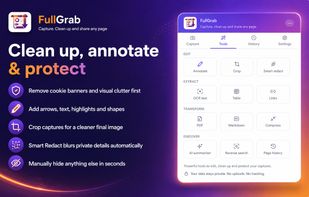
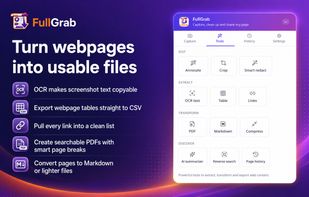
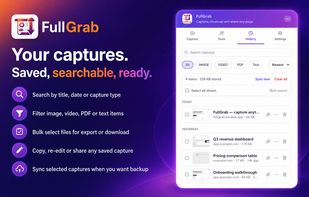
Capture visible areas, full pages, regions, elements and screen recordings, then remove clutter, annotate or redact details. Extract OCR text, tables, links or Markdown; create searchable PDFs, share results or send them to AI while keeping captures local by default.
United States