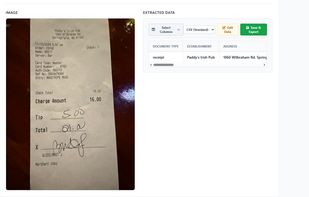
Our tool simplifies your data management process by extracting data from invoices and converting them into CSV files.
Cost / License
- Paid
- Proprietary
Platforms
- Online


Geekersoft OCR Word Recognition is described as 'An intelligent OCR image text recognition software. Support PDF file recognition, image text recognition, screenshot recognition, ticket recognition, image to Excel and other functions, one-click analysis, efficient recognition' and is an website in the office & productivity category. There are more than 25 alternatives to Geekersoft OCR Word Recognition , not only websites but also apps for a variety of platforms, including Windows, iPhone, Android and Mac apps. The best Geekersoft OCR Word Recognition alternative is OSS Document Scanner, which is both free and Open Source. Other great sites and apps similar to Geekersoft OCR Word Recognition are MakeACopy, Adobe Acrobat DC, ABBYY FineReader PDF and CamScanner.
Our tool simplifies your data management process by extracting data from invoices and converting them into CSV files.

Transym OCR (TOCR) is a leading provider of highly sophisticated, accurate and reliable optical character recognition software for developers.
 United Kingdom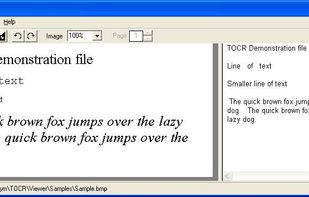


 United States
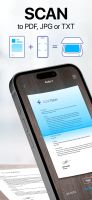


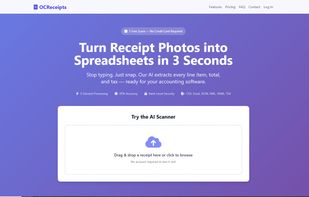
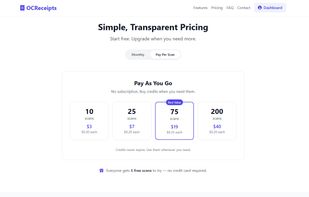


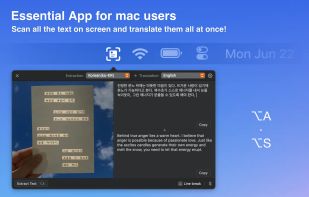
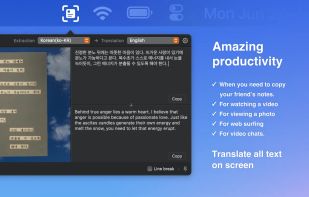
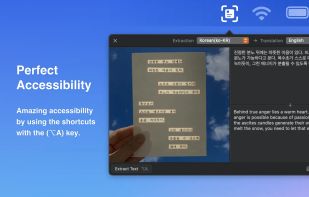
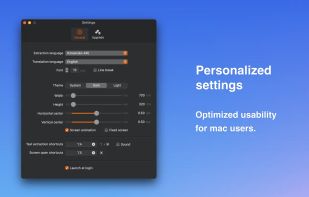

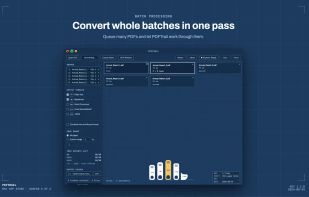
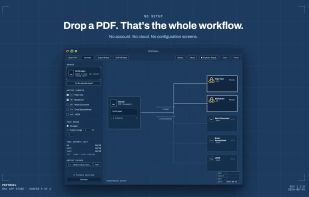
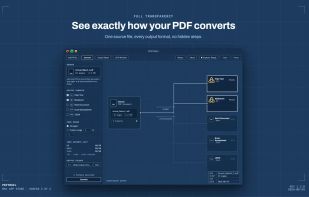
Pull the data out of your PDF without sending it anywhere. PDFTrail extracts tables and text on-device — no upload, no account — into Excel, Word, Markdown, or JSON, with structure kept intact.



48h sale! Just take a photo of a text with phone number, e-mail address or URL and immediately call, write e-mail or open URL in Safari. Or just scan and OCR any text.
 Germany
 EU
EU
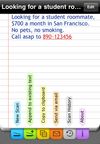
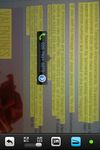


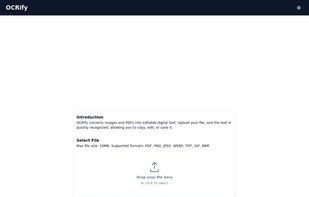
OCRify converts images and PDFs into editable digital text. Upload your file, and the text is quickly recognized, allowing you to copy, edit, or save it.


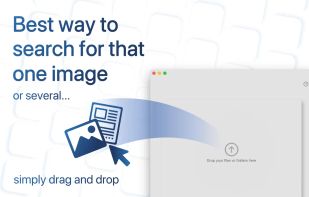
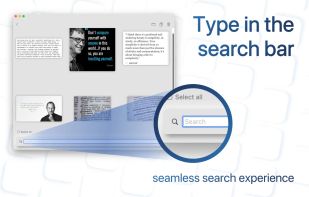
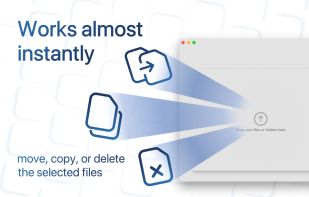
Searching for a specific image in a folder of thousands can be a daunting task, and traditional search engines are often limited to searching only by filename. That's where SearchOCR comes in. OCR (Optical Character Recognition) technology allows our software to search for...


Scan any paper with your iPhone's camera: the Scanner+ app will automatically recognize the edges of your document, enhance it, and give you a perfectly scanned copy that's ready to share on your favorite platform!
 Türkiye



Advanced OCR (optical character recognition) web application for creating editable and searchable electronic files from scanned paper documents and digital photographs.


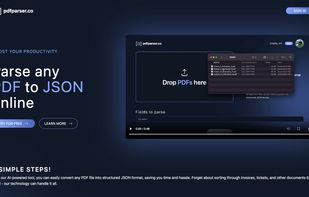
Extract PDF data to JSON format with our automated tool. No manual intervention is required.