How to Convert AlternativesImage Converters and other similar apps like How to Convert

How to Convert is described as 'Local file conversion tool that ensures privacy by running entirely on your device, supports many file types, works offline, and requires only a one-time purchase' and is a Image Converter in the photos & graphics category. There are more than 25 alternatives to How to Convert for a variety of platforms, including Windows, Mac, Linux, Web-based and Android apps. The best How to Convert alternative is XnConvert. It's not free, so if you're looking for a free alternative, you could try XnConvert or RIOT - Radical Image Optimization Tool. Other great apps like How to Convert are WinFF, FastStone Photo Resizer, Filestar and KRename.

Copy a direct link to this comment to your clipboard
How to Convert alternatives page was last updated

Alternatives list

  1. XnConvert icon
     81 likes

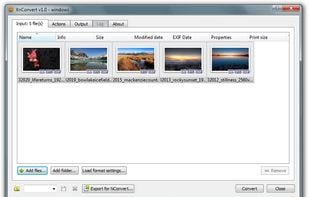
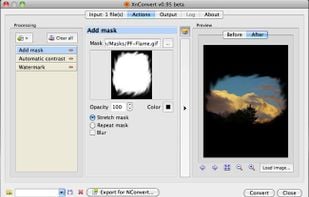
    XnConvert is an easy image converter for graphic files, photos and images available on Windows, MacOSX and Linux.

    101 XnConvert alternatives

    Cost / License

    • Free Personal
    • Proprietary

    Platforms

    • Mac
    • Windows
    • Linux
     
    • XnConvert is the most popular Windows, Mac & Linux alternative to How to Convert.

    • XnConvert is the most popular free alternative to How to Convert.

    • XnConvert is Free Personal and ProprietaryHow to Convert is Paid and Proprietary
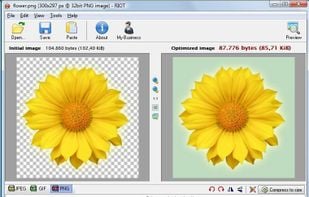
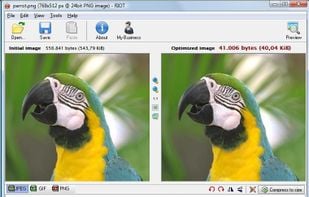
  2. Saving images for web/email/other media with the best compression ratio and quality is a difficult task if you don’t have the right tools. Choosing the right format then choosing the right parameters are the key factors of smaller files.

    100 RIOT - Radical Image Optimization Tool alternatives

    Cost / License

    • Free
    • Proprietary

    Platforms

    • Windows
    • GIMP
    • XnView
    • IrfanView
     
  3. WinFF icon
     71 likes

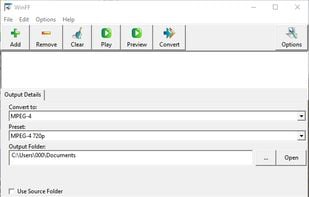
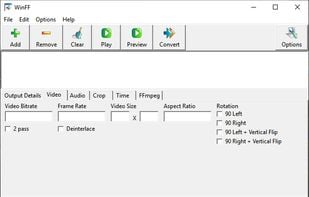
    WinFF is a GUI frontend and batch parser for the command-line multimedia tool FFmpeg. WinFF works by making a batch file that runs in the command-line, designed to launch the command-line tool with given settings from a preset.

    123 WinFF alternatives

    Cost / License

    • Free
    • Open Source

    Application type

    Alerts

    • Discontinued

    Platforms

    • Windows
    • Linux
    • FFmpeg
    • Lazarus
     
    • WinFF is the most popular Open Source alternative to How to Convert.

    • WinFF is Free and Open SourceHow to Convert is Paid and Proprietary
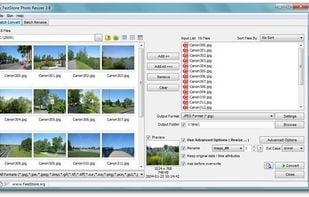
  4. Batch process photos with resizing, cropping, color adjustments, text or watermark overlays, preview changes before saving, automate renaming with custom patterns, support for major formats, folder structures, preset settings, and drag-and-drop management.

    110 FastStone Photo Resizer alternatives

    Cost / License

    • Free Personal
    • Proprietary

    Platforms

    • Windows
     
  5. Filestar icon
     16 likes

    With Filestar you can "do anything with any file". Get rid of repetitive tasks, save time and boost your productivity with over 30.000 file conversions available. Transform or convert hundreds of files, all at the same time with a few simple clicks.

    35 Filestar alternatives

    Cost / License

    • Free Personal
    • Proprietary

    Platforms

    • Mac
    • Windows
     
  6. KRename icon
     19 likes

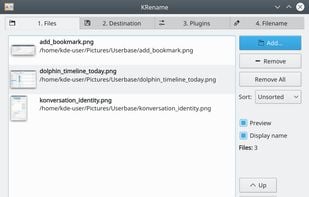
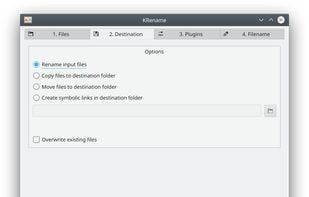
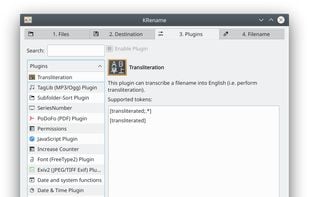
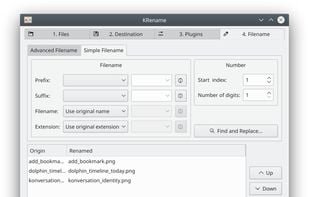
    KRename is a powerful batch renamer for KDE. It allows you to easily rename hundreds or even more files in one go. The filenames can be created by parts of the original filename, numbering the files or accessing hundreds of informations about the file, like creation date or Exif...

    Cost / License

    • Free
    • Open Source

    Application types

    Platforms

    • Linux
    • Flathub
     
  7. Oxipng icon
     7 likes

    Oxipng is a multithreaded lossless PNG compression optimizer in Rust. It can be used via a command-line interface or as a library in other Rust programs.

    Cost / License

    • Free
    • Open Source (MIT)

    Platforms

    • Mac
    • Windows
    • Linux
    • Squoosh
     
  8. ReaConverter icon
     4 likes

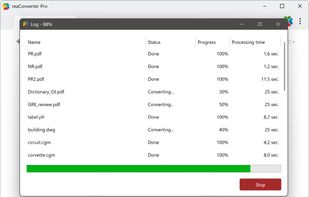
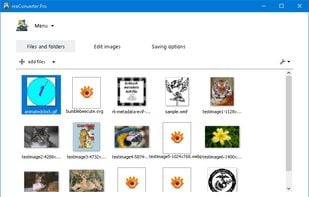
    ReaConverter is time-saving batch image converter software that supports more than 700 source formats and over 60 output formats.

    48 ReaConverter alternatives

    Cost / License

    • Freemium (Pay once)
    • Proprietary

    Application type

    Platforms

    • Windows
     
  9. Graphic Converter for Mac and Windows, can converts image formats BMP, JPG, GIF, ICO, PNG, TIF, TIFF, JPEG, WMF, EMF, PSP, PSD, PCM, SVG, RAW and more.

    Cost / License

    • Paid
    • Proprietary

    Application type

    Platforms

    • Mac
    • Windows
     
    • Graphic Converter is the most popular commercial alternative to How to Convert.

    • Graphic Converter is Paid and ProprietaryHow to Convert is also Paid and Proprietary
12 of 34 How to Convert alternatives