hwinfo AlternativesOnly apps categorised as System Information Utilities

The best System Information alternative to hwinfo is CPU-Z, which is free. If that doesn't suit you, our users have ranked more than 100 alternatives to hwinfo and loads of them are System Information Utilities so hopefully you can find a suitable replacement. Other interesting System Information Utility alternatives to hwinfo are Rainmeter, HWiNFO (32/64), Speccy and GPU-Z.

filter to find the best alternatives

hwinfo alternatives are mainly System Information Utilities, but if you're looking for Benchmark Tools or Network Monitors you can filter on that. Other popular filters include Linux. These are just examples - use the filter bar below to find more specific alternatives to hwinfo.
Copy a direct link to this comment to your clipboard
hwinfo alternatives page was last updated

Alternatives list

  1. CPU-Z icon
     693 likes

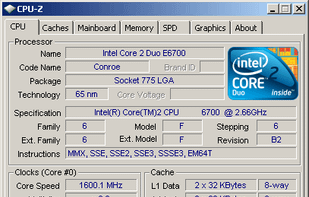
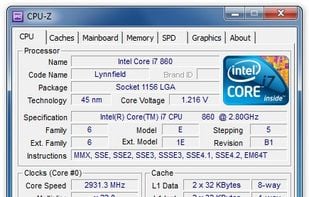
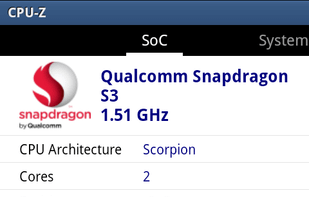
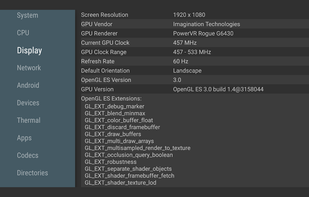
    Freeware system profiler detecting CPU, RAM, and chipset details for Windows and Android. It operates offline, ad-free, and is more detailed than Windows XP hardware tools. Portable with no installation or registration required, ideal for hardware monitoring.

    77 CPU-Z alternatives

    Cost / License

    • Free
    • Proprietary

    Platforms

    • Windows
    • Android
    • PortableApps.com
     
  2. Rainmeter icon
     491 likes

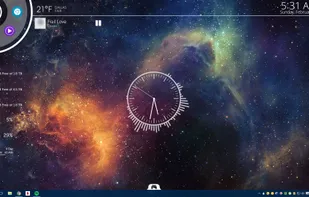
    Transform your Windows desktop with customizable skins for displaying system resources, weather updates, RSS feeds, and more. Community-driven, Rainmeter offers real-time data monitoring, enhanced aesthetics, and privacy-focused features. Its portable design requires no installation and includes a dark mode.

    38 Rainmeter alternatives

    Cost / License

    Platforms

    • Windows
     
  3. HWiNFO (32/64) icon
     312 likes

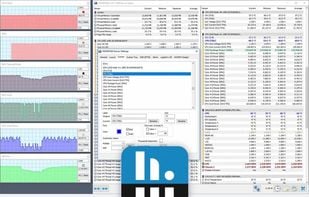
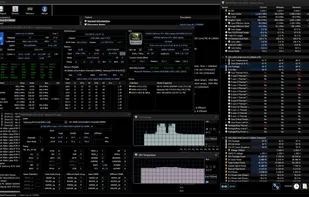
    Designed for Windows, this tool provides real-time temperature monitoring and extensive hardware diagnostics. Suitable for technical experts, manufacturers, and system integrators with report export capabilities.

    110 HWiNFO (32/64) alternatives

    Cost / License

    • Free Personal
    • Proprietary

    Platforms

    • Windows
    • PortableApps.com
     
  4. Speccy icon
     478 likes

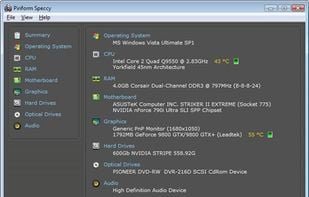
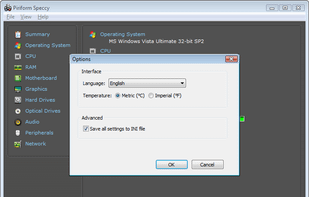
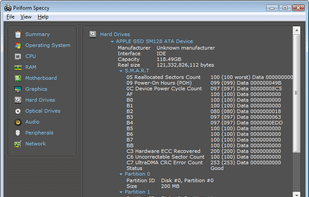
    Get an advanced and fast system info tool that provides a detailed overview of your PC's hardware. Enjoy real-time temperature monitoring, snapshot sharing, and offline capability. Available as an installer or portable version, without ads.

    82 Speccy alternatives

    Cost / License

    • Freemium
    • Proprietary

    Application type

    Alerts

    • Bundleware

    Platforms

    • Windows
     
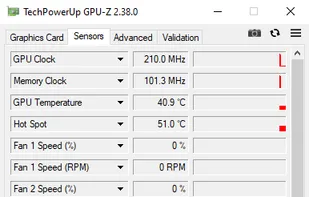
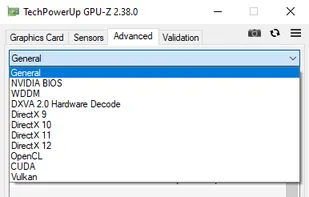
  5. GPU-Z icon
     289 likes

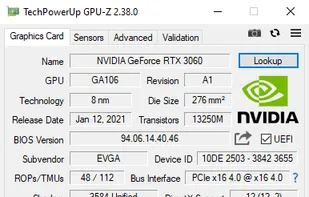
    Streamlined tool providing crucial details about video cards, handling NVIDIA, AMD, ATI, Intel devices. Displays clocks, tests PCI-Express, backs up BIOS, works on many Windows versions, and requires no installation.

    36 GPU-Z alternatives

    Cost / License

    • Free
    • Proprietary

    Application type

    Platforms

    • Windows
    • PortableApps.com
     
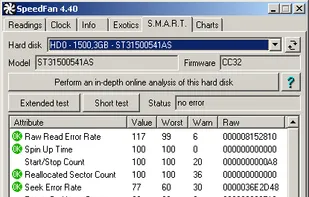
  6. SpeedFan icon
     253 likes

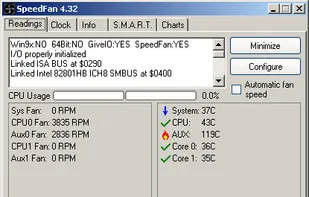
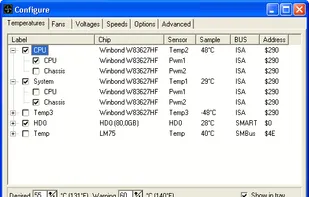
    SpeedFan is a program that monitors voltages, fan speeds and temperatures in computers and controls the fans if possible.

    52 SpeedFan alternatives

    Cost / License

    • Free
    • Proprietary

    Application type

    Alerts

    • Discontinued

    Platforms

    • Windows
     
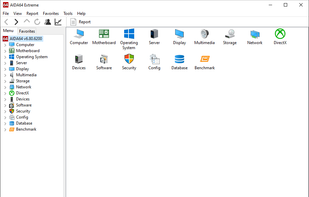
  7. AIDA64 icon
     172 likes

    Comprehensive diagnostics utility with support for Windows, Android, iOS, and Tizen, 64-bit CPU, GPU, and memory benchmarking, advanced system stability testing, extensive real-time hardware monitoring, detailed GPU analysis, and export options in HTML, CSV, or XML formats.

    100 AIDA64 alternatives

    Cost / License

    • Paid
    • Proprietary

    Platforms

    • Windows
    • Android
    • iPhone
    • Android Tablet
    • HUAWEI AppGallery
    • iPad
    • Tizen OS
     
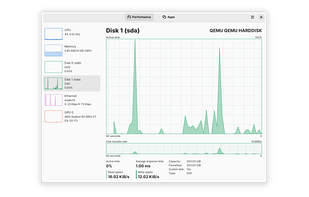
  8. Mission Center icon
     28 likes

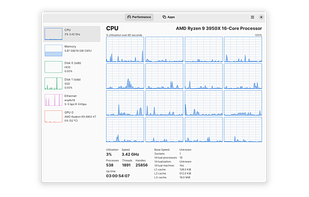
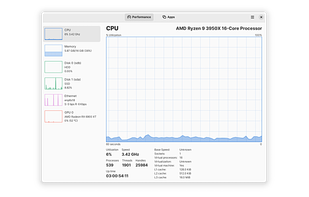
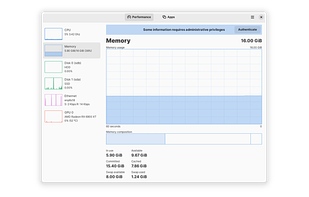
    Monitor your CPU, Memory, Disk, Network and GPU usage.

    120 Mission Center alternatives

    Cost / License

    Platforms

    • Linux
    • Flathub
    • Snapcraft
     
    |
    1
    Comments about Mission Center as an Alternative to hwinfo
    Guest
    Positive
    0

    easy to install and use for newbies on arch

    Review by a new / low-activity user.
    Mission Center icon
    Mission Center icon
    • Mission Center is Free and Open Sourcehwinfo is also Free and Open Source
    • Mission Center is Lightweight and Privacy focusedhwinfo is not according to our users
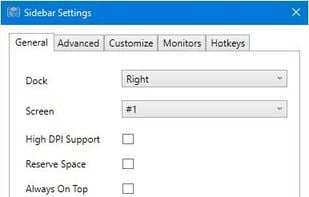
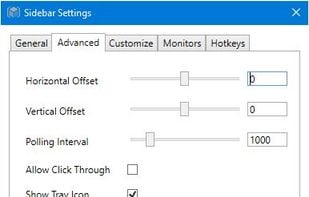
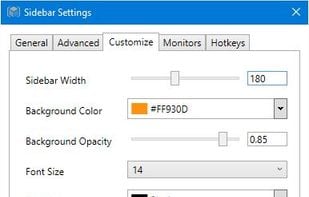
  9. SidebarDiagnostics - A simple sidebar for Windows desktop that displays hardware diagnostic information.

    Cost / License

    • Free
    • Open Source

    Application type

    Platforms

    • Windows
     
12 of 76 hwinfo alternatives