




IntactFile
Like
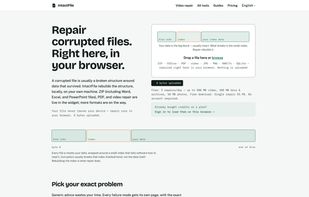
Browser-based tool repairs videos, photos, PDFs, Office docs, archives, and databases completely client-side using WebAssembly—no uploads, install, or accounts needed. Ensures privacy, labels partial recoveries, and supports multiple file formats and platforms.

Cost / License
- Freemium (Pay once or Subscription)
- Proprietary
Application typeApplication types
Platforms
- Online
- Software as a Service (SaaS)


Features
IntactFile News & Activities
Highlights All activities
Recent activities
- Danilo_Venom updated IntactFile
- intactfile added IntactFile
- intactfile added IntactFile as alternative to Wondershare Repairit, Stellar Repair for Photo, 4DDiG File Repair and JPEG Repair Shop


IntactFile information
Developed by
Indipendet App creatorLicensing
Proprietary and Freemium product.Pricing
One time purchase that costs $6, and / or subscription ranging between $5 and $18 per month + free version with limited functionality.Alternatives
13 alternatives listedBadge
Get an embeddable badge for IntactFileSupported Languages


No comments or reviews, maybe you want to be first?