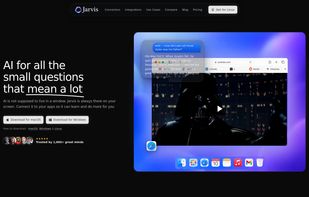
Jarvis is a screen-aware desktop AI assistant that makes AI feel one shortcut away from whatever you are doing.
Instead of living in a separate chat window, Jarvis sits on your desktop as a floating bar. You can summon it with a shortcut, ask about the app, page, email, spreadsheet, document, design, video, or dashboard in front of you, and get help without leaving the moment.
Jarvis can see your screen when you allow it, connect to the apps you already use, and remember useful context across sessions. It works with tools like Gmail, Slack, Notion, Google Calendar, Drive, Figma, Linear, GitHub, Google Sheets, Microsoft Office, Outlook, Obsidian, Apple Notes, Reminders, Todoist, Asana, ClickUp, Trello, Discord, Canva, and more.
You can use Jarvis to summarize threads, draft replies, prepare for meetings, find files, explain spreadsheets, review designs, turn conversations into tasks, search across your apps, remember past decisions, navigate confusing software, and ask quick questions about anything on your screen.
Jarvis also includes voice mode and dictation. You can talk to your computer naturally, ask questions about what you are looking at, check your apps by voice, or say a prompt instead of typing it. This makes AI much easier to use for small questions, fast decisions, and everyday work.
The goal of Jarvis is simple: AI should not be somewhere you go. It should be the assistant beside the work. Jarvis is built for people who already use AI, people who tried AI but never made it a habit, and anyone who wants a faster, more natural way to use AI across their laptop.
Jarvis is not a heavy autonomous agent trying to take over your work. It is more like a fast personal secretary: close by, context-aware, useful, and under your control. You choose which apps to connect, what Jarvis can access, and which actions require permission before running.
Jarvis is built around the idea that the moment already has the context. Press the shortcut, ask from here, and keep going.







 mihai007420 added Jarvis AI as alternative to Microsoft Copilot
 mihai007420 added Jarvis AI as alternative to BinSHARE.net, Faux Code Generator, Codeimg and Code Glory