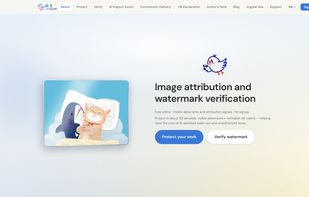
Jingwei (JWProtect) is an online tool for illustrators, photographers, and designers who want to protect their work before posting or delivering it.
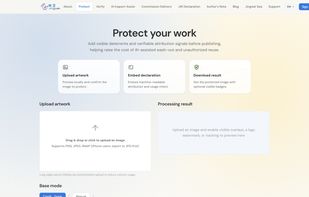
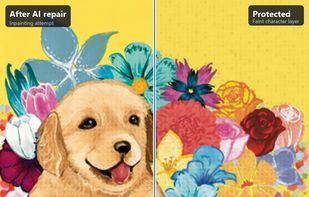
You can upload a PNG, JPEG, or WebP at jwprotect.com/protect. In about 30 seconds, you can add a visible layer (such as displacement or emboss) that alters the pixels to make a clean AI wash-out significantly more expensive, alongside an invisible watermark you can read back later. The two functions serve distinct purposes: the visible layer acts as a visual deterrent, while the invisible watermark serves as verifiable attribution.
After downloading the protected file, you can test it via jwprotect.com/verify to check if the watermark survives. Ordinary screenshots, social platform compression, and crops often leave the invisible signal intact. However, a heavy, full-image AI redraw can still wipe it out — Jingwei is designed to raise the friction and cost of unauthorized reuse, not to make impossible promises. Always keep your originals.
No account is required for the default workflow. The core process relies on classical image processing rather than cloud AI APIs, heavy neural net weights, or background training on your uploads. Files are deleted immediately after processing.
For creators and teams who prefer complete privacy and control, the full workflow can be self-hosted via Docker using the open-source repository at github.com/Jingwei-Protect/jingwei-selfhost.