Show keys you typed on screen, so your audiences can see what you do clearly while you are streaming or recording.
Cost / License
- Free
- Open Source (Apache-2.0)
Application typeApplication types
Platforms
- Linux
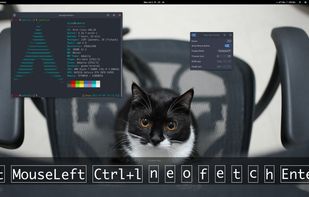


Keystro is described as 'Customizable widget displays keystrokes and highlights your cursor with adjustable styles, themes, and placement, while realistic mechanical keyboard sounds enhance recordings on Windows and macOS' and is a keystroke visualizer in the os & utilities category. There are more than 25 alternatives to Keystro for Mac, Windows and Linux. The best Keystro alternative is Keyviz, which is both free and Open Source. Other great apps like Keystro are Keyboard Sounds Pro, SHARA, MechvibesDX and Screenkey.
Show keys you typed on screen, so your audiences can see what you do clearly while you are streaming or recording.

 Australia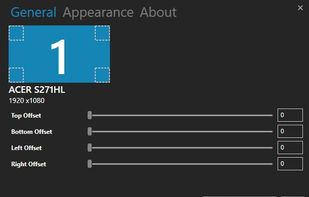


Highlights the pointer with a moving ring, animates mouse clicks for emphasis, dims surroundings to focus attention, and enables real-time screen drawing—ideal for teaching, video tutorials, presentations, or demonstrations requiring clear visual cues and explanations.
 China
China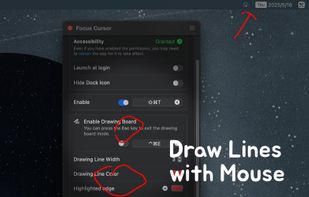
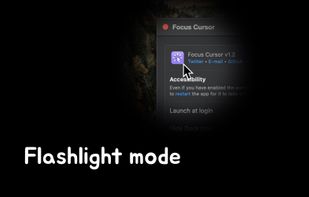
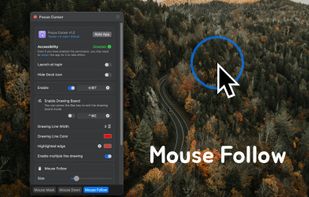
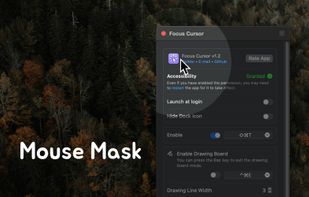


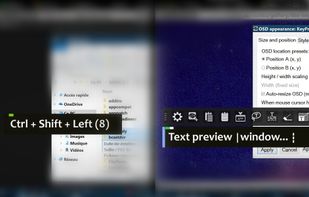
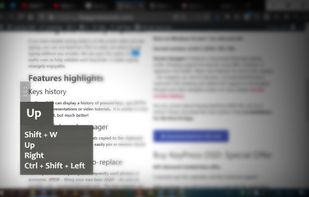
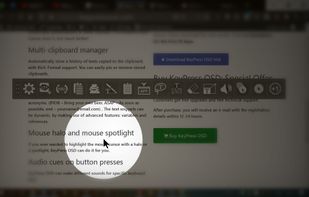
KeyPress OSD is a full-featured screencasting tool for displaying key-presses on Windows. Beyond on-screen keypress display, it features text-expansion, mouse-highlighting and a multi-clipboard manager.


KeyScreen makes your keystrokes visible on screen-perfect for tutorials, presentations, and screen recordings.
 Ireland
 EU
EU
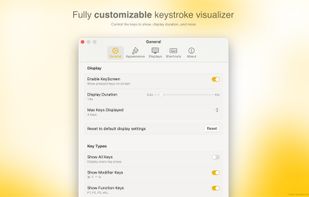
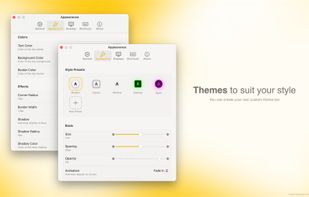
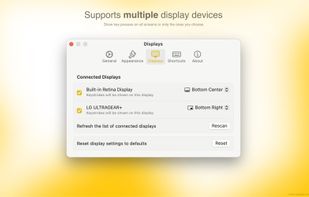


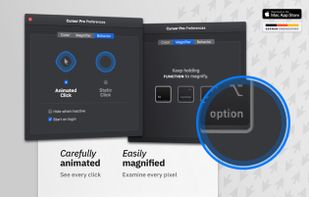
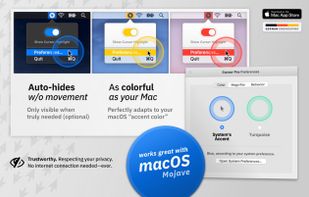
Highlights your mouse pointer, visualizes clicks and magnifies certain areas of your screen.
 GermanyEU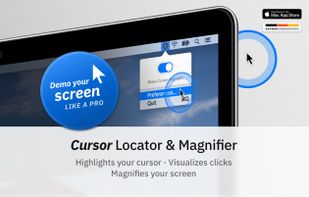
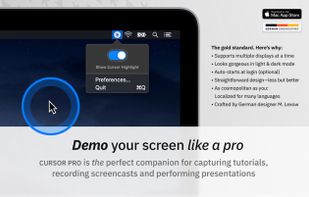


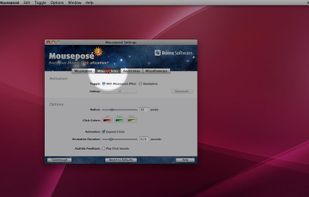
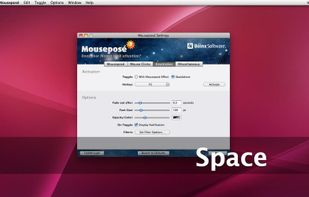
Mouseposé is the indispensible mouse pointer highlighting tool (aka "virtual laserpointer") for everyone doing demos at tradeshows, presentations and trainings, or those individuals with huge and high resolution displays.
GermanyEU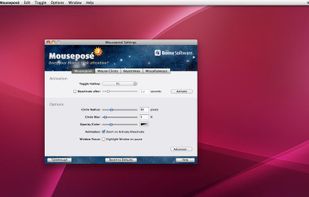


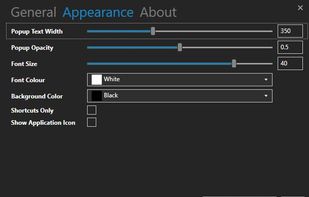
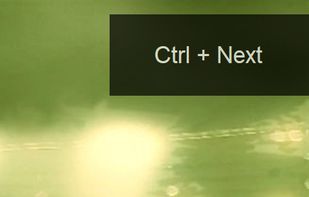
A Little utility that implements a global key logger which displays all shortcuts & keystrokes as you type on screen and with a semi-transparent overlay. This makes it very easy to show any shortcuts you use if you for example record a software demo.


 India
India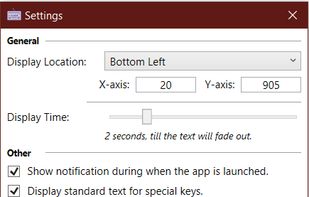


MouseShade is an essential tool for everyone doing presentations or demos. If turned on, it dims the screen and puts a spotlight on the area around the mouse pointer, easily guiding the audiences attention to an area of interest.


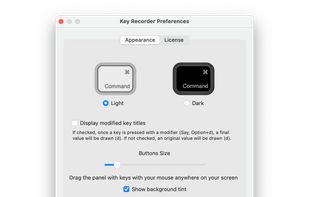
KeyDrawer draws keypresses on the screen of your Mac with a style that matches your Mac's look and feel. It will make your tutorial videos, video streams and presentations look elegant and professional.
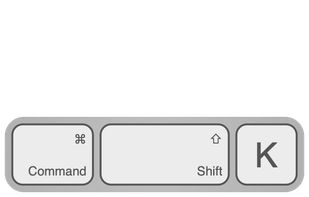
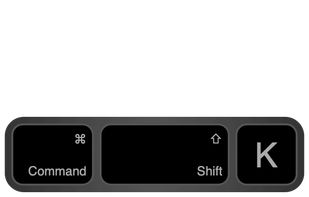

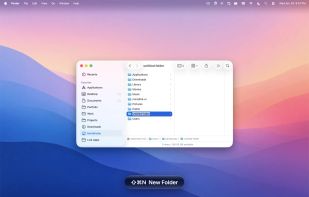
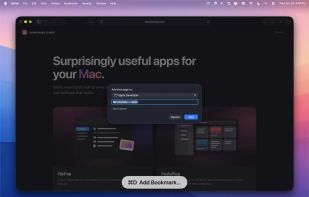
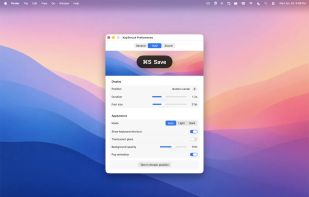
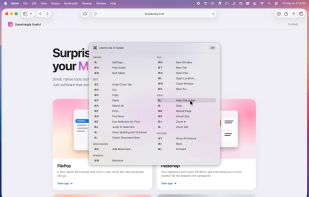
A floating glass HUD names every keyboard shortcut you fire — so you don't have to squint at the menu-bar flash to confirm.